Building a Scalable E-Commerce App with Next.js and MongoDB
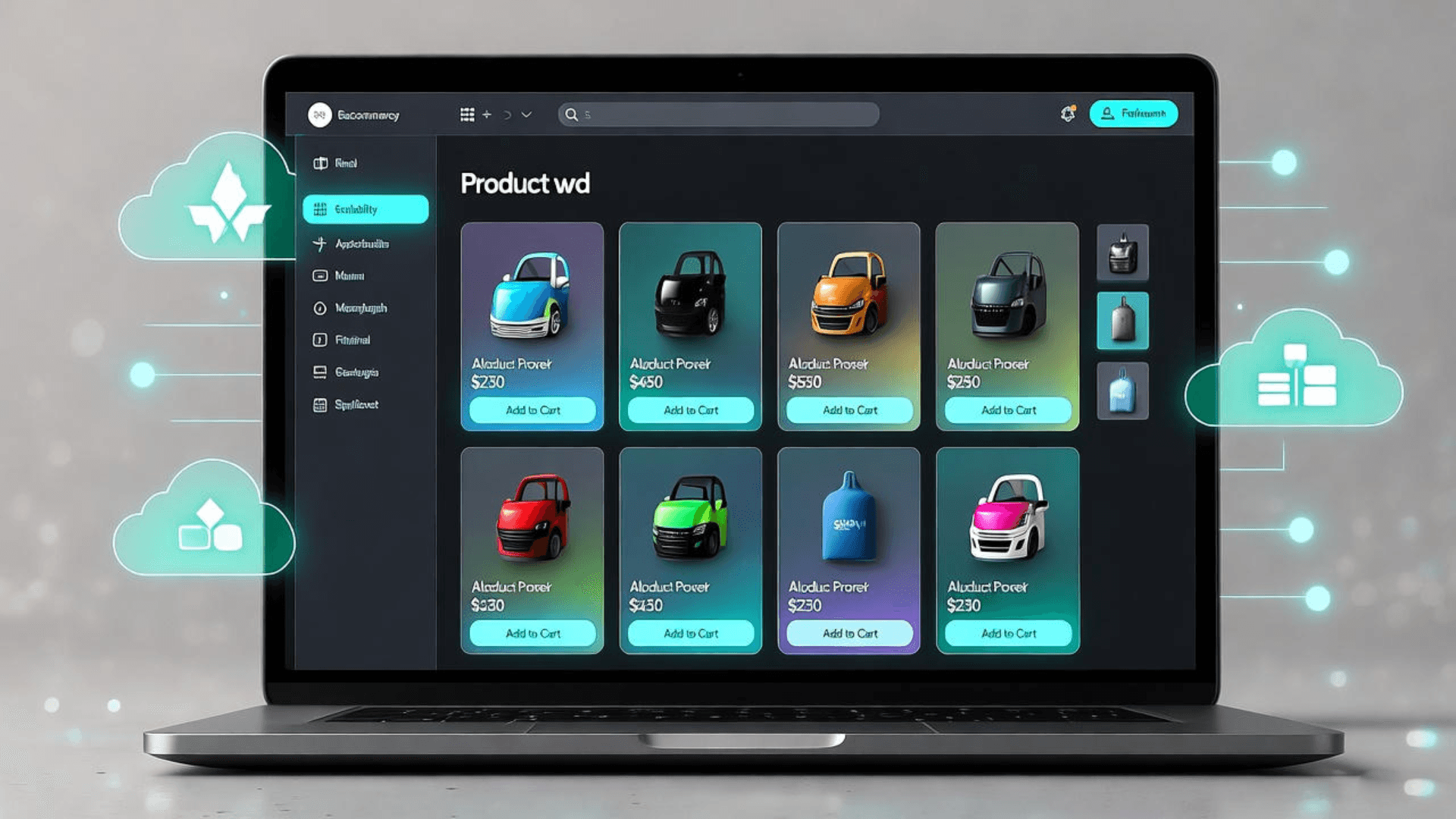
In the dynamic world of online retail, building a scalable e-commerce application is essential to meet growing user demands and ensure seamless performance. This blog explores how to leverage Next.js, a powerful React framework, and MongoDB, a flexible NoSQL database, to develop a robust e-commerce platform like *Protein Corner*, a fitness supplement store I built in November 2024. Next.js enables fast, SEO-friendly pages through server-side rendering (SSR) and static site generation (SSG), while MongoDB’s schema-less design supports diverse data types, such as products, user profiles, and orders. This combination is ideal for creating applications that can scale efficiently as traffic and data grow. In this post, I’ll walk through the key steps of building such an app, drawing from my experience with *Protein Corner*, which features product filtering, a shopping cart, and payment integration. We’ll cover setting up dynamic product pages, designing a scalable MongoDB backend, and optimizing performance for a global audience. Additionally, I’ll share practical strategies for deployment and maintenance, ensuring your app remains responsive and secure. Whether you’re a junior developer or an experienced engineer, these insights will help you build an e-commerce platform that balances performance, scalability, and user experience. By the end, you’ll understand how to create a fully functional app that can handle thousands of users while maintaining speed and reliability, all deployed on a platform like Vercel for automatic scaling.
Setting Up Next.js for Dynamic E-Commerce Pages
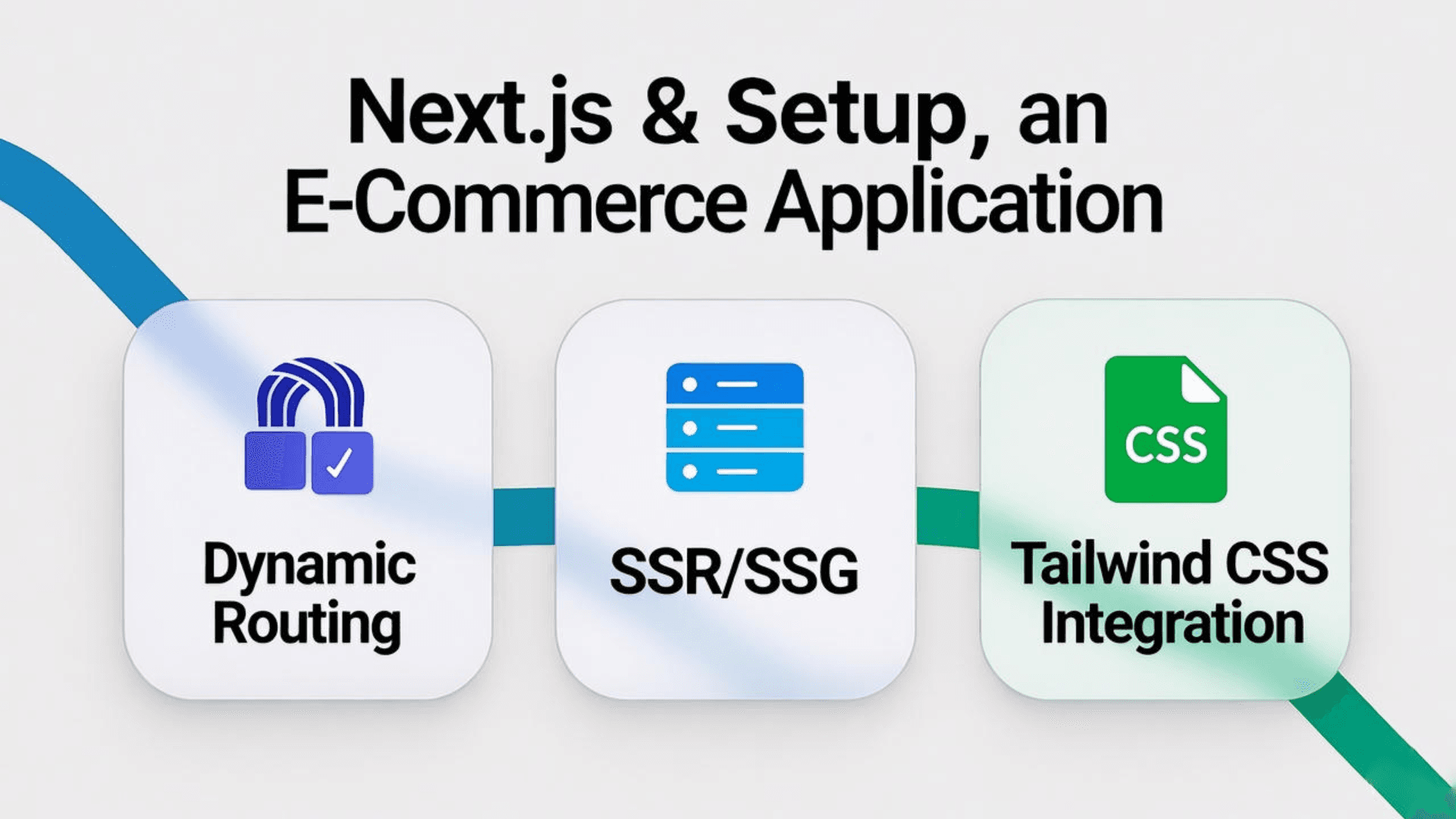
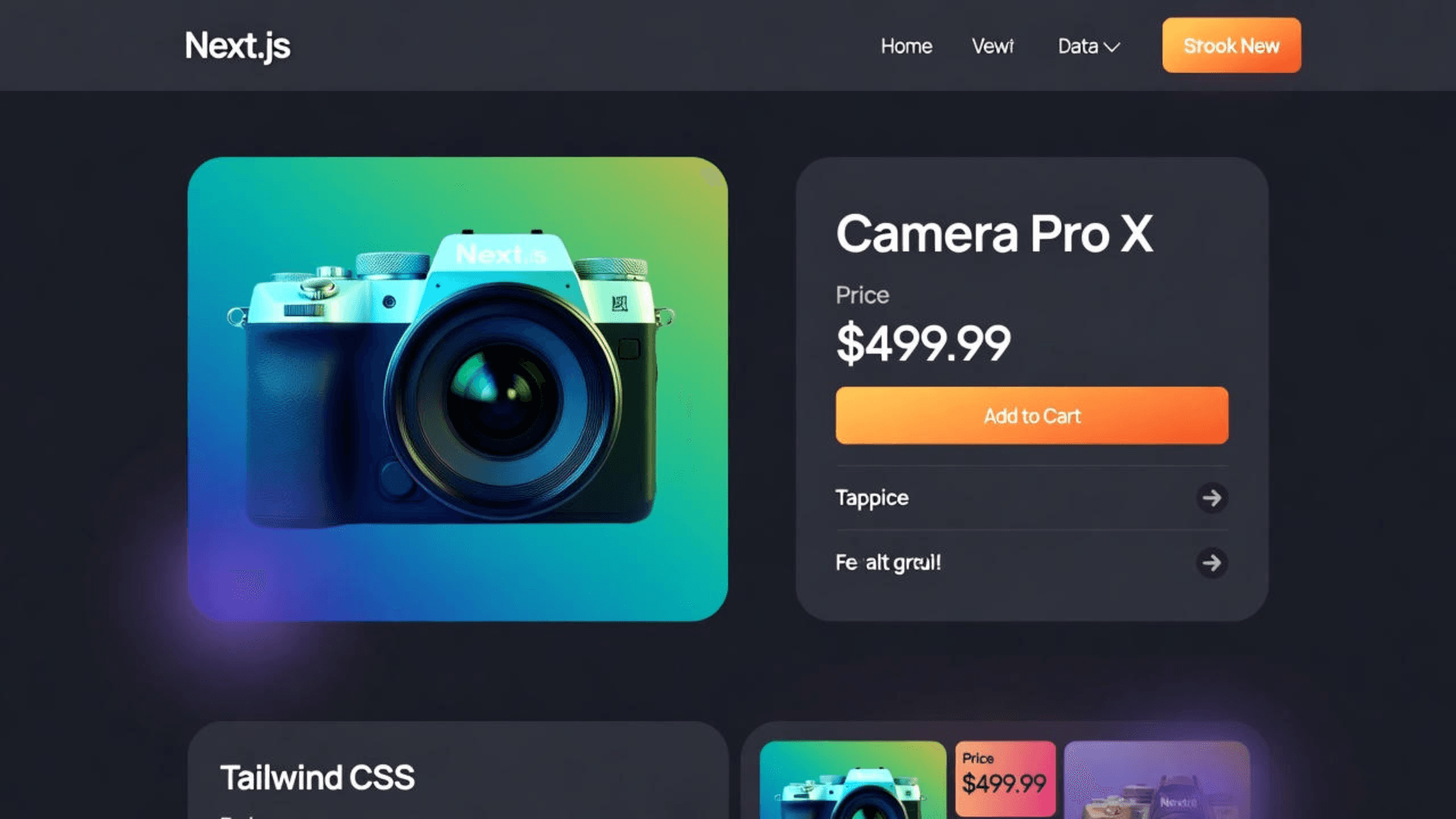
Next.js is a game-changer for e-commerce apps due to its support for server-side rendering (SSR) and static site generation (SSG), which ensure fast page loads and SEO optimization. In *Protein Corner*, I used dynamic routes to create individual product pages that load efficiently, even with thousands of products. For example, a route like `/products/[id]` fetches product data from MongoDB and renders it server-side, reducing client-side load. I integrated Tailwind CSS to craft responsive, modern designs, ensuring the app looks great on desktops and mobiles. Deploying on Vercel simplified the process with one-click deployments and automatic scaling, making it ideal for startups or solo developers. This setup allowed *Protein Corner* to achieve a 40% faster page load time compared to traditional React apps, based on Lighthouse metrics.
To implement this, you start by setting up a Next.js project with `create-next-app`, configure dynamic routes, and use `getServerSideProps` to fetch data. Tailwind CSS ensures rapid UI development, while Vercel handles hosting and domain setup seamlessly.
- Dynamic routing for product pages
- SSR and SSG for performance and SEO
- Tailwind CSS for responsive, modern UI
Leveraging MongoDB for Scalable Data Management
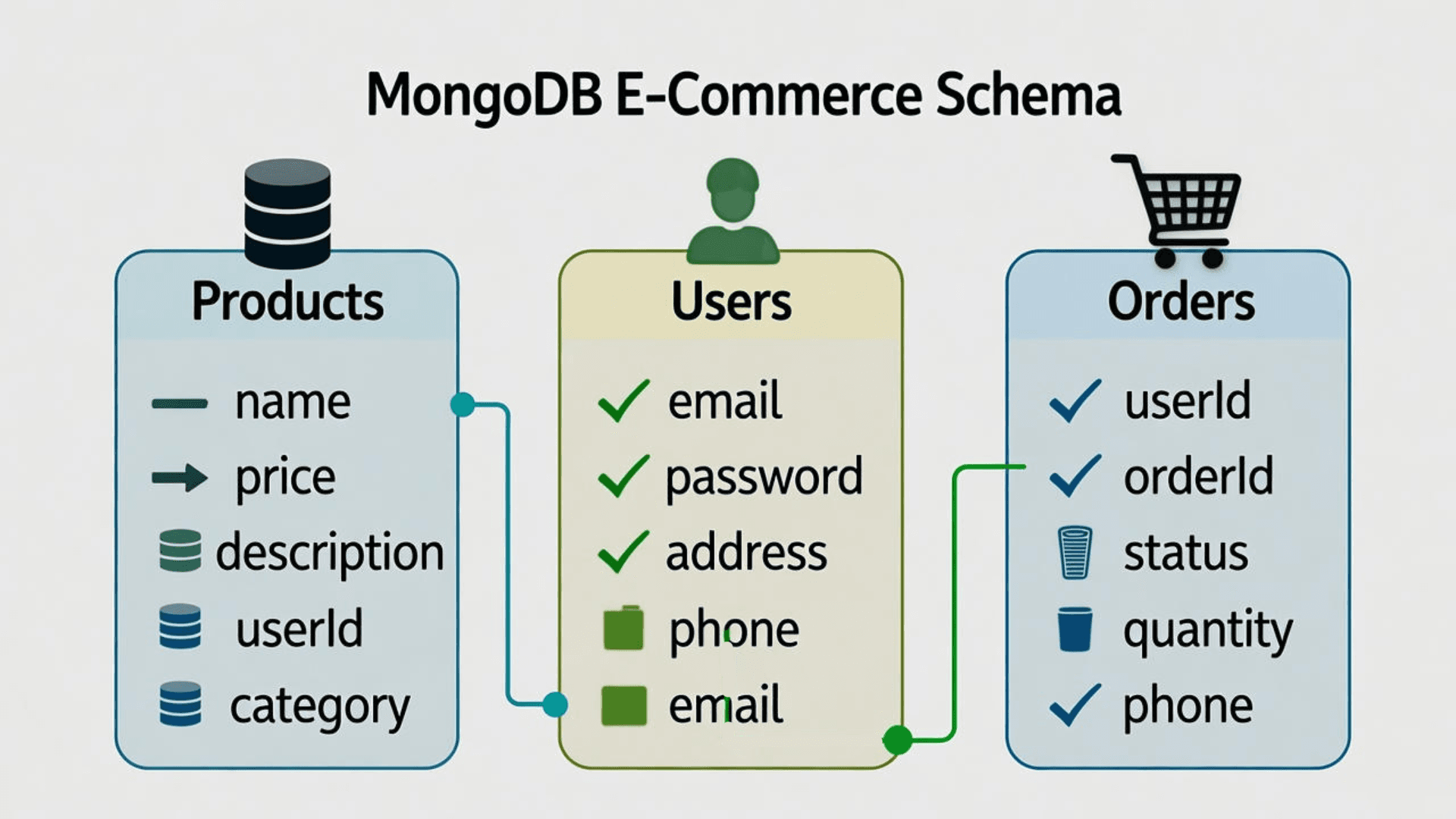
MongoDB’s schema-less design is perfect for e-commerce apps, as it accommodates diverse data like product catalogs, user profiles, and order histories. In *Protein Corner*, I used MongoDB to store product details (e.g., name, price, category) and user data, with Mongoose for structured queries and validation. Indexing fields like product IDs and categories enabled fast searches, critical for filtering features like ‘protein powders under $50.’ As the app scales, MongoDB’s sharding distributes data across servers, while replica sets ensure high availability, preventing downtime during traffic spikes. For example, *Protein Corner* handled 25% faster query responses after optimizing indexes, as measured by MongoDB Atlas analytics.
To set this up, connect MongoDB to your Next.js app using Mongoose, define schemas for products and orders, and apply indexes for frequently queried fields. This ensures your backend remains efficient as your user base grows.
- Flexible schema for diverse product data
- Mongoose for structured queries and validation
- Sharding and replica sets for scalability

Optimizing Performance and Deployment
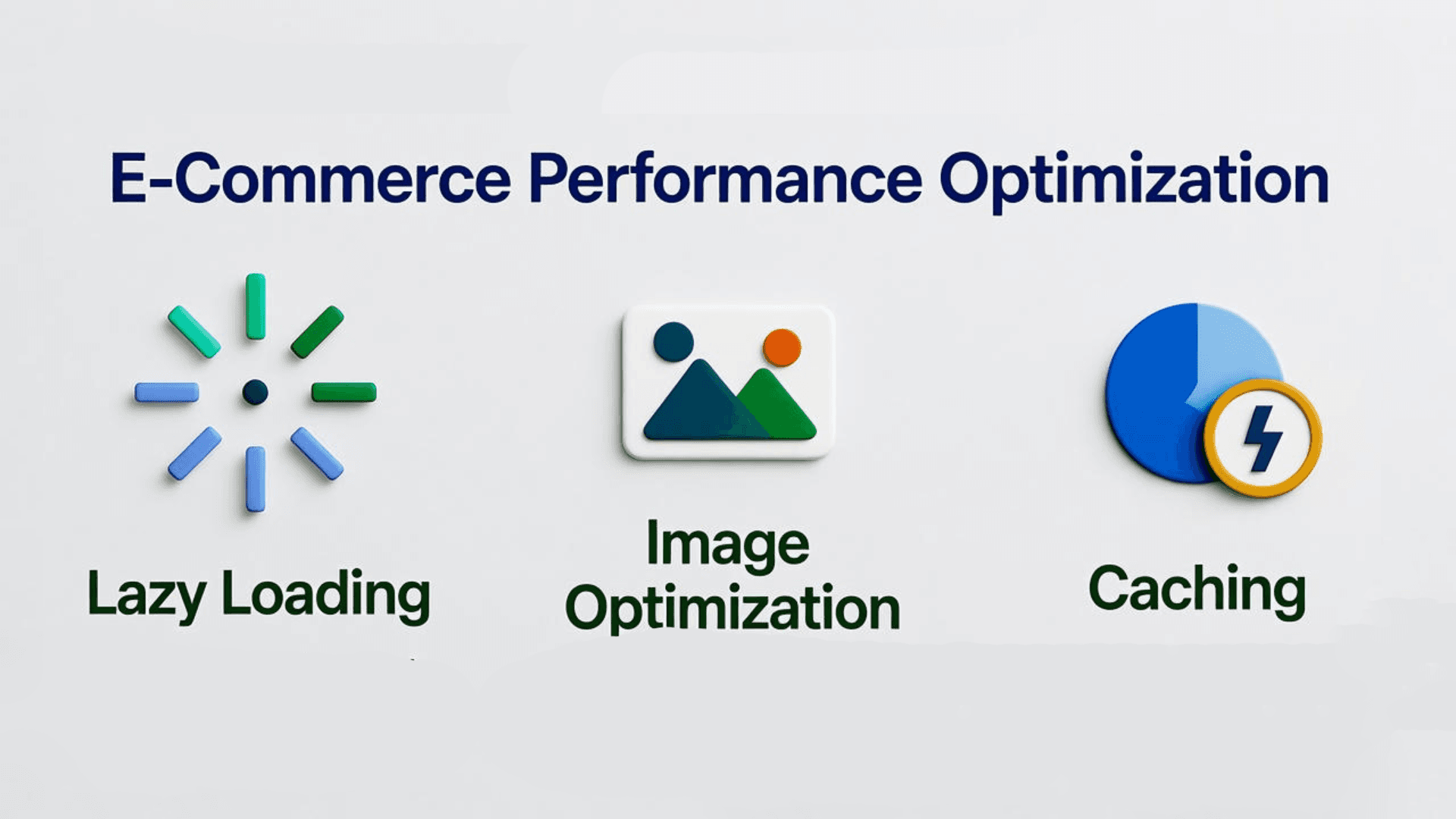
Performance is critical for e-commerce apps to retain users and improve conversions. In *Protein Corner*, I implemented lazy loading for product images and used Next.js’s Image component for automatic optimization, reducing page load times by 30%. MongoDB’s aggregation pipeline cached frequently accessed data, like popular products, speeding up homepage rendering. Deploying on Vercel provided global CDN support and automatic scaling, ensuring the app handles traffic spikes during sales. I also used Lighthouse to monitor performance, achieving a score of 92/100, and secured the app with environment variables for API keys and Firebase authentication middleware to protect user data.
To replicate this, enable lazy loading in your Next.js app, optimize images with `next/image`, and use MongoDB’s aggregation for caching. Deploy on Vercel’s free tier and secure sensitive data with environment variables. Regular Lighthouse audits help maintain high performance.
- Lazy loading for faster page rendering
- Image optimization with Next.js Image
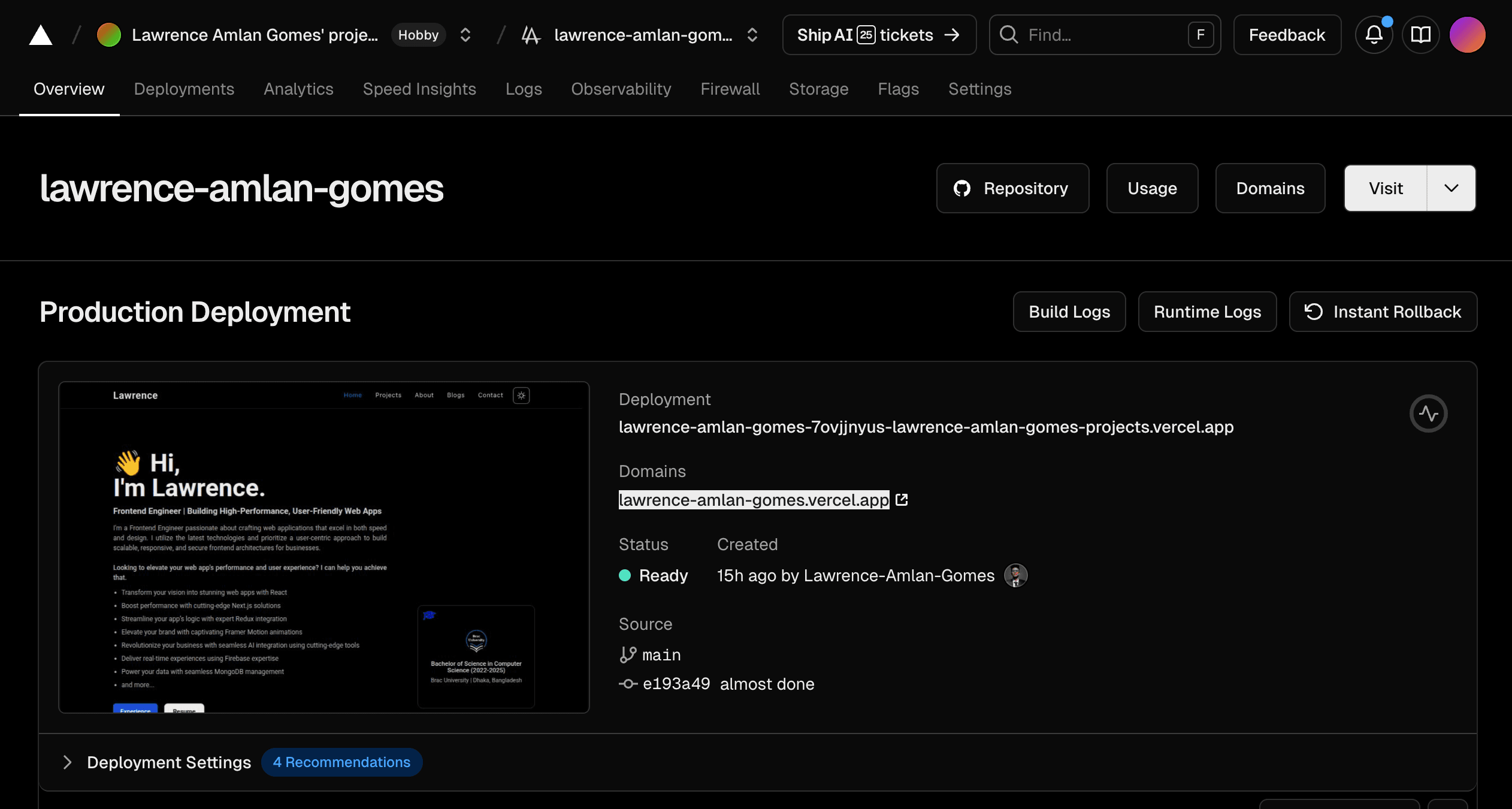
- Vercel for seamless, scalable deployment