End-to-End Deployment: Vercel, Netlify, and Self-Hosted Coolify on VPS
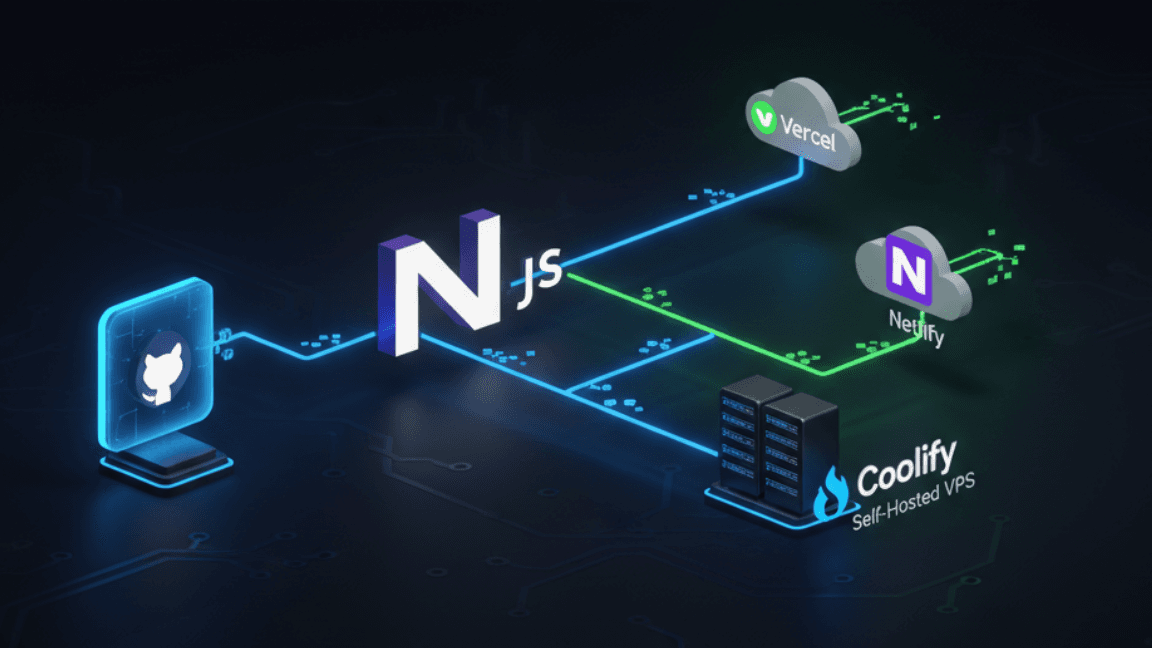
Shipping a web application doesn't end when the code is written — deployment is where products become real. In this post, I walk through the deployment workflows I've built across multiple production projects, covering three distinct hosting environments: Vercel for frontend-heavy Next.js apps, Netlify for static and JAMstack deployments, and a self-hosted Coolify instance running on a Hostinger VPS for projects requiring more infrastructure control. I'll cover how to configure GitHub-based CI/CD pipelines that trigger automatic deployments on push, how to manage environment variables securely across environments, and how to set up custom domains with SSL. I'll also compare the tradeoffs between managed platforms like Vercel and self-hosted solutions like Coolify — when each makes sense, and how to decide. By the end, you'll have a clear, repeatable deployment strategy for your Next.js full-stack applications.
Deploying Next.js Apps on Vercel with GitHub CI/CD
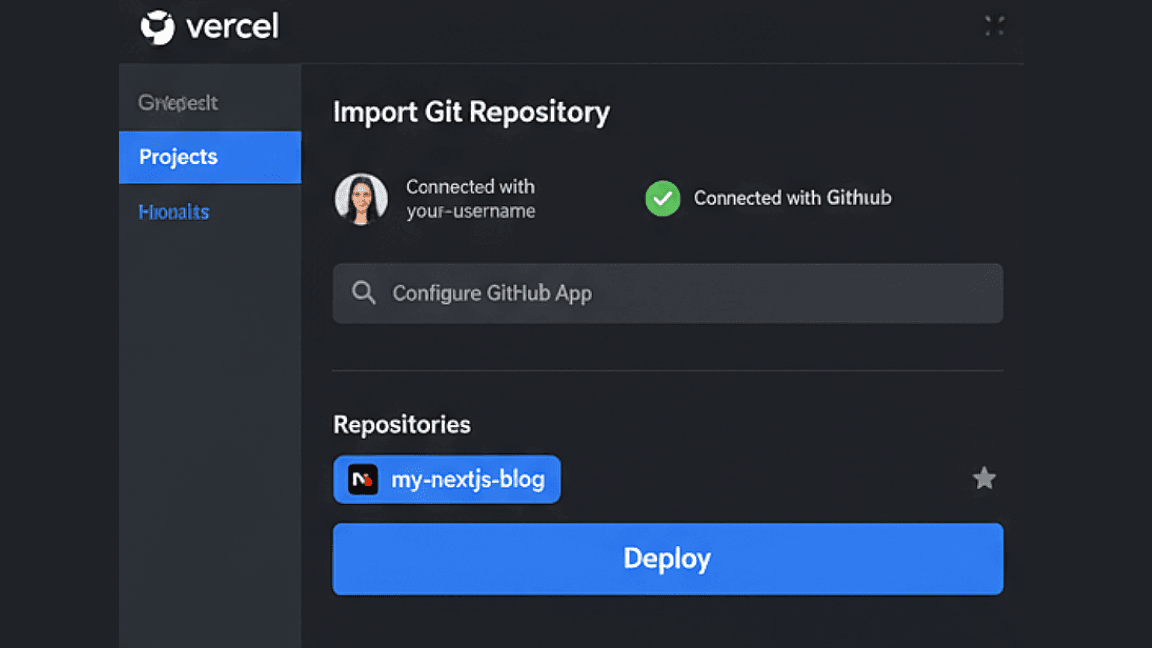
Vercel is the most seamless deployment target for Next.js applications, offering zero-config deployments, automatic preview environments for every pull request, and global CDN distribution out of the box. Connecting a GitHub repository takes under two minutes, and every push to main triggers a production deployment automatically — no manual steps required.
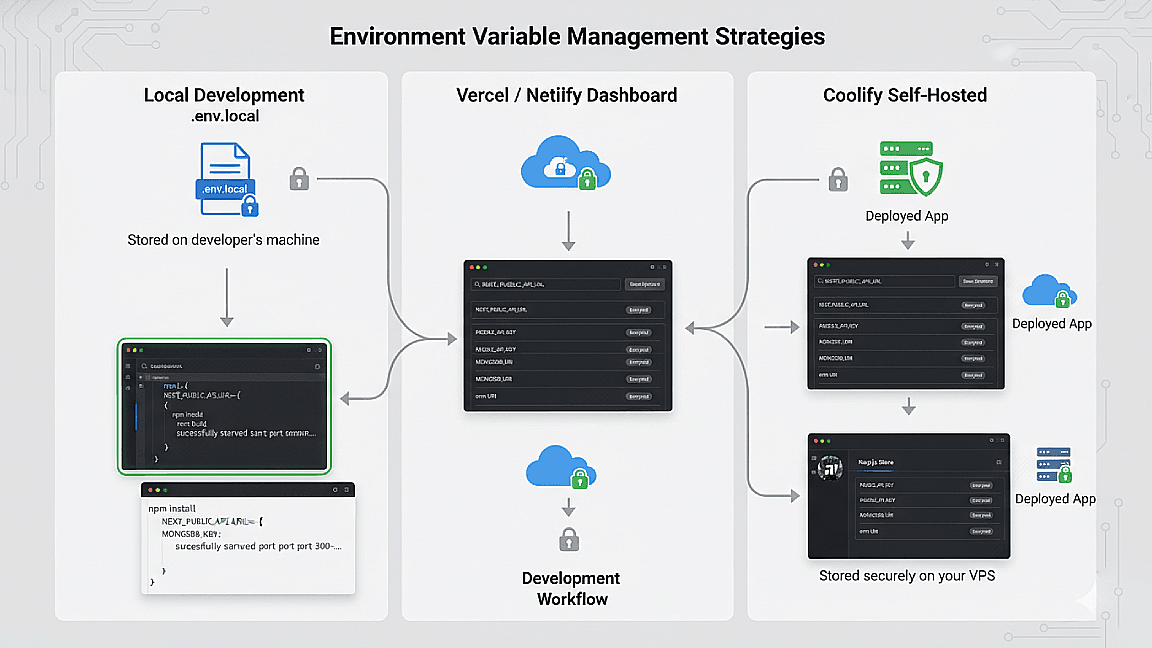
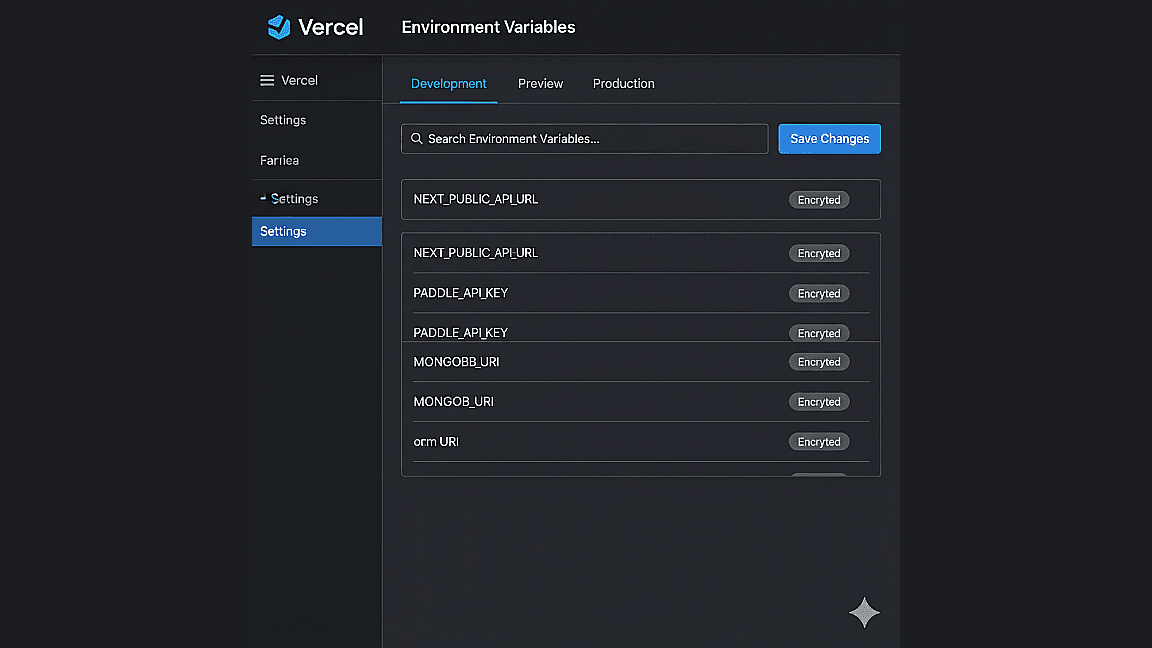
The most critical configuration step is environment variable management. Vercel's dashboard separates variables by environment (development, preview, production), which prevents accidental exposure of production secrets during testing. For API keys, database URIs, and payment credentials like Paddle's API key, always use Vercel's encrypted environment variable store rather than committing secrets to the repository.
- Zero-config Next.js deployment with automatic builds on git push
- Preview deployments for every pull request for safe testing
- Encrypted environment variable management per environment
- Custom domain configuration with automatic SSL via Let's Encrypt
Self-Hosting with Coolify on a Hostinger VPS
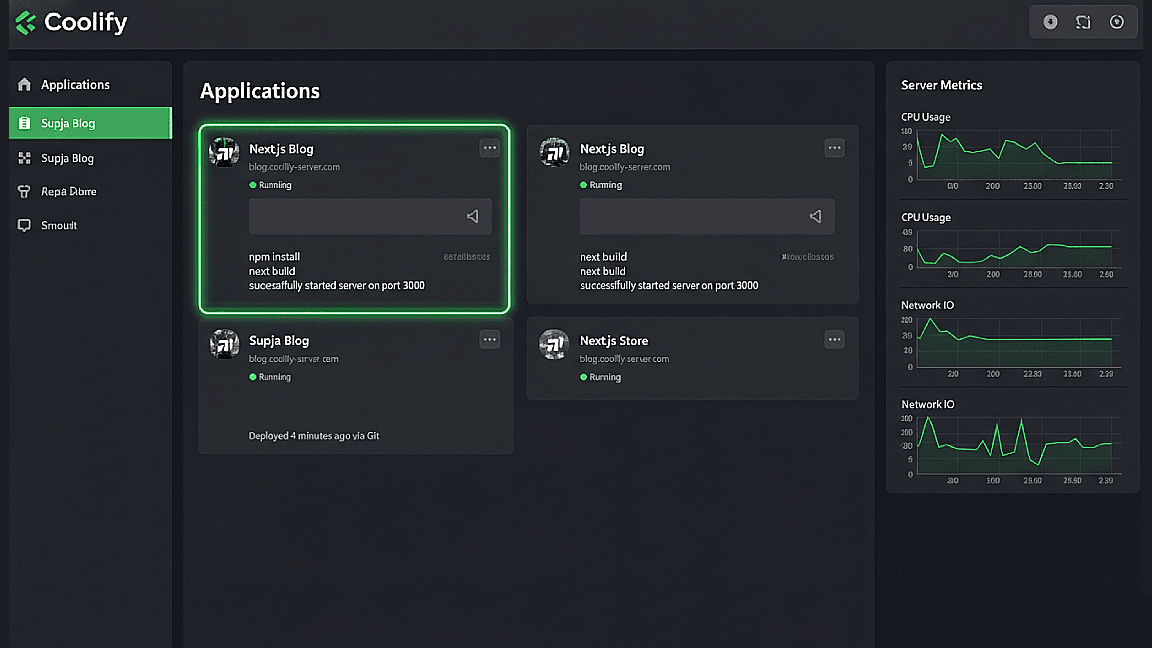
For projects requiring more infrastructure control — such as running persistent background services, managing multiple apps under one server, or reducing platform costs at scale — self-hosting with Coolify on a Hostinger VPS is a powerful alternative to managed platforms. Coolify is an open-source PaaS that gives you a Heroku-like deployment experience on your own server, with a clean dashboard, automatic SSL, reverse proxy configuration, and GitHub integration built in.
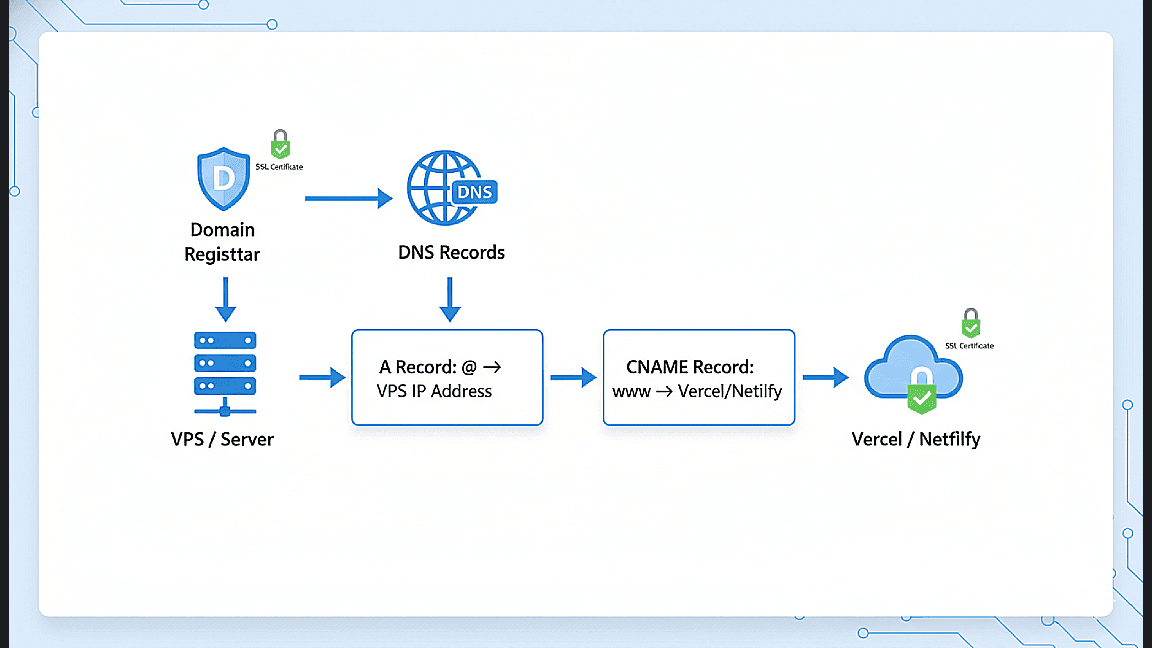
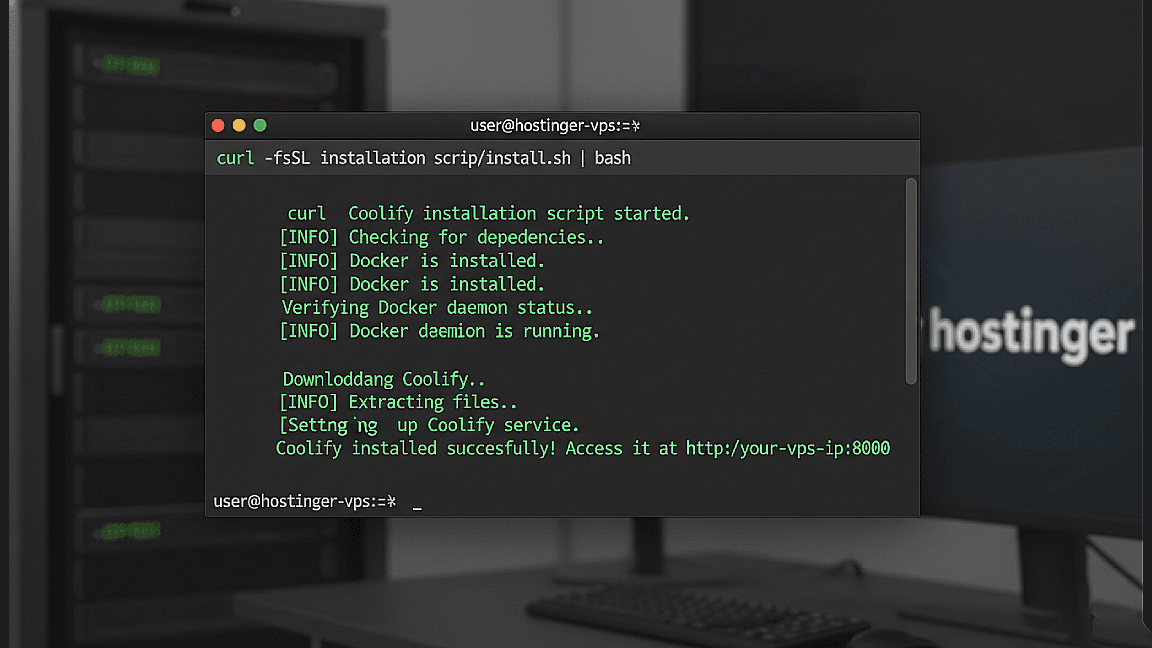
Setting up Coolify starts with provisioning a VPS on Hostinger, SSHing in, and running the Coolify installation script. Once running, you connect your GitHub account, point Coolify at a repository, and configure your build command and environment variables — the same workflow as Vercel, but fully under your control. Custom domains are configured by updating your DNS A record to point to your VPS IP, and Coolify handles the SSL certificate via Let's Encrypt automatically.
- Full infrastructure control with no platform vendor lock-in
- Coolify dashboard for managing multiple apps on one VPS
- Automatic SSL and reverse proxy via built-in Caddy/Nginx
- GitHub-triggered deployments with build logs and rollback support
Custom Domains, SSL, and Environment Management Across Platforms
Regardless of which platform you deploy to, custom domain configuration follows the same core pattern: purchase a domain, update your DNS records to point to your hosting provider, and let the platform handle SSL. On Vercel and Netlify, you add the domain in the dashboard and they handle the rest. On Coolify, you set the domain in the app settings and it provisions a Let's Encrypt certificate automatically within minutes.
Environment variable discipline is the most commonly overlooked part of a production deployment. I use a consistent pattern across all projects: a `.env.local` file for local development (never committed to Git), and platform-specific environment variable dashboards for staging and production. For sensitive values like Paddle webhook secrets or MongoDB URIs, I rotate credentials immediately if a repository is ever accidentally made public — a step many developers skip.
- DNS A and CNAME record configuration for custom domains
- Automatic SSL provisioning across Vercel, Netlify, and Coolify
- Environment variable discipline: local vs staging vs production
- Credential rotation best practices for production security