Integrating Paddle for Subscriptions and One-Time Payments in Next.js
Payment integration is one of the most technically demanding parts of building a SaaS product, and getting it wrong has real business consequences. In this post, I walk through how I integrated Paddle Billing into production Next.js applications — covering both subscription and one-time payment flows. Paddle acts as a Merchant of Record, which means it handles VAT, sales tax, and compliance globally — a significant advantage for indie developers and small teams shipping SaaS products internationally. I'll cover how to set up Paddle's client-side overlay checkout, handle server-side webhook events to update subscription state in MongoDB, implement customer portal access for plan management, and test the full payment flow in Paddle's sandbox environment. This is a practical, production-focused guide drawn from real integrations, not toy examples.
Setting Up Paddle Billing and Configuring Products
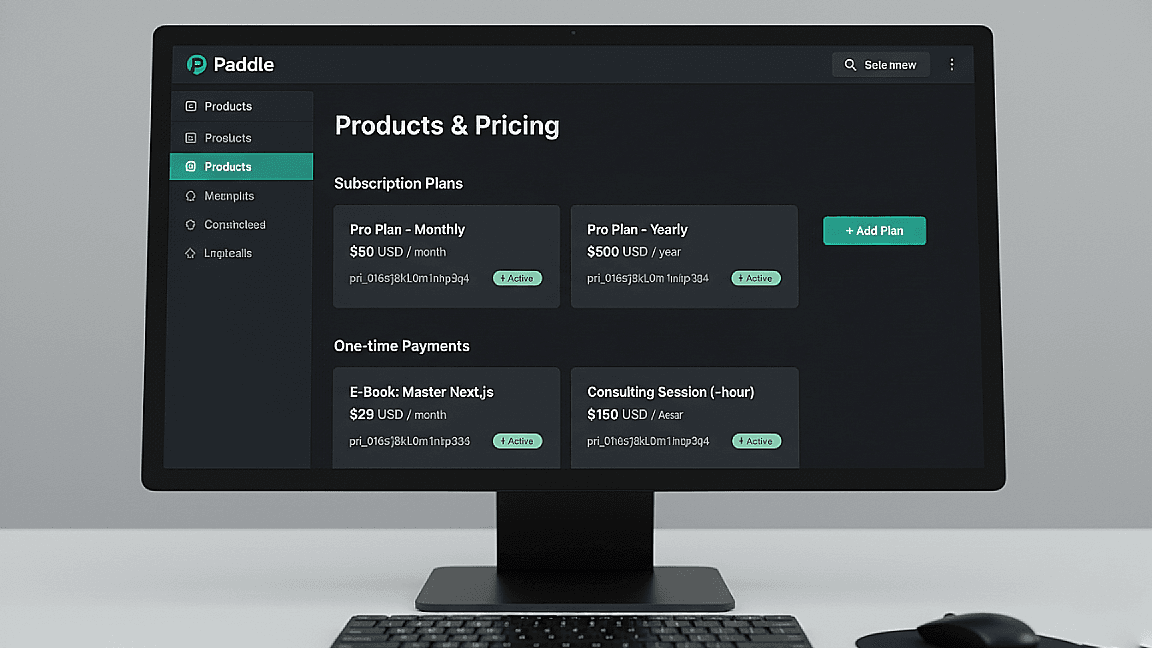
Before writing a single line of code, Paddle requires you to configure your products and prices in the Paddle dashboard. For subscription products, you define a billing interval (monthly or annual), a price, and optionally a trial period. For one-time products, you set a fixed price. Each product gets a price ID that you'll reference in your frontend checkout code — similar to Stripe's price IDs if you've used that before.
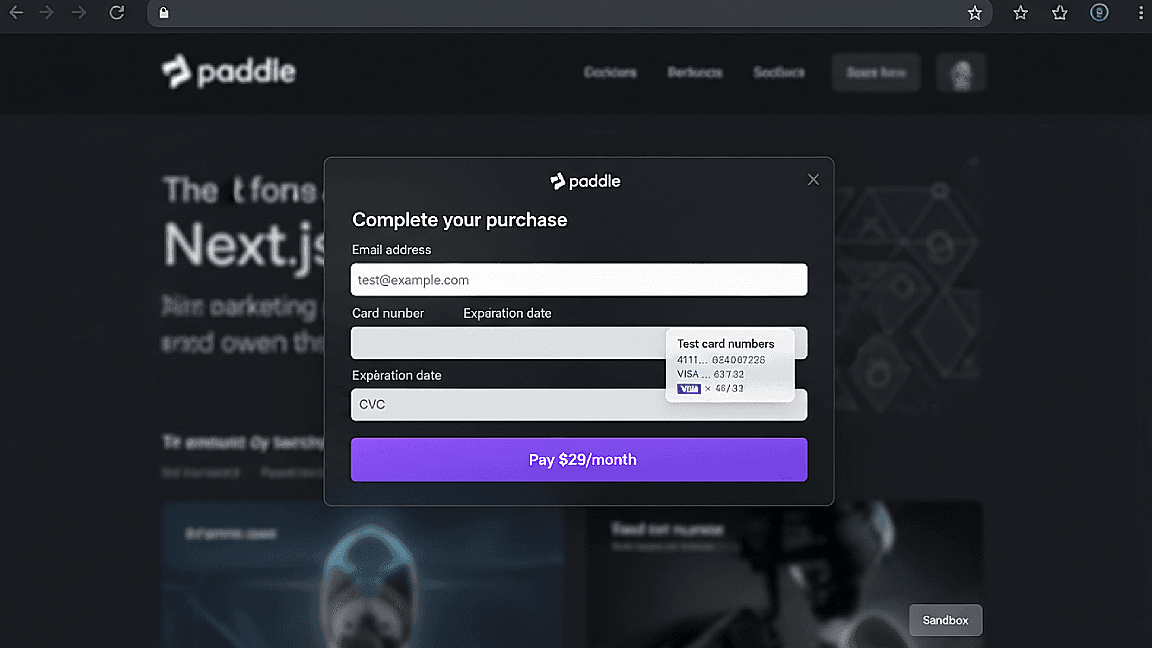
Paddle operates in two modes: sandbox and production. Always develop and test against the sandbox environment first, using Paddle's test card numbers to simulate successful payments, failed charges, and subscription cancellations. Switching to production requires submitting your business details for Paddle's approval — factor this into your launch timeline, as it can take a few days.
- Configuring subscription and one-time products in the Paddle dashboard
- Understanding price IDs and how they map to checkout flows
- Sandbox vs production environments and how to switch between them
- Paddle as Merchant of Record: tax and compliance handled automatically
Implementing the Checkout Flow in Next.js
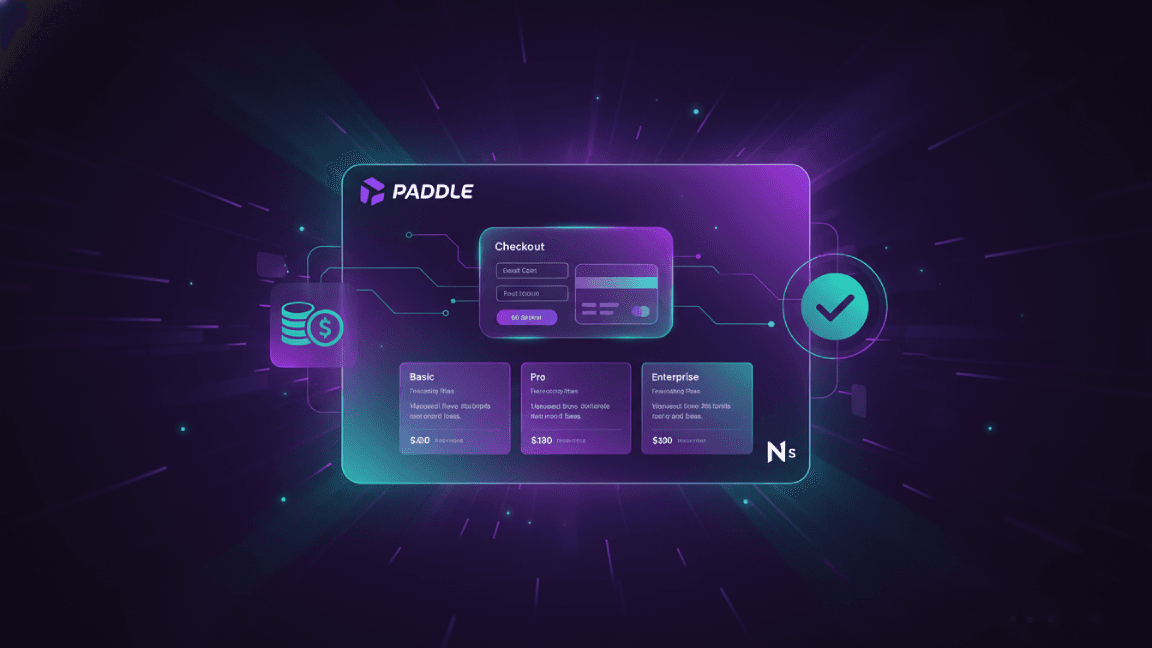
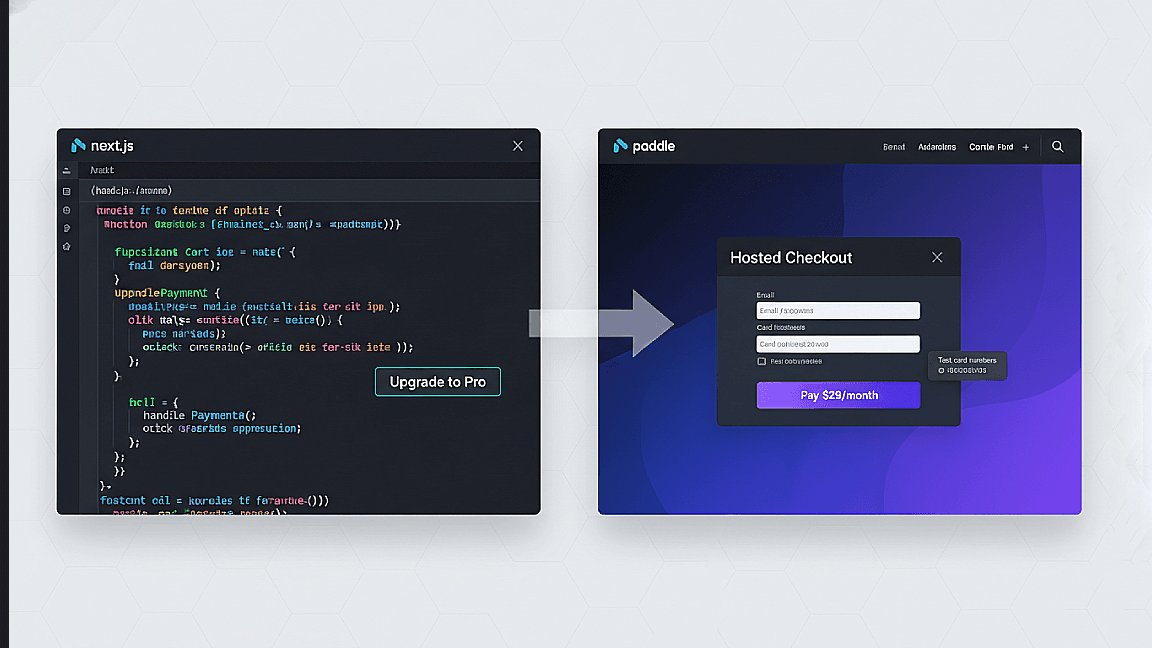
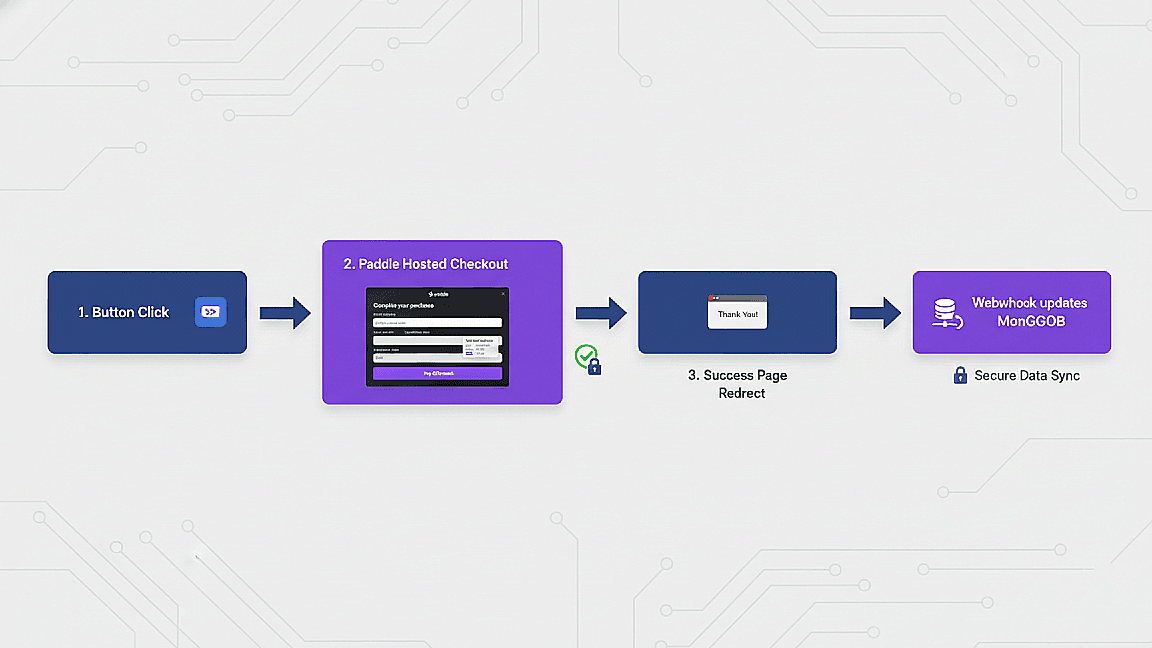
Paddle's client-side checkout is implemented using their JavaScript SDK, which you load via a script tag or npm package. In a Next.js app, I initialize the Paddle SDK in a client component using a useEffect hook, passing the sandbox or production client token from environment variables. The checkout is triggered by calling `Paddle.Checkout.open()` with the price ID and any prefilled customer data — this opens Paddle's hosted overlay directly on your page without a redirect.
For authenticated users, passing the customer's email to the checkout prefills the form and associates the transaction with their account in Paddle. After a successful payment, Paddle redirects to a success URL you define — but critically, you should never rely on the redirect alone to update your database. Always use webhooks for authoritative payment confirmation, as redirects can be skipped or manipulated.
- Initializing the Paddle JS SDK in a Next.js client component
- Triggering overlay checkout with price ID and customer data
- Handling success and cancel redirect URLs
- Why webhooks — not redirects — should update your database
Handling Webhooks and Syncing Subscription State to MongoDB
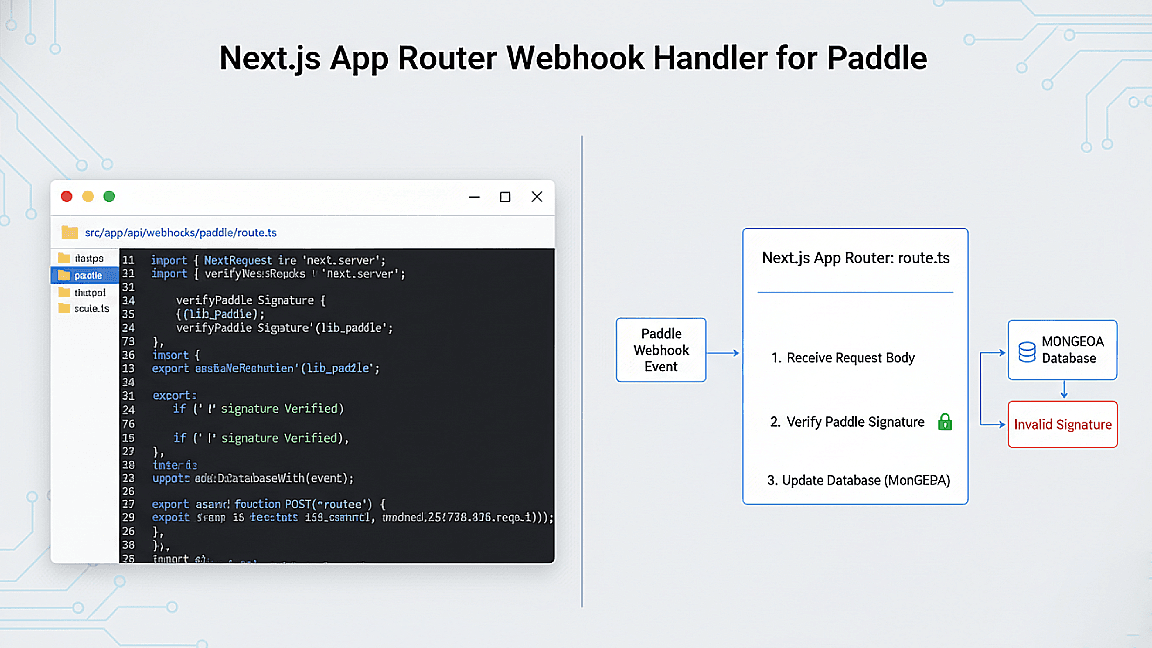
Webhooks are the backbone of any reliable payment integration. Paddle sends webhook events to a URL you configure in the dashboard — events like `subscription.created`, `subscription.updated`, `subscription.canceled`, and `transaction.completed`. In Next.js, I handle these in an App Router route handler (`/api/webhooks/paddle/route.ts`), verifying the webhook signature using Paddle's secret key before processing any event.
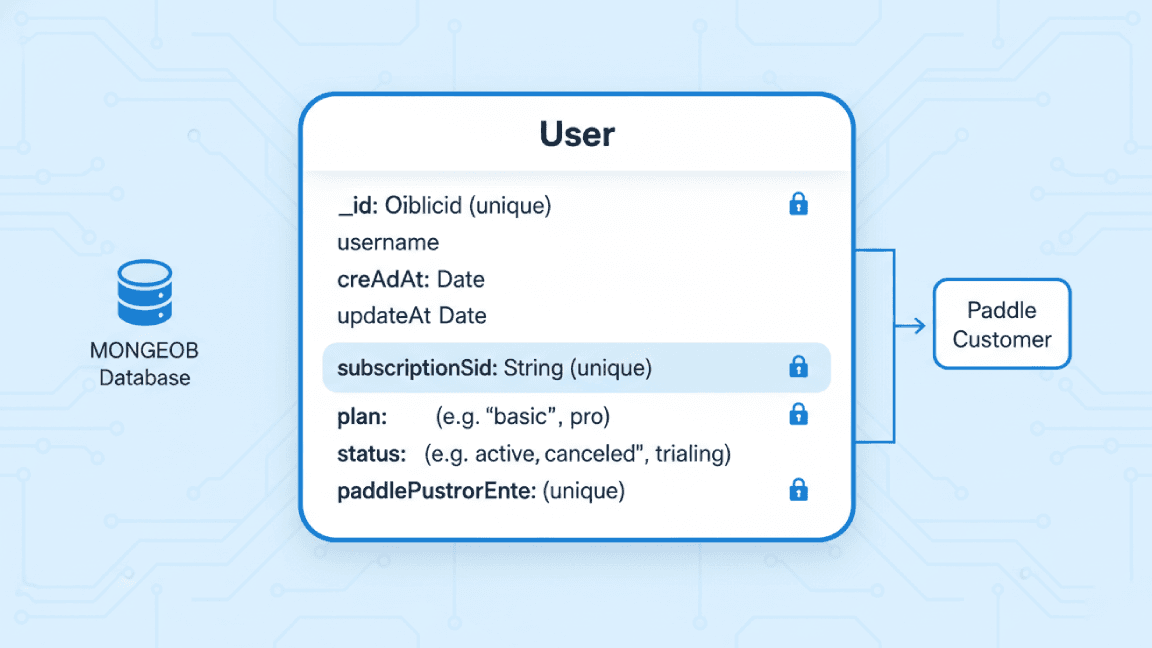
On receiving a `subscription.created` event, I extract the customer ID, subscription ID, plan, and status from the payload and write them to MongoDB against the user's record. This is how the app knows whether a user is on a free or paid plan. For cancellations, Paddle sends a `subscription.canceled` event when the billing period ends — I update the user's subscription status to `canceled` and restrict access to paid features accordingly. Keeping this state accurate is critical for a trustworthy SaaS product.
- Configuring webhook endpoints in the Paddle dashboard
- Verifying webhook signatures in a Next.js route handler
- Syncing subscription status to MongoDB on key lifecycle events
- Handling cancellations, upgrades, and payment failures gracefully