Blog Platform
Blog Platform is a full-stack Next.js application developed in October 2025 to showcase modern web development skills for a social blogging platform, crafted for Malaysia’s tech enthusiasts. It supports user authentication, post creation, commenting, upvoting/downvoting, and searching, all backed by MongoDB for secure, real-time data management. The platform features a light/dark theme toggle, a responsive UI, and dynamic updates via Next.js Server Actions. With clean Tailwind CSS styling and a welcoming message—'Connect, create, and share your ideas with the world! Build engaging blog posts, spark conversations with comments, and vote on content that inspires you—all in a sleek, modern platform designed for creators'—it’s a powerful portfolio piece for Malaysia’s tech industry, demonstrating expertise in full-stack development, CRUD operations, and professional UX design.
Technology Stack
 Next.js
 React
React Tailwind CSS
 JavaScript
 MongoDB
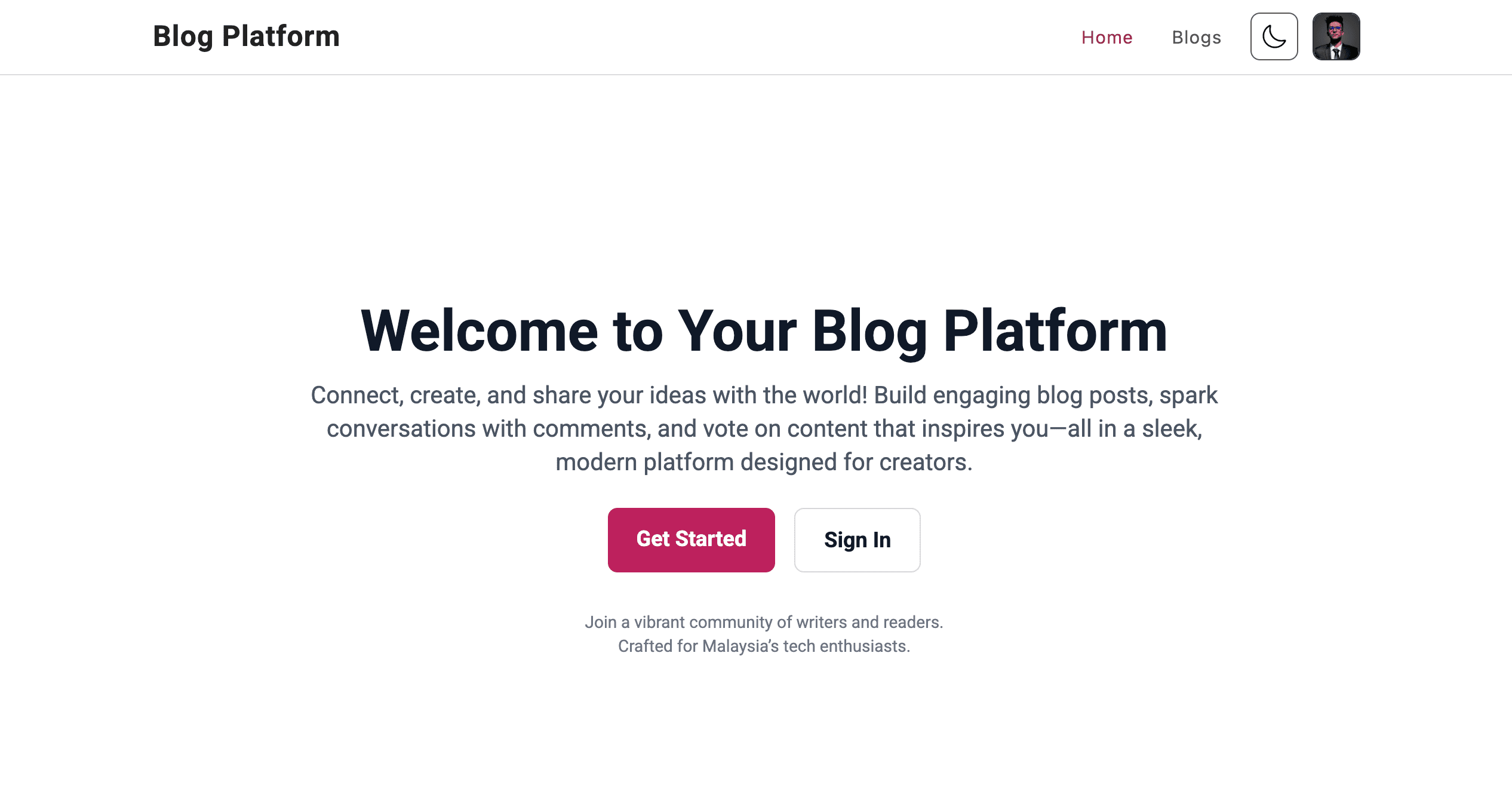
Landing Page (/ Route)
The landing page welcomes users with a clean, responsive design and a message: 'Connect, create, and share your ideas with the world! Build engaging blog posts, spark conversations with comments, and vote on content that inspires you—all in a sleek, modern platform designed for creators.'
It features a prominent call-to-action for login/registration and a theme toggle for light/dark mode accessibility, crafted for Malaysia’s tech enthusiasts.
- Engaging welcome message for blogging platform
- Light/dark theme toggle for personalized UX
- Clear call-to-action for authentication
- Responsive design for all devices
Authentication Routes
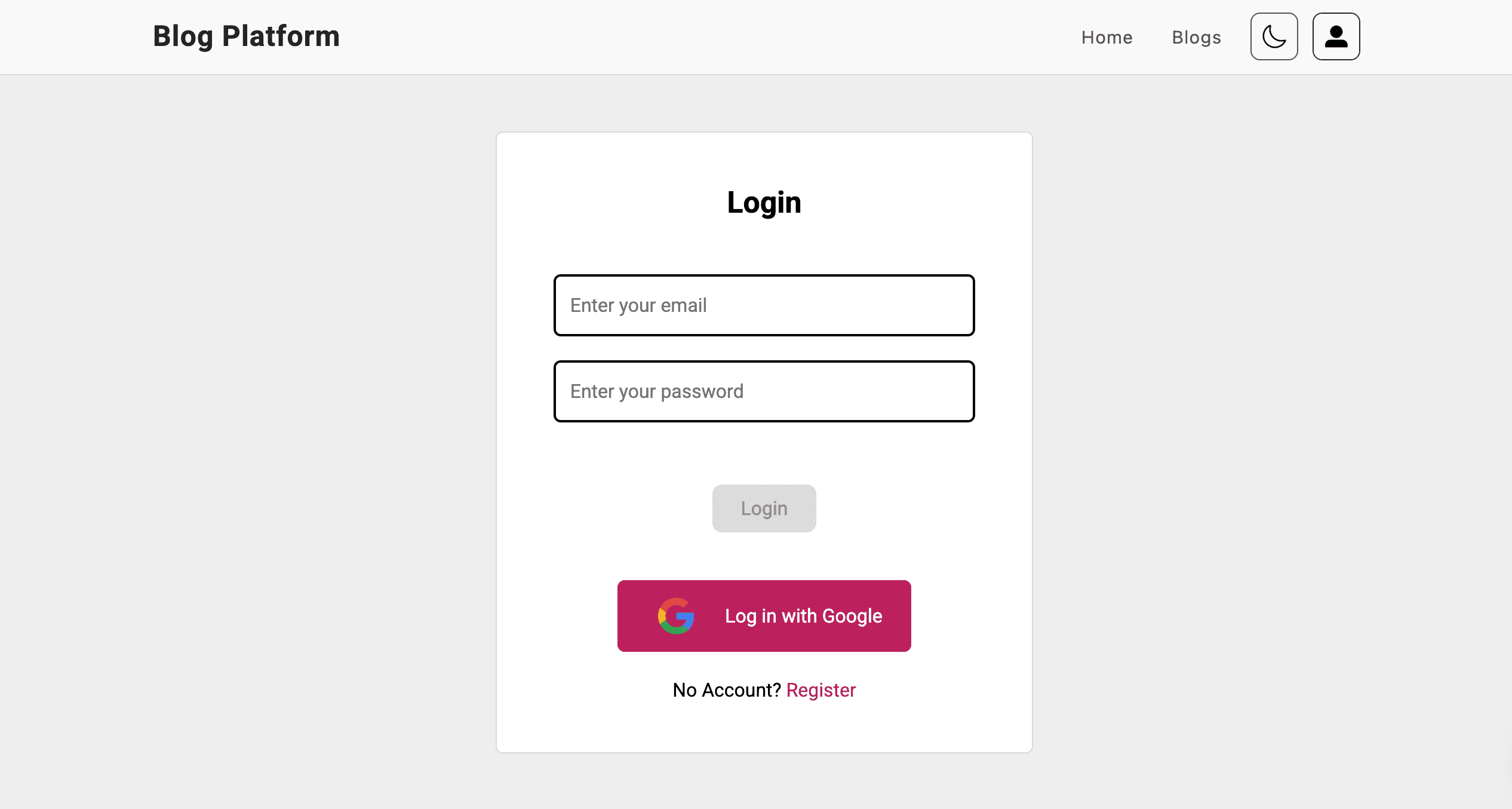
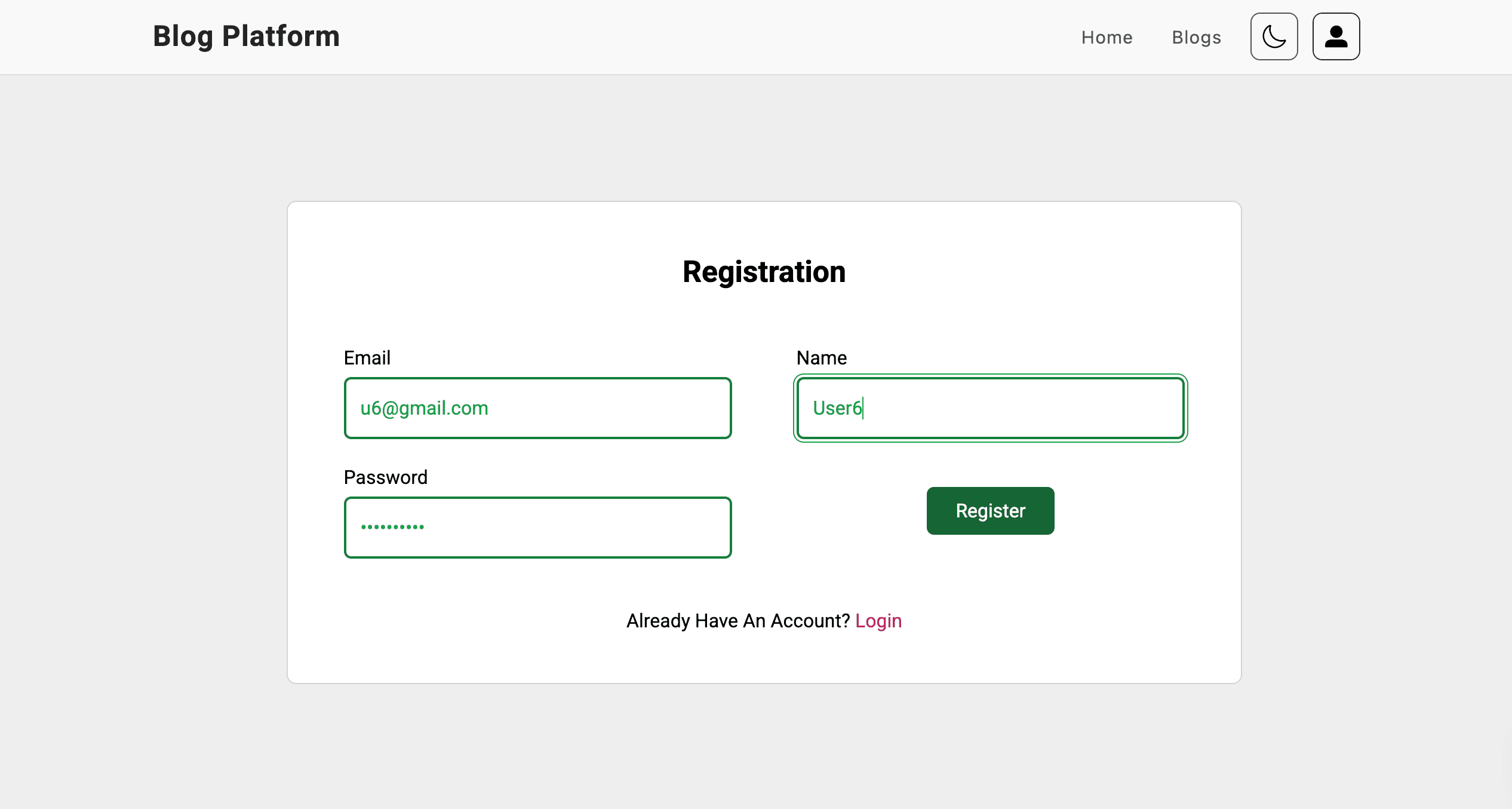
The /login route offers a secure login form, with a link to the /register route where users provide name, email, and a password (hashed in MongoDB).
Post-registration, users are redirected to the login page, ensuring secure access to all features.
- Secure login/registration with MongoDB
- Hashed password storage for data protection
- Seamless navigation between login and registration
- Responsive form design
Create Post
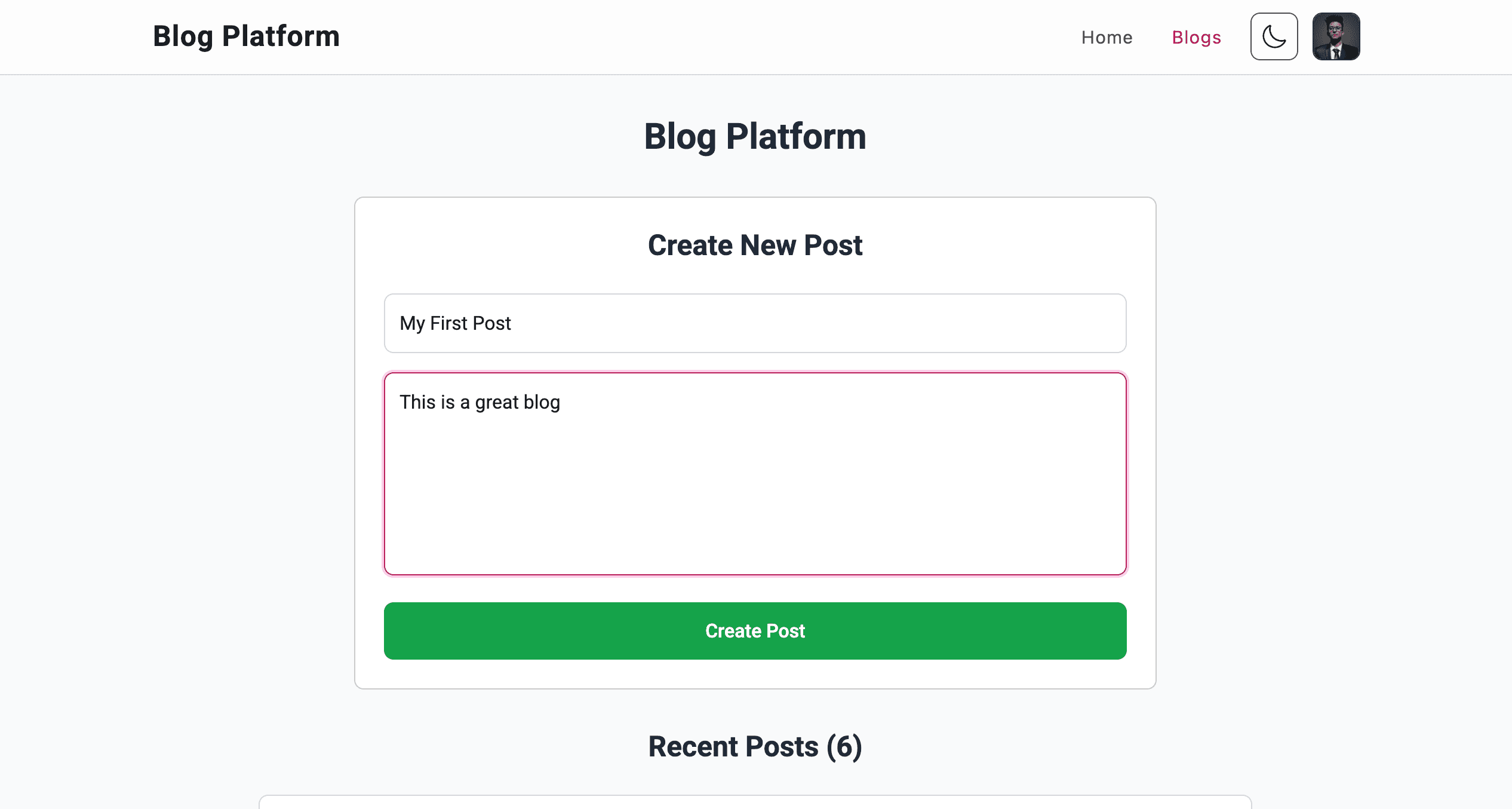
Logged-in users can create blog posts via a form, entering a title and content, saved to MongoDB with a createdAt timestamp and initial upvotes/downvotes of 0.
Posts display 'User' as the author and appear instantly on the blog page after submission.
- Simple post creation form with title and content
- MongoDB storage with timestamp and vote counters
- Instant UI update post-submission
- Anonymous author display as 'User'
View and Search Posts (/blogs)
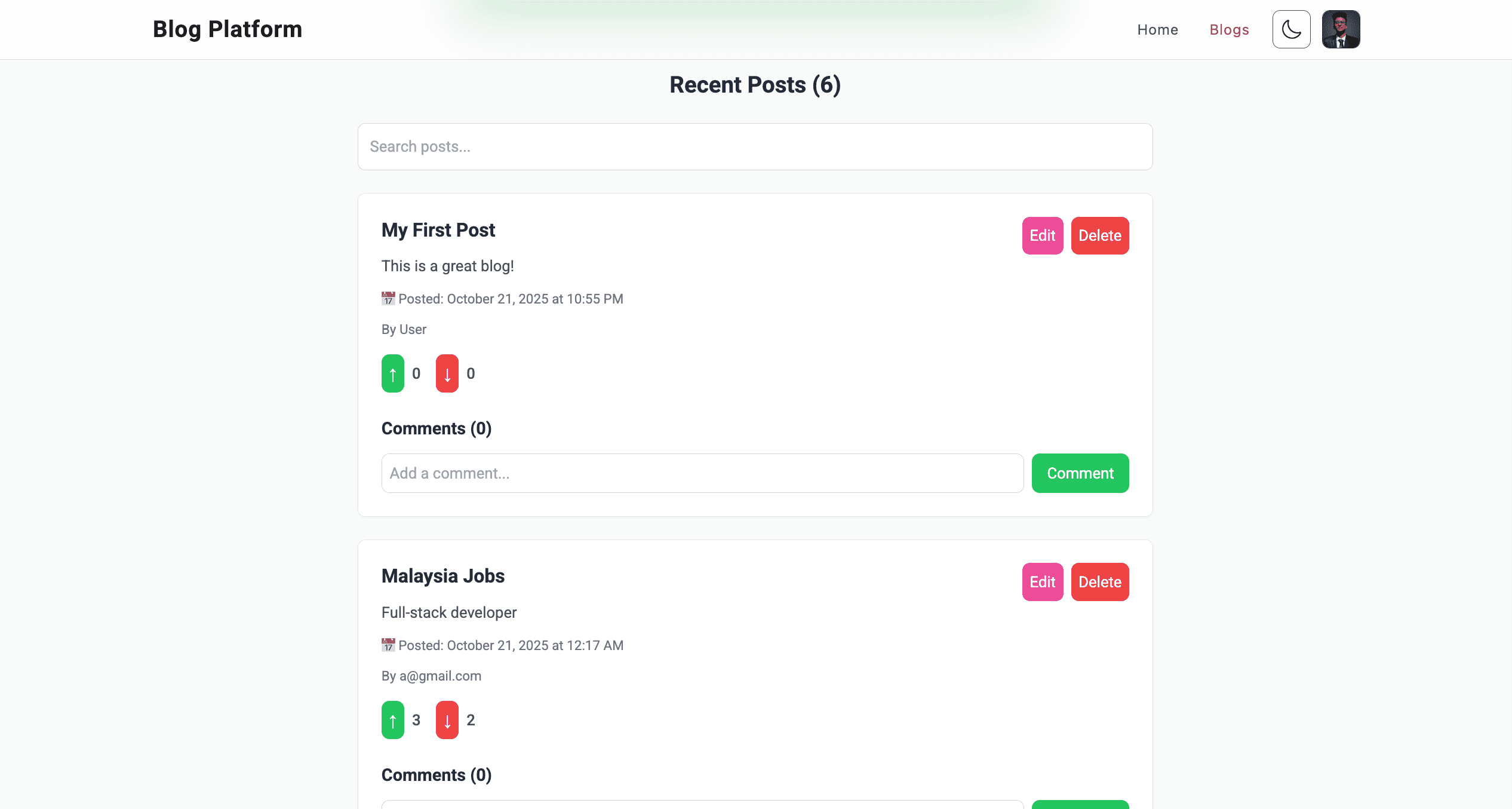
The /blogs route displays all posts sorted by most recent, with a search bar to filter by title or content.
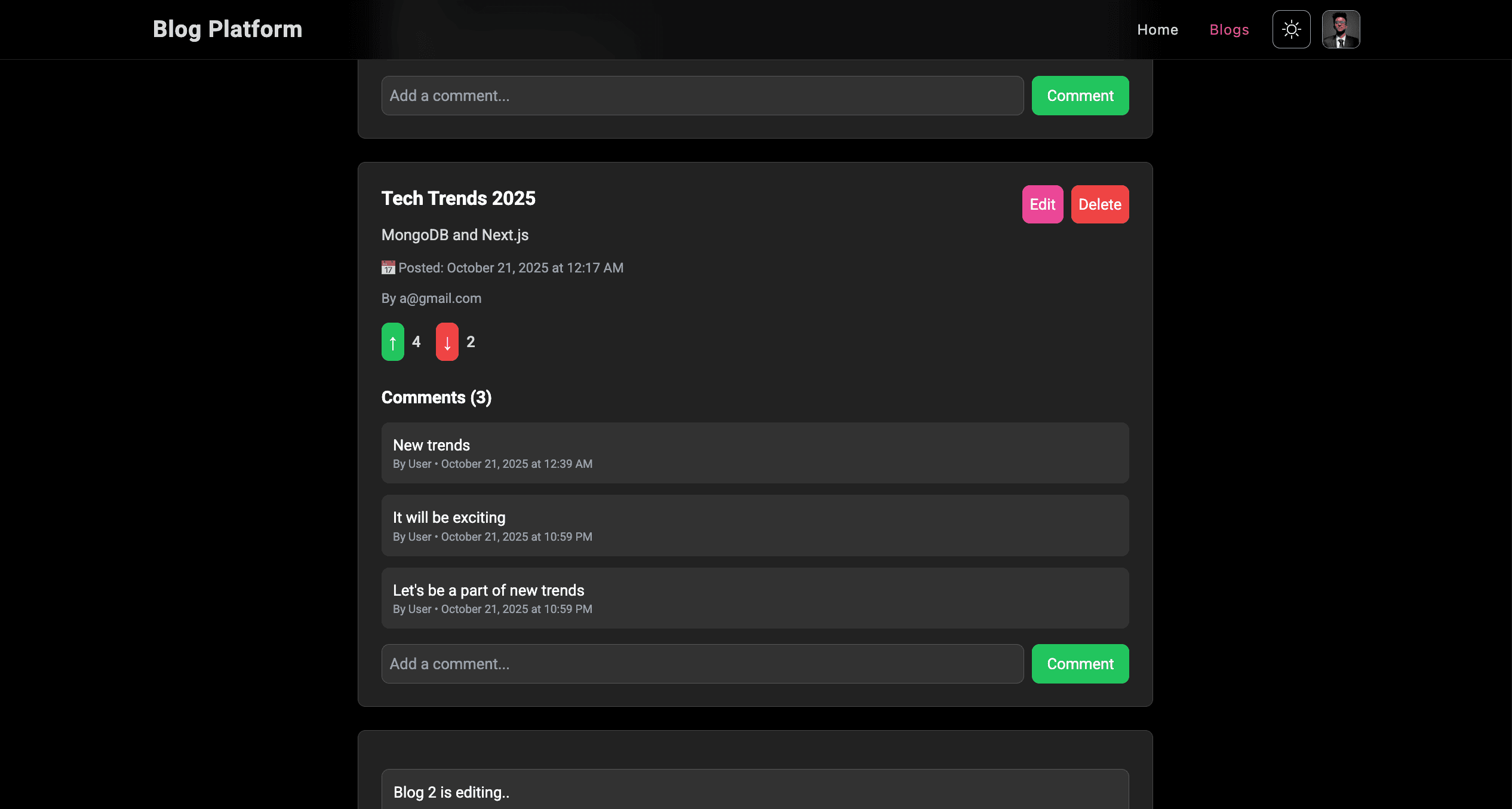
Each post shows title, content, author ('User'), creation timestamp (e.g., 'Posted: October 21, 2025, 10:28 PM'), and vote counts (e.g., '↑ 2 ↓ 1').
- Recent-first post sorting
- Dynamic search by title or content
- Clear display of post metadata and votes
- Responsive post list layout
Edit and Delete Posts
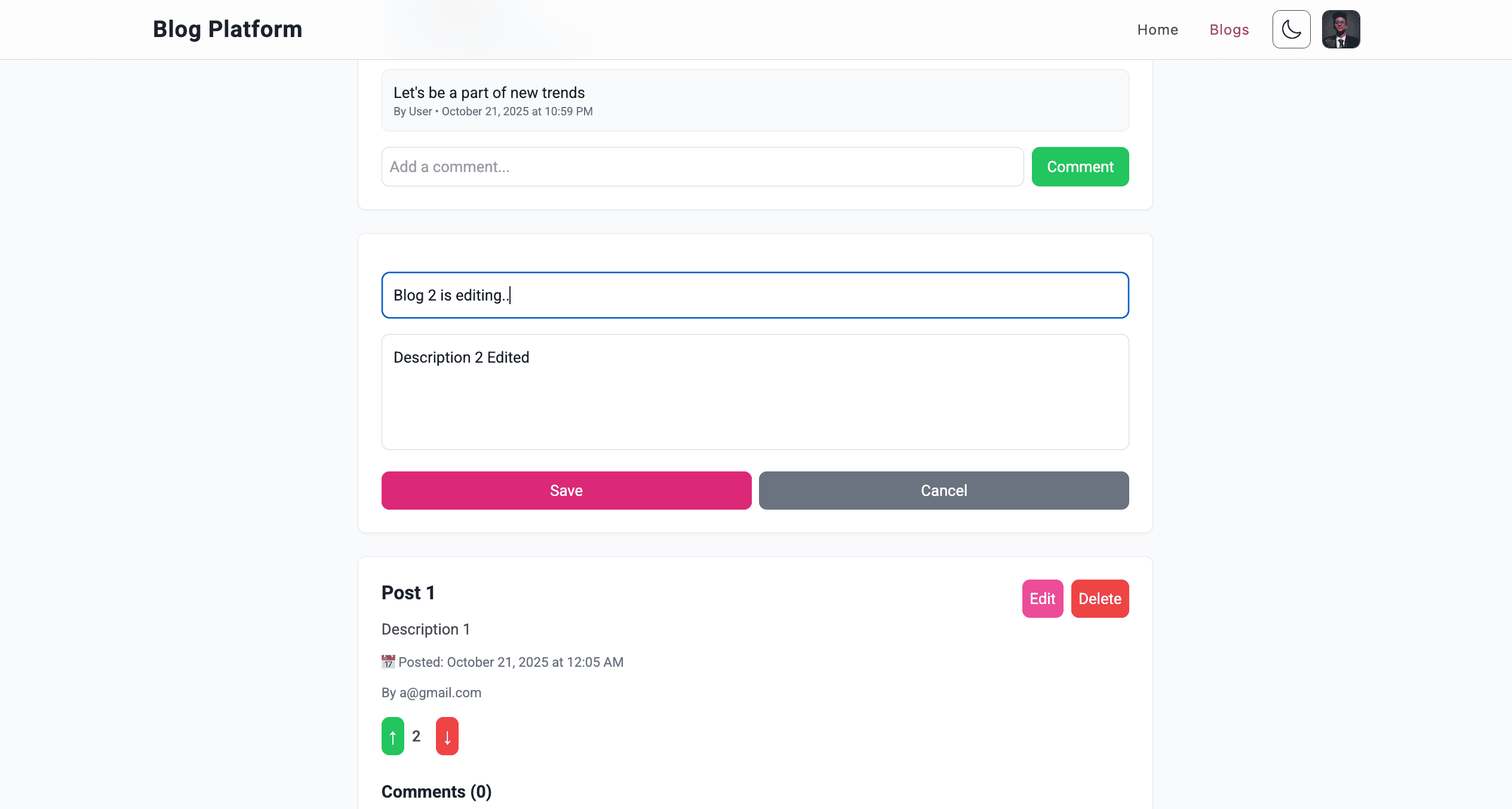
Users can edit their posts via a pre-filled form with current title and content, or delete posts with a confirmation prompt for safety.
Changes or deletions update the UI and MongoDB instantly using Next.js Server Actions.
- Pre-filled edit form for quick updates
- Safe deletion with confirmation prompt
- Real-time UI and database updates
- User-restricted post management
Comment on Posts
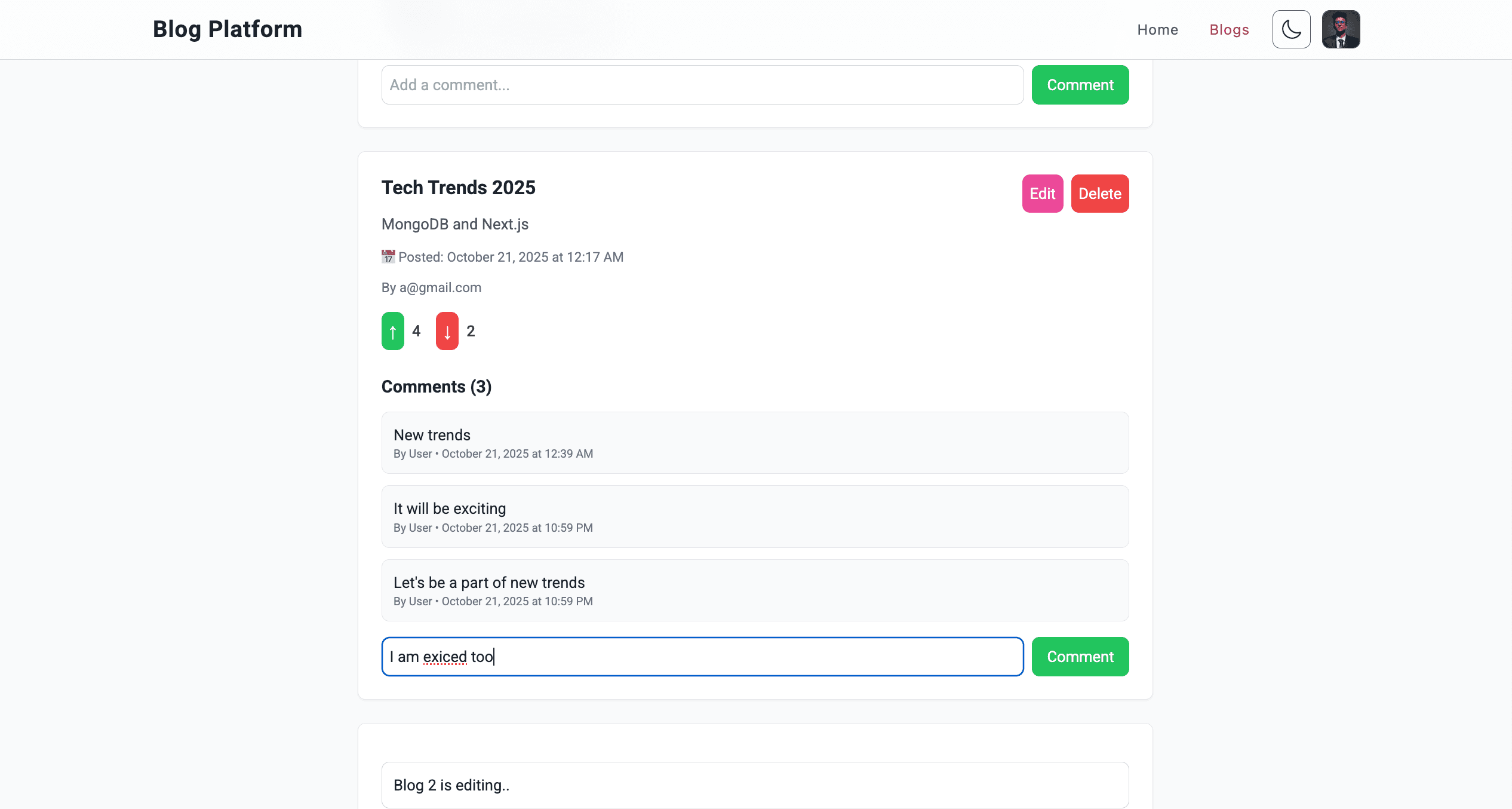
Users can add comments (minimum 3 characters) to any post, displayed with text, author ('User'), and timestamp (e.g., 'By User • October 21, 2025, 10:30 PM').
Comments update dynamically in the UI without page refresh.
- Comment form with character validation
- Dynamic comment display with metadata
- Real-time UI updates for comments
- Responsive comment section design
Upvote/Downvote Posts
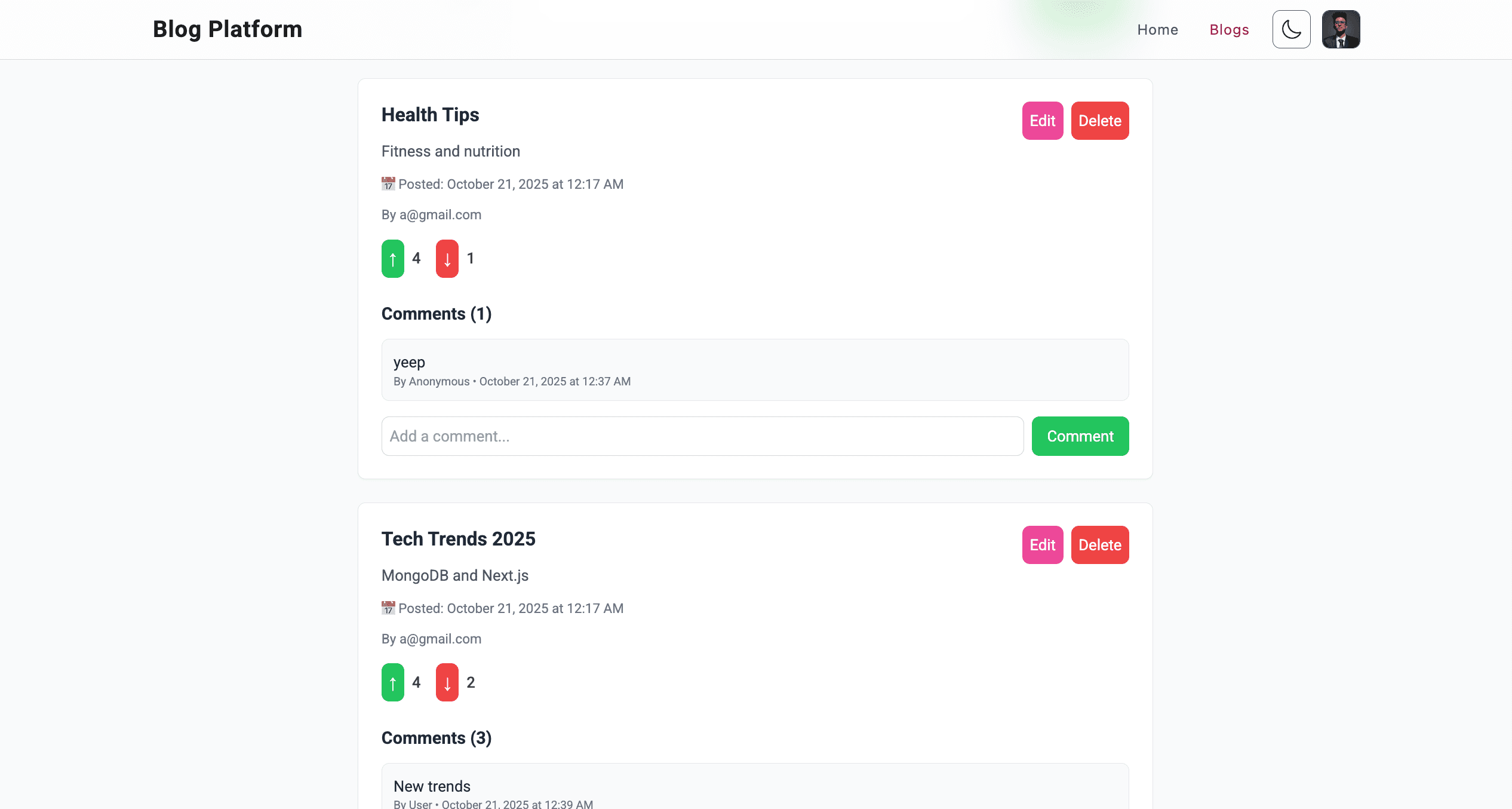
Each post includes 'Upvote' (↑) and 'Downvote' (↓) buttons, incrementing respective counters independently.
Vote counts update instantly in the UI and MongoDB, with feedback like '✅ Upvoted successfully'.
- Independent upvote/downvote functionality
- Real-time vote updates in UI and database
- User feedback for successful votes
- Responsive vote button design
Theme Toggle
A theme toggle on all pages switches between light and dark modes, adapting colors for posts, comments, and timestamps.
The feature ensures readability and a polished look across devices.
- Light/dark mode toggle for accessibility
- Adaptive UI colors for all elements
- Consistent theme across all routes
- Mobile-friendly theme switching
Technical Implementation
Built with Next.js for server-side rendering, dynamic routing, and Server Actions, ensuring fast performance and real-time updates, deployable via Vercel.
Integrates MongoDB for secure storage of posts, comments, and user data, with Tailwind CSS for responsive, utility-first styling and Next.js’s Inter font for optimized typography.
- Next.js Server Actions for real-time updates
- MongoDB for secure, scalable data management
- React hooks for state and effect management
- Tailwind CSS for responsive, modern design
- Optimized for mobile (e.g., iPhone 12, 390x844px)