Cafeteria

Cafeteria is a full-stack React.js application developed in February 2025 for an online food ordering platform. It supports user authentication via Firebase, with distinct interfaces for admins and users. Admins can manage food items, employees, members, vendors, raw materials, works, and payments, while users can browse food items, add to cart, and view profiles. Styled with Tailwind CSS and integrated with Firebase for real-time database operations, the site ensures a responsive, intuitive experience, showcasing skills in authentication, role-based routing, and dynamic UI.

Cafeteria

Technology Stack

ReactReact
Tailwind CSSTailwind CSS
JavaScriptJavaScript
FirebaseFirebase

Authentication Routes

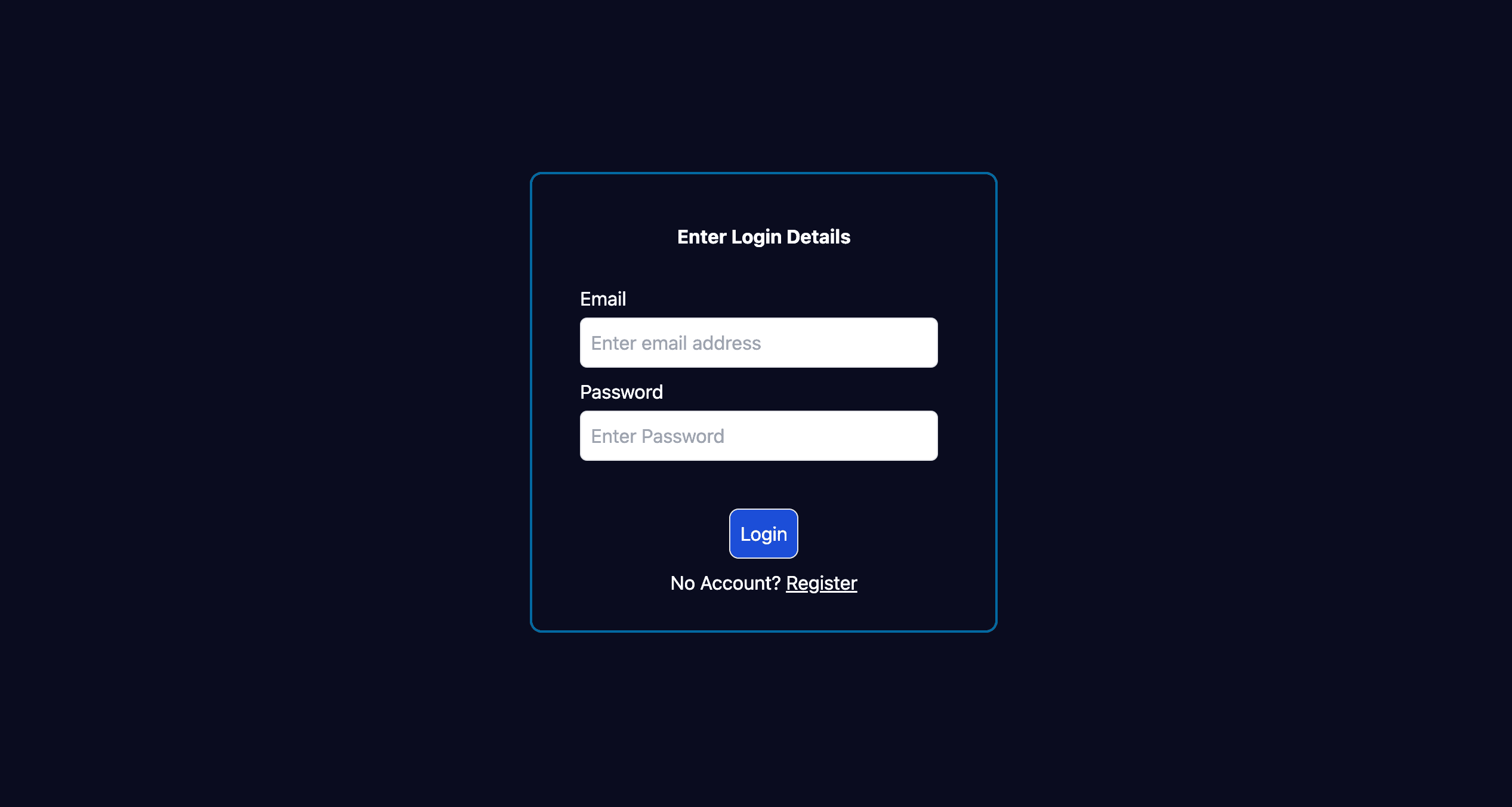
Unauthenticated users are directed to the /login route, displaying a login form for secure access.

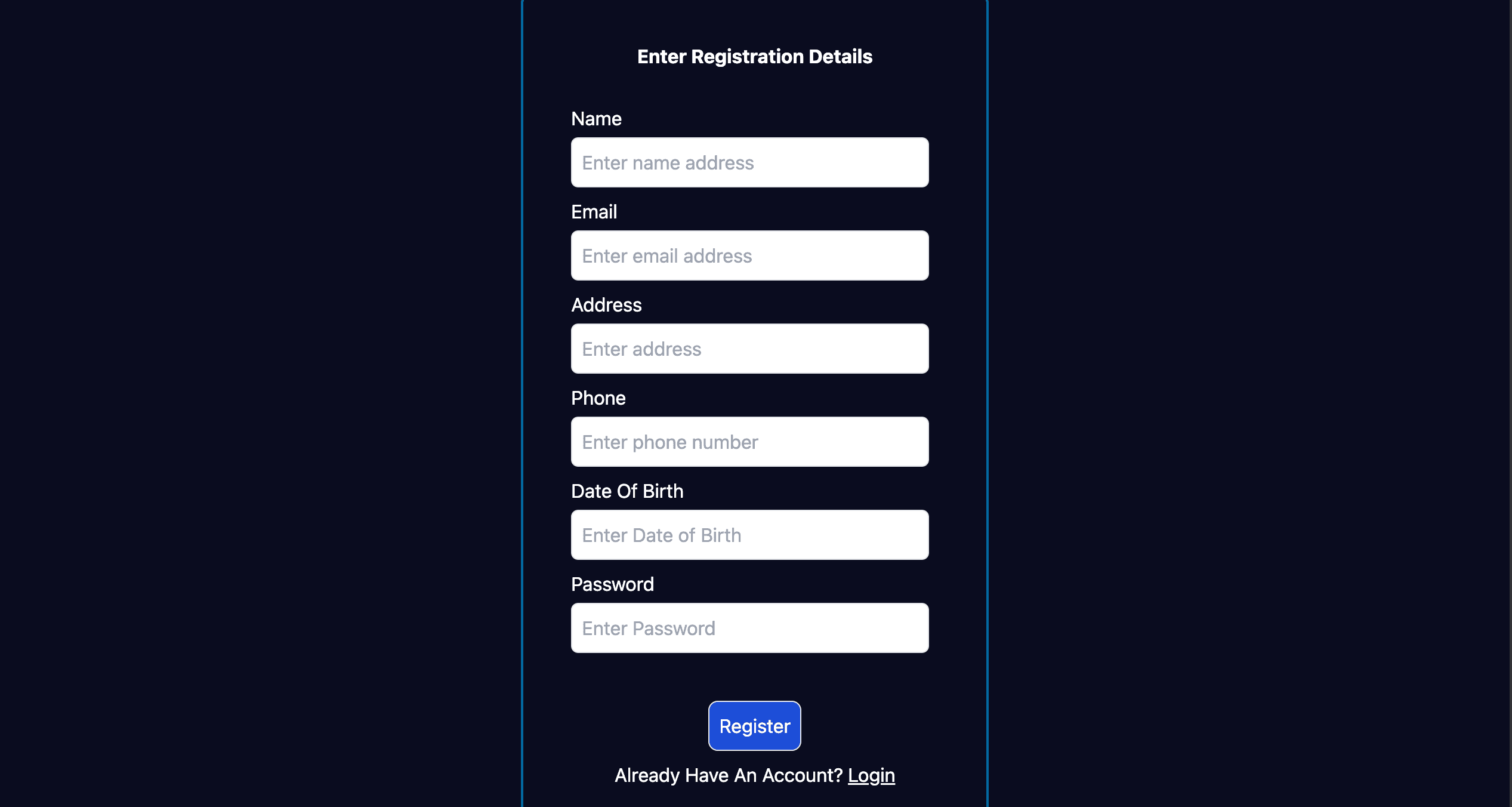
From the login page, users can navigate to the /register route to create a new account.

  • Secure login form with Firebase authentication
  • Seamless navigation to registration page
  • Responsive form design for all devices
  • User-friendly authentication flow
Authentication Routes image 1
Authentication Routes image 2

Admin Dashboard

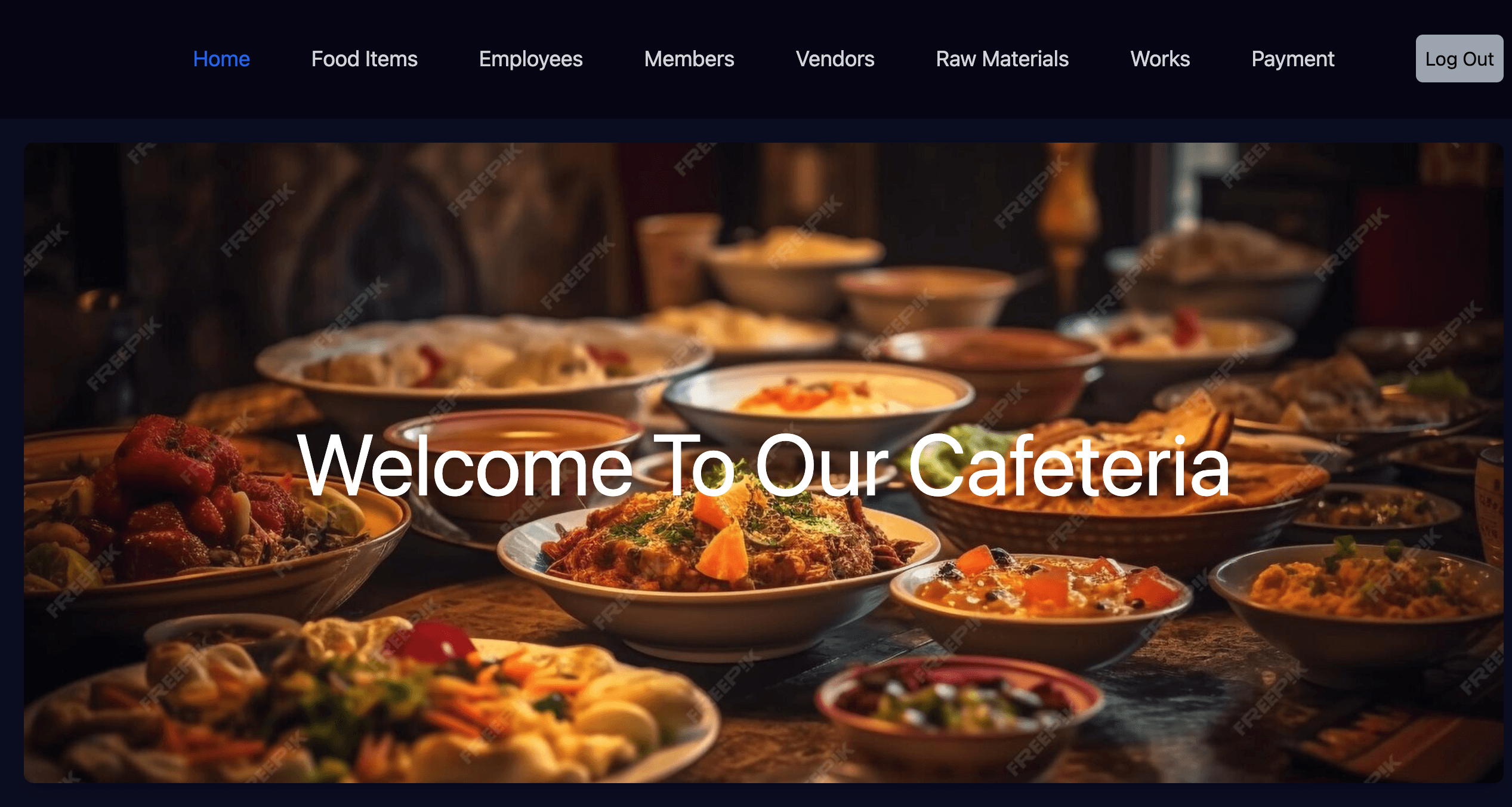
Upon admin login, users are redirected to the landing page (/) with a navbar containing Home, Food Items, Employees, Members, Vendors, Raw Materials, Works, Payment, and Log Out.

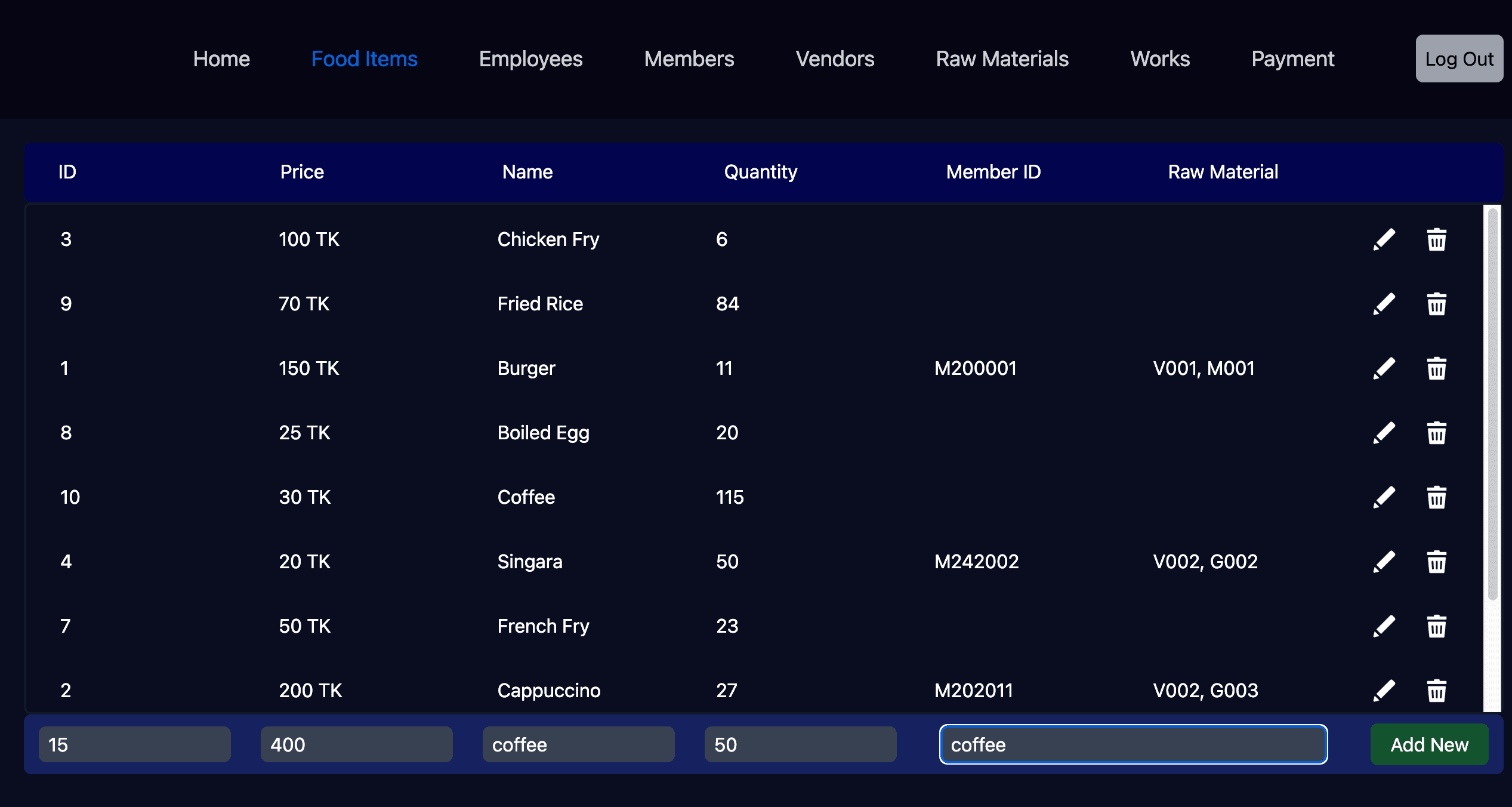
Clicking 'Food Items' navigates to /foodItems, where admins can update, edit, or delete food items in the Firebase database.

  • Role-based admin navbar with management options
  • CRUD operations for food items via Firebase
  • Responsive admin interface for database management
  • Secure admin-only access to sensitive routes
Admin Dashboard image 1
Admin Dashboard image 2

User Dashboard

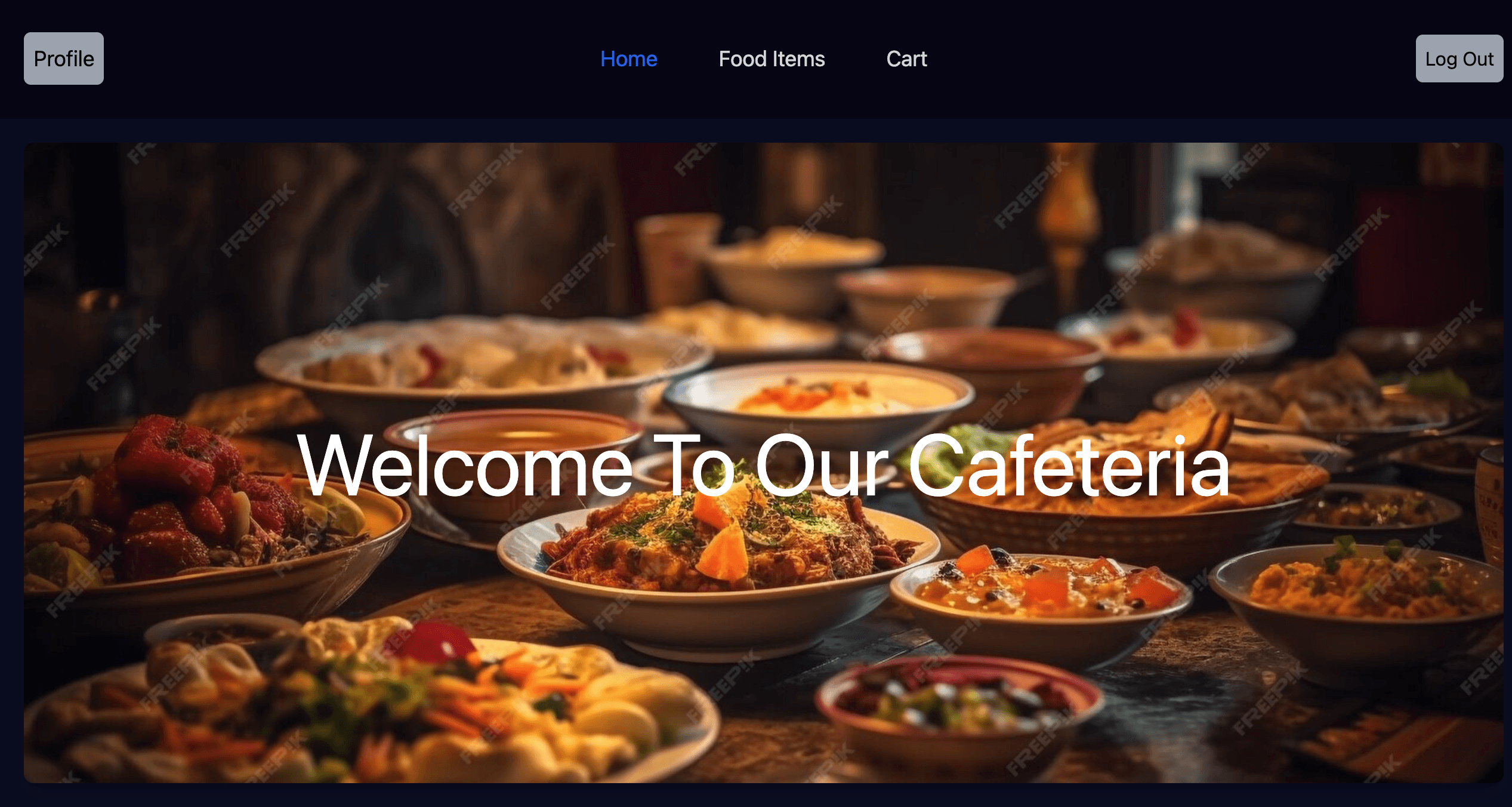
Upon user login, the landing page (/) displays a navbar with Profile, Home, Food Items, Cart, and Log Out options, tailored for user interaction.

The landing page provides a welcoming interface consistent with admin access but with user-specific functionality.

  • User-specific navbar with relevant options
  • Consistent landing page design for all roles
  • Responsive and intuitive user interface
  • Secure user authentication via Firebase
User Dashboard image 1

Food Items Route (/foodItems)

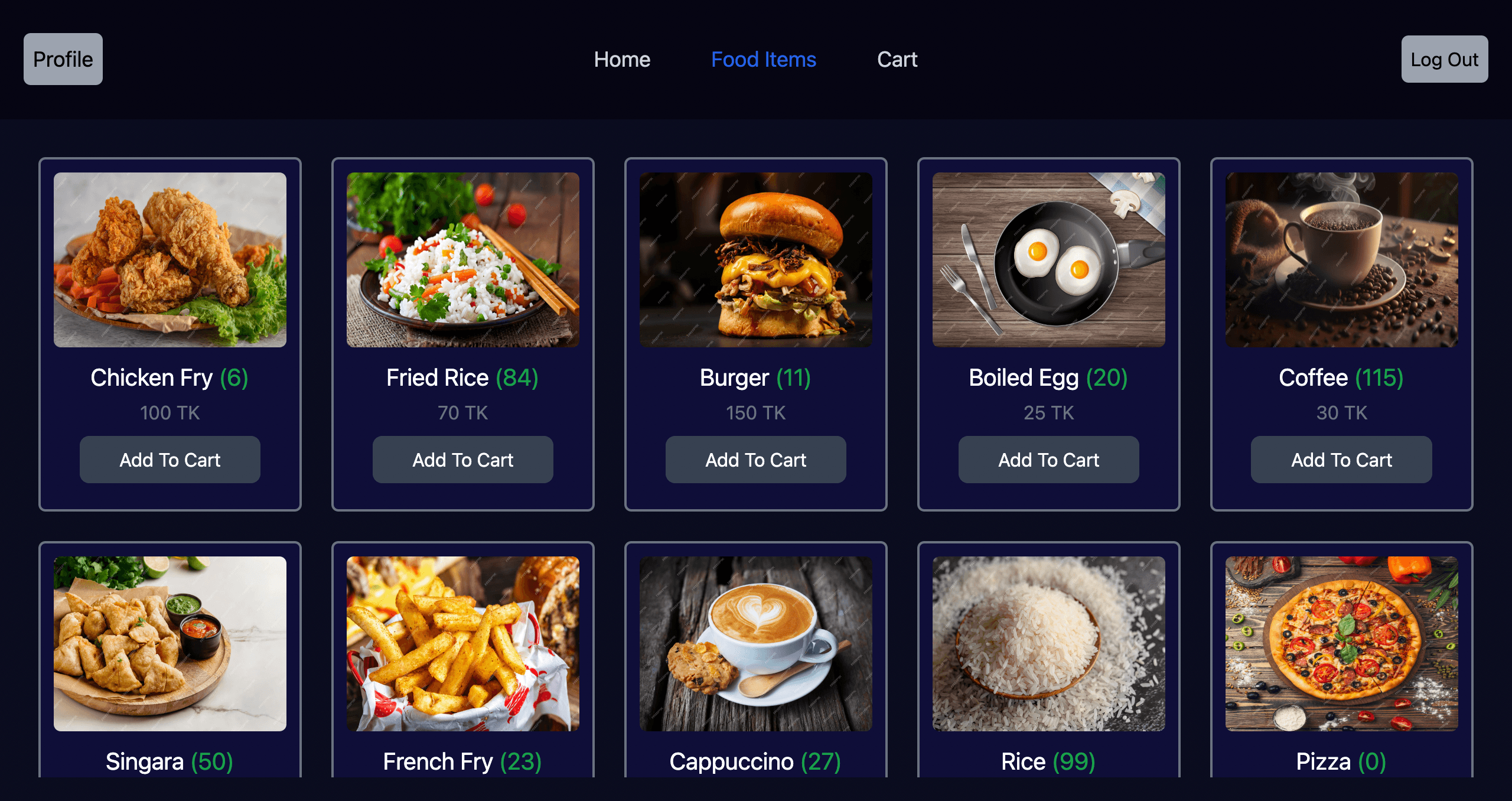
For users, the /foodItems route displays a grid of food item cards, each featuring an image, name, quantity, price, and 'Add to Cart' button.

The interface allows users to browse and select food items for purchase, distinct from the admin’s management view.

  • Responsive food item card grid layout
  • Clear display of item details and pricing
  • Interactive 'Add to Cart' functionality
  • User-focused browsing experience
Food Items Route (/foodItems) image 1

Cart Route (/cart)

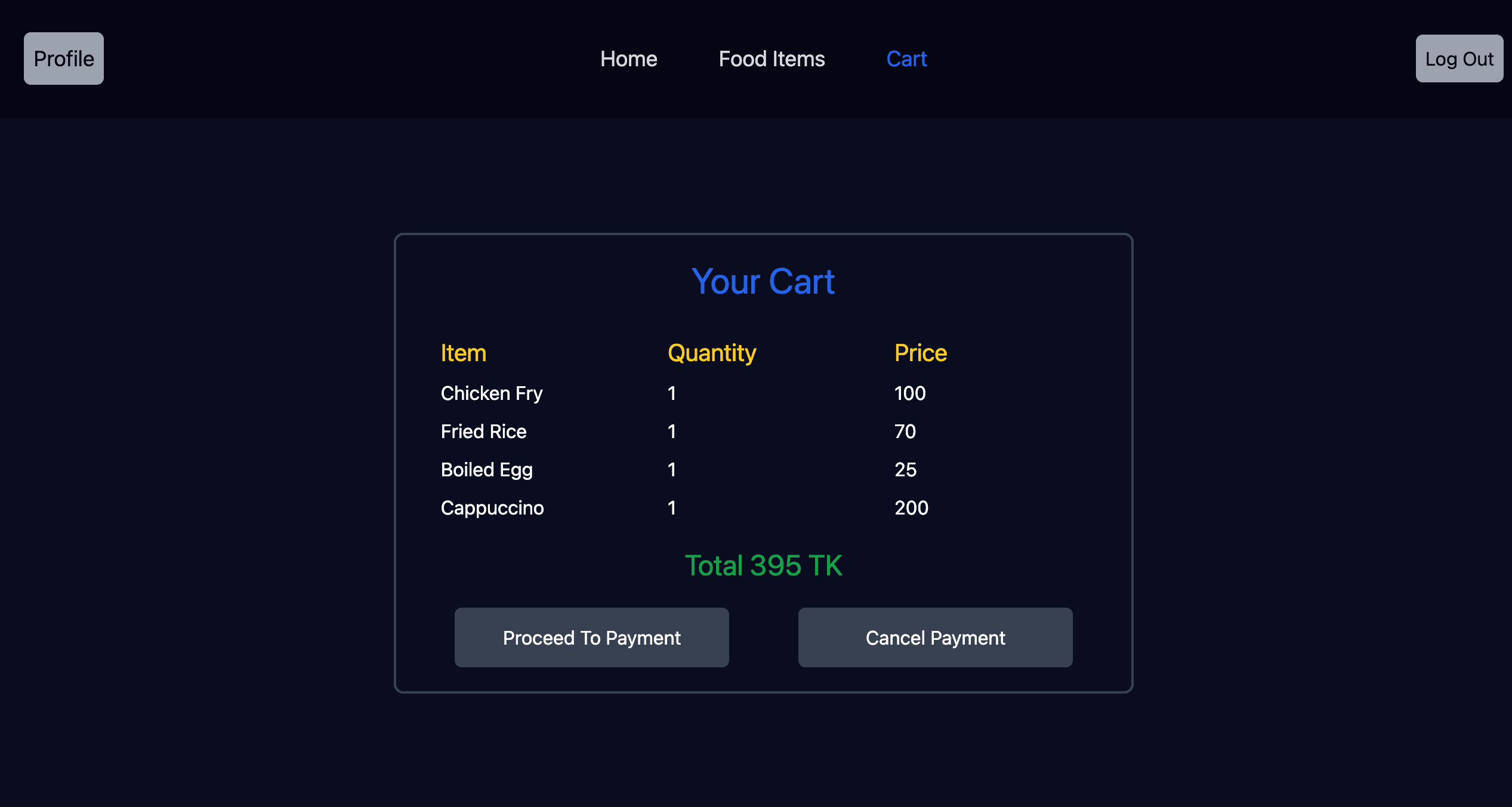
Clicking the Cart icon navigates users to the /cart route, showing all selected food items with their total price.

Users can proceed to payment or empty the cart using dedicated buttons.

  • Dynamic cart display with total cost
  • Options to proceed to payment or clear cart
  • Responsive design for cart management
  • Real-time updates with Firebase integration
Cart Route (/cart) image 1

Profile Route (/profile)

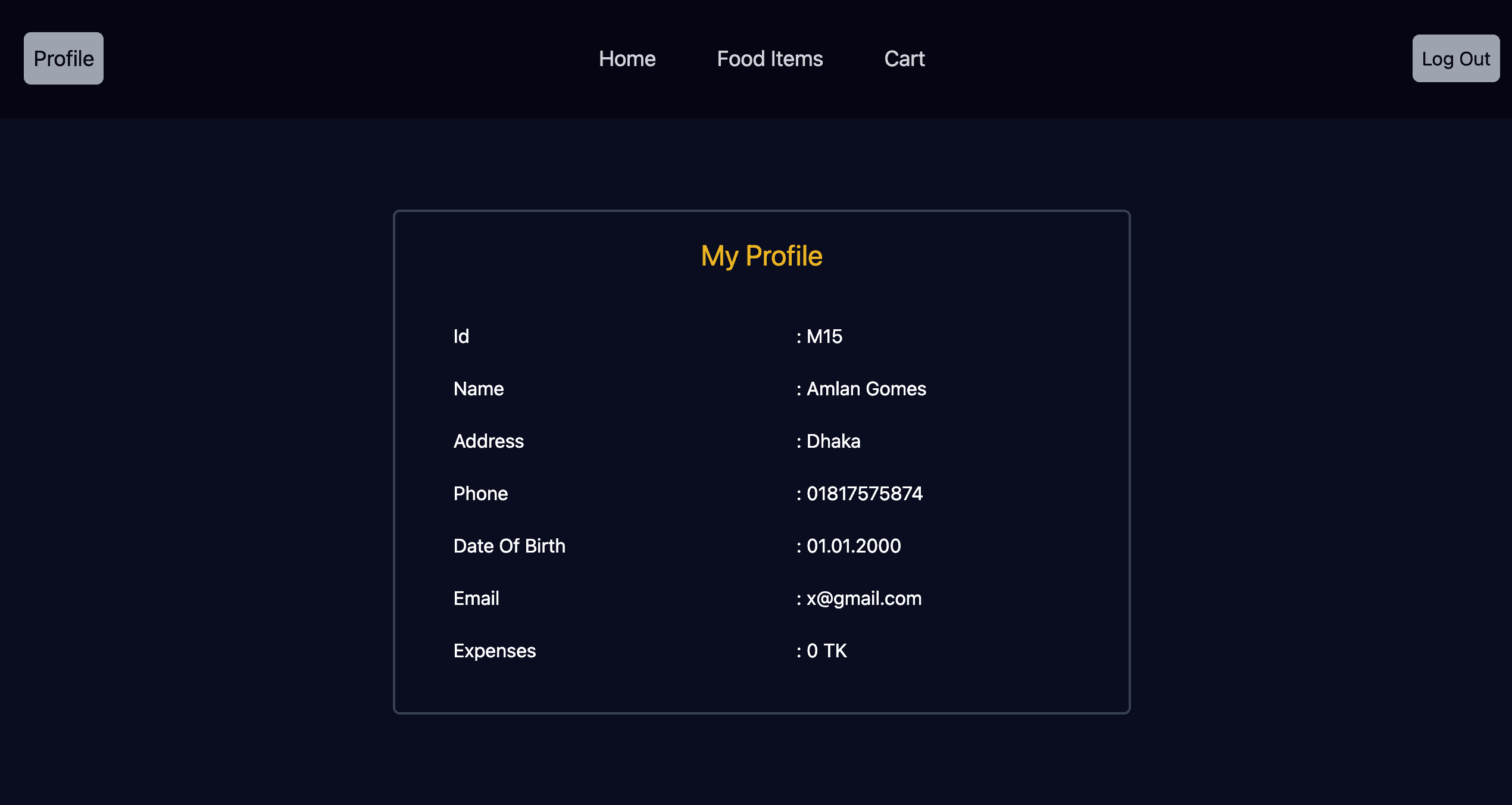
The /profile route displays the user’s personal information provided during registration, offering a clear and concise view of their account details.

  • Display of user registration details
  • Responsive profile page layout
  • Secure data retrieval via Firebase
  • Clean and user-friendly interface
Profile Route (/profile) image 1

Technical Implementation

Built with React.js for dynamic, component-based architecture and Firebase for secure authentication and real-time database operations.

Utilizes Tailwind CSS for responsive, utility-first styling, ensuring a consistent and modern design across all routes.

  • Firebase for authentication and data management
  • React Router for role-based navigation
  • React hooks for state and effect management
  • Tailwind CSS for rapid, responsive styling
  • Optimized performance for e-commerce functionality