Faculty Review
Faculty Review gives students a real place to share and read honest feedback on their university faculty. Search for any professor by name, initials, or department, then read comments from other students, leave your own, and rate them out of 5 — so the next student picking a course knows what to expect. Admins keep the faculty list itself up to date behind the scenes. Built with Next.js, React, and MongoDB.
Technology Stack
 Next.js
 React
React Tailwind CSS
 JavaScript
 MongoDB
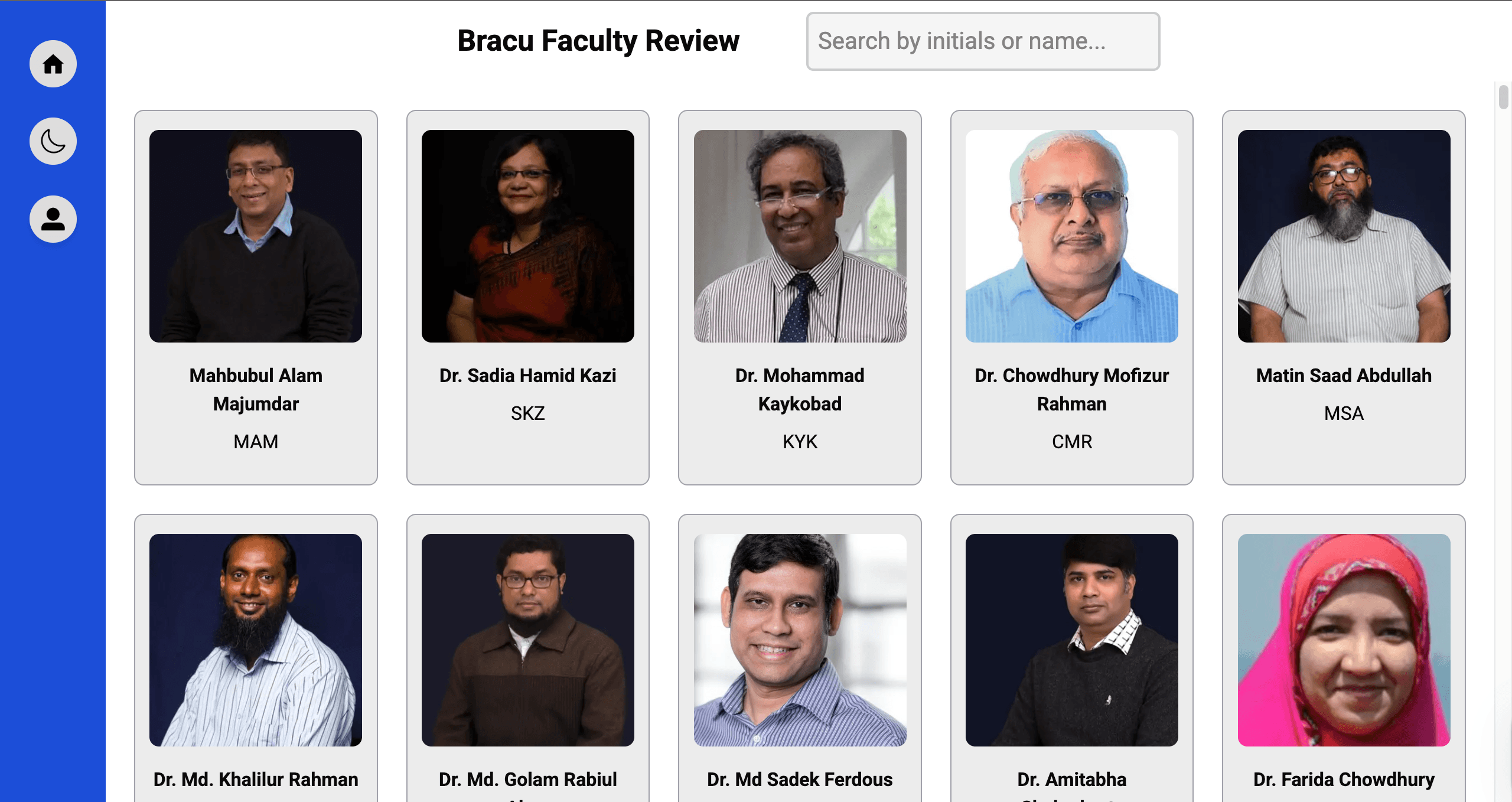
Browse & Search Faculty
A grid of every faculty member, each with their name, photo, and initials — search by name, initials, or department to find who you're looking for in seconds. You'll need an account to browse, so reviews stay tied to real students.
- Clean grid of every faculty member
- Instant search by name, initials, or department
- Free to sign up and browse
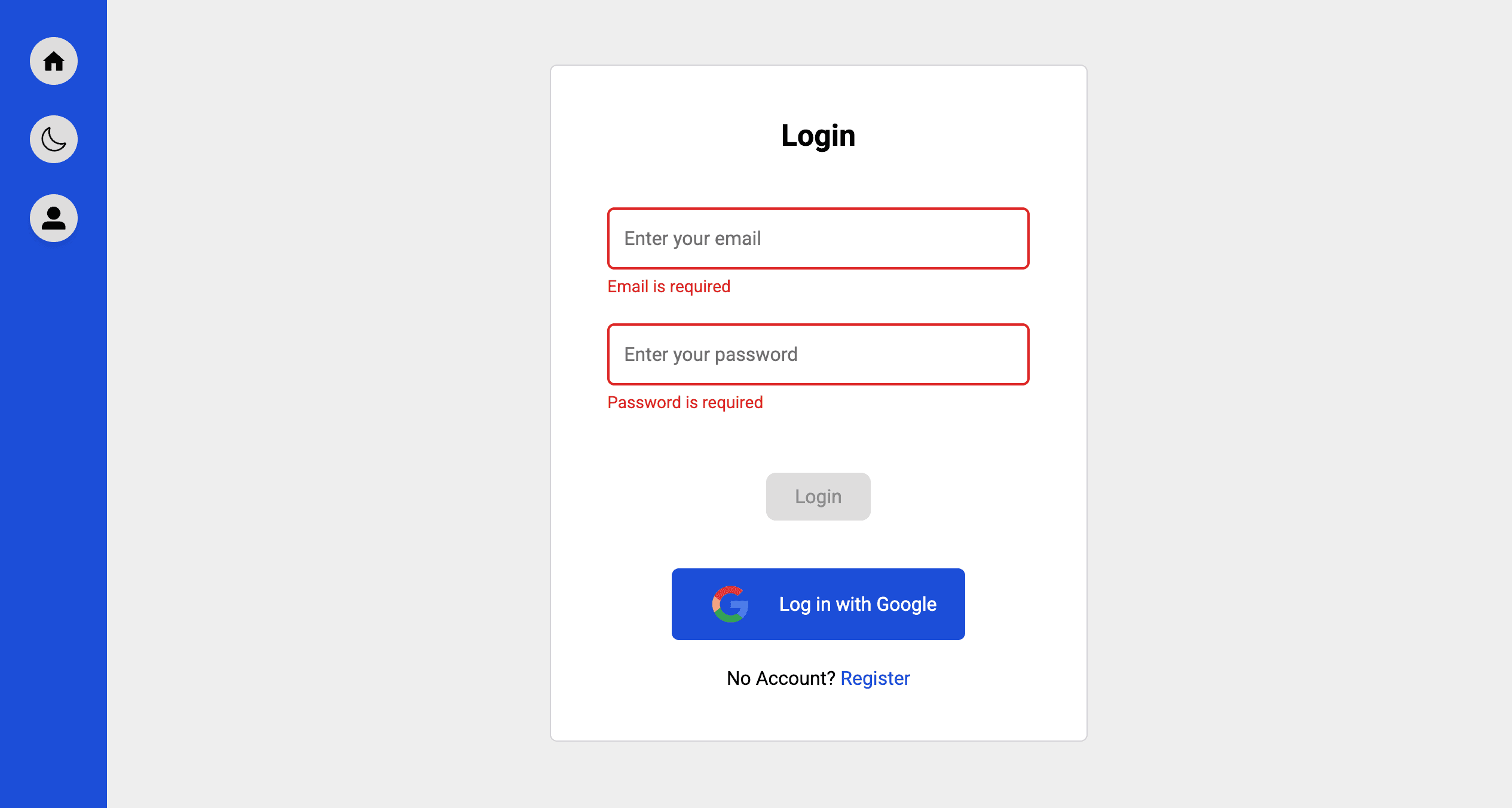
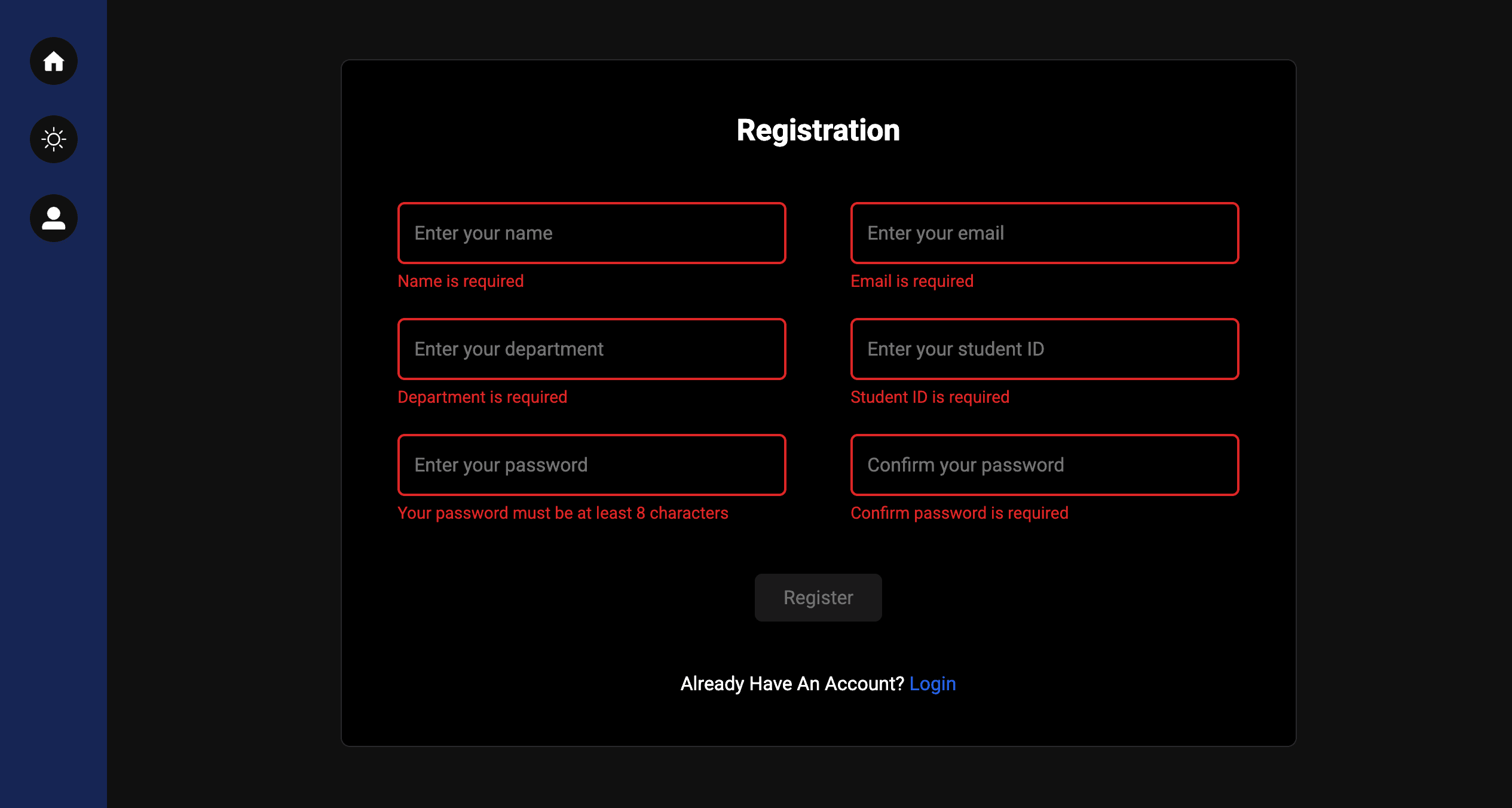
Account & Login
A simple login and sign-up flow — create an account in a couple of steps and you're ready to start reading and leaving reviews.
- Secure login with validation
- Quick account creation
- Smooth navigation between login and sign-up
Reviews & Ratings
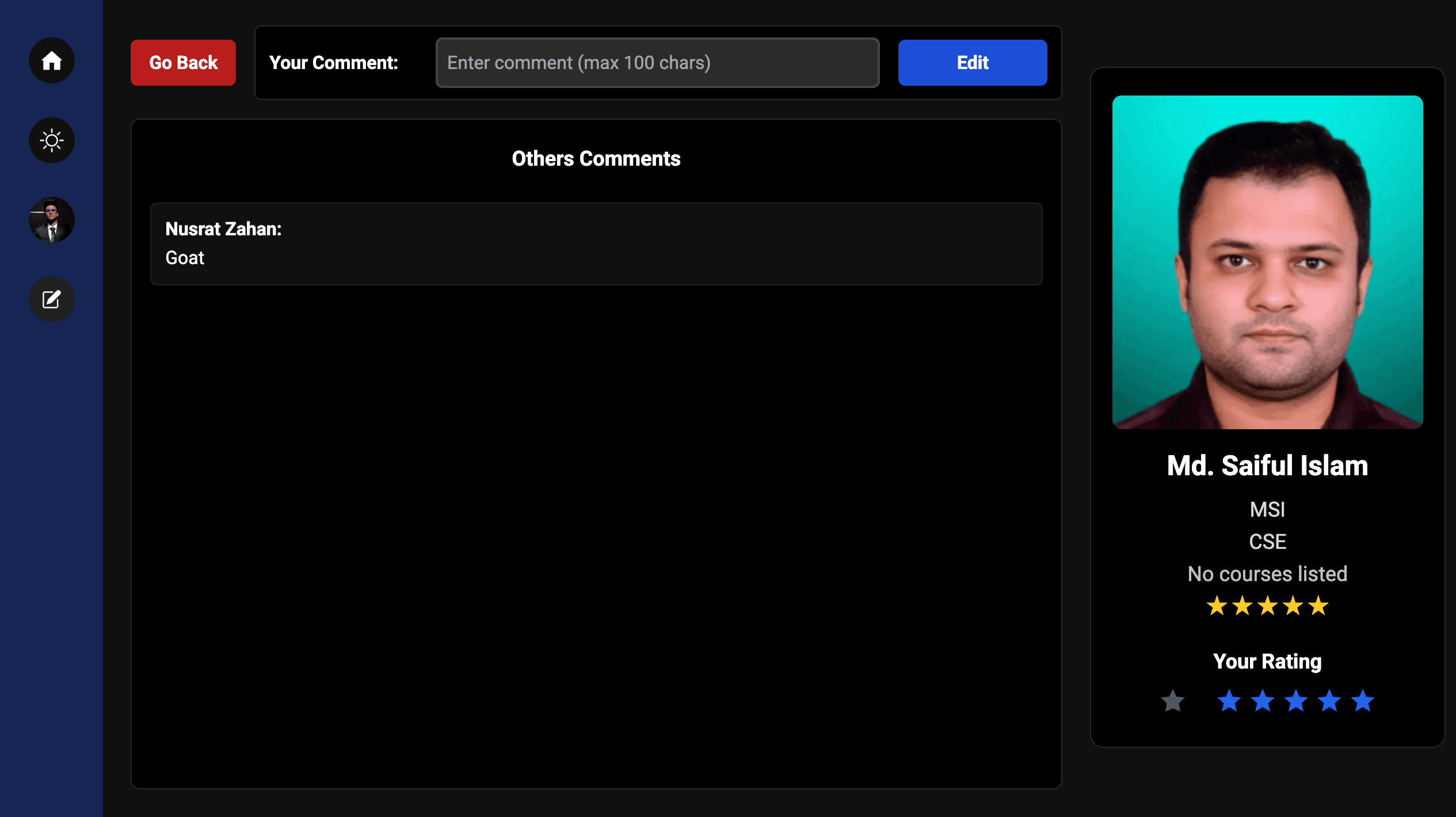
Click any faculty member to see their full profile: leave your own comment, read what other students have said, and rate them out of 5 — all on one page.
- Leave a comment about any faculty member
- Read comments from other students
- Rate faculty out of 5
Admin Dashboard
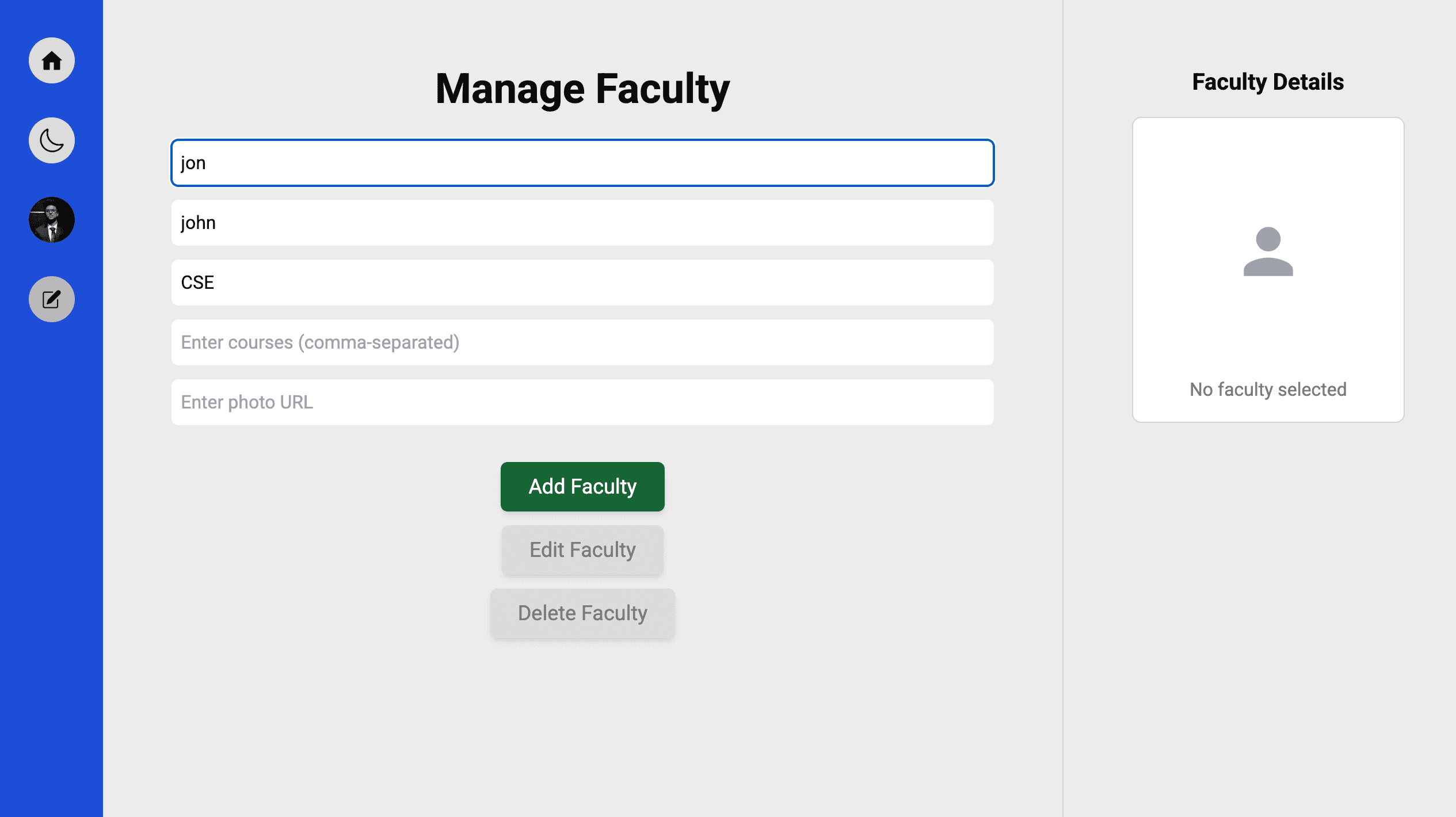
Admins get an extra option in the menu to add, edit, or remove faculty from the database, so the list itself always stays accurate and current.
- Add, edit, or remove faculty
- Admin-only access
- Keeps the faculty list accurate
Built With
Built with Next.js for fast, dynamic pages and MongoDB for storing reviews and ratings, styled with Tailwind CSS.
- Next.js for fast, dynamic pages
- MongoDB for reviews and ratings
- Tailwind CSS for a clean, responsive design