Chemisty MCQ Test
Chemistry MCQ Test is a study platform built for students preparing for their SSC chemistry exam. Take a randomized 10-question test under a real 10-minute timer, browse the complete syllabus to review any topic, and read practical exam tips and shortcuts. Every test result is saved, so students can track their scores and see their improvement over time on a simple chart. Built with Next.js and TypeScript.

Technology Stack
 Next.js
 React
React Tailwind CSS
 TypeScript
 JavaScript
Getting Started
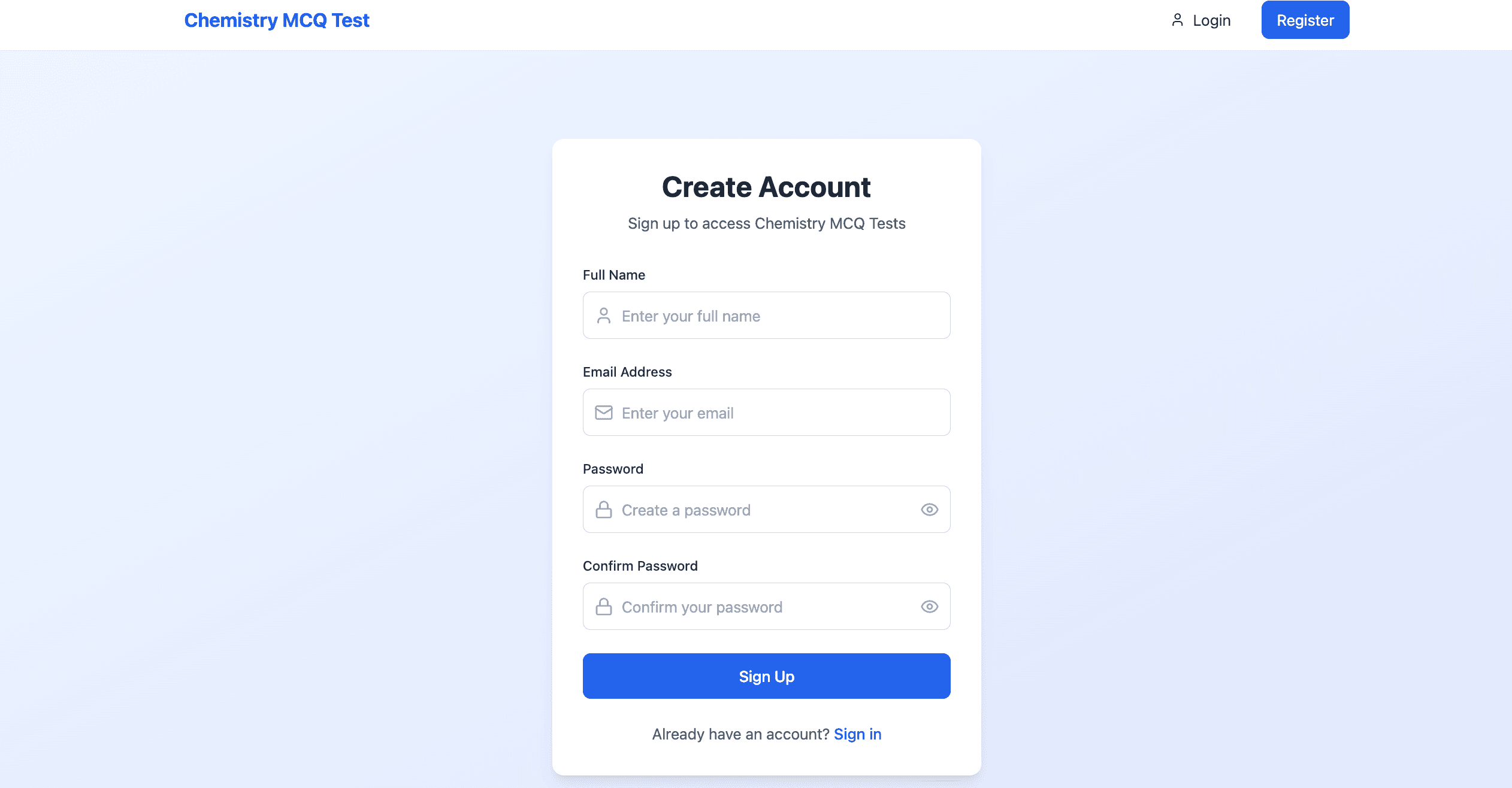
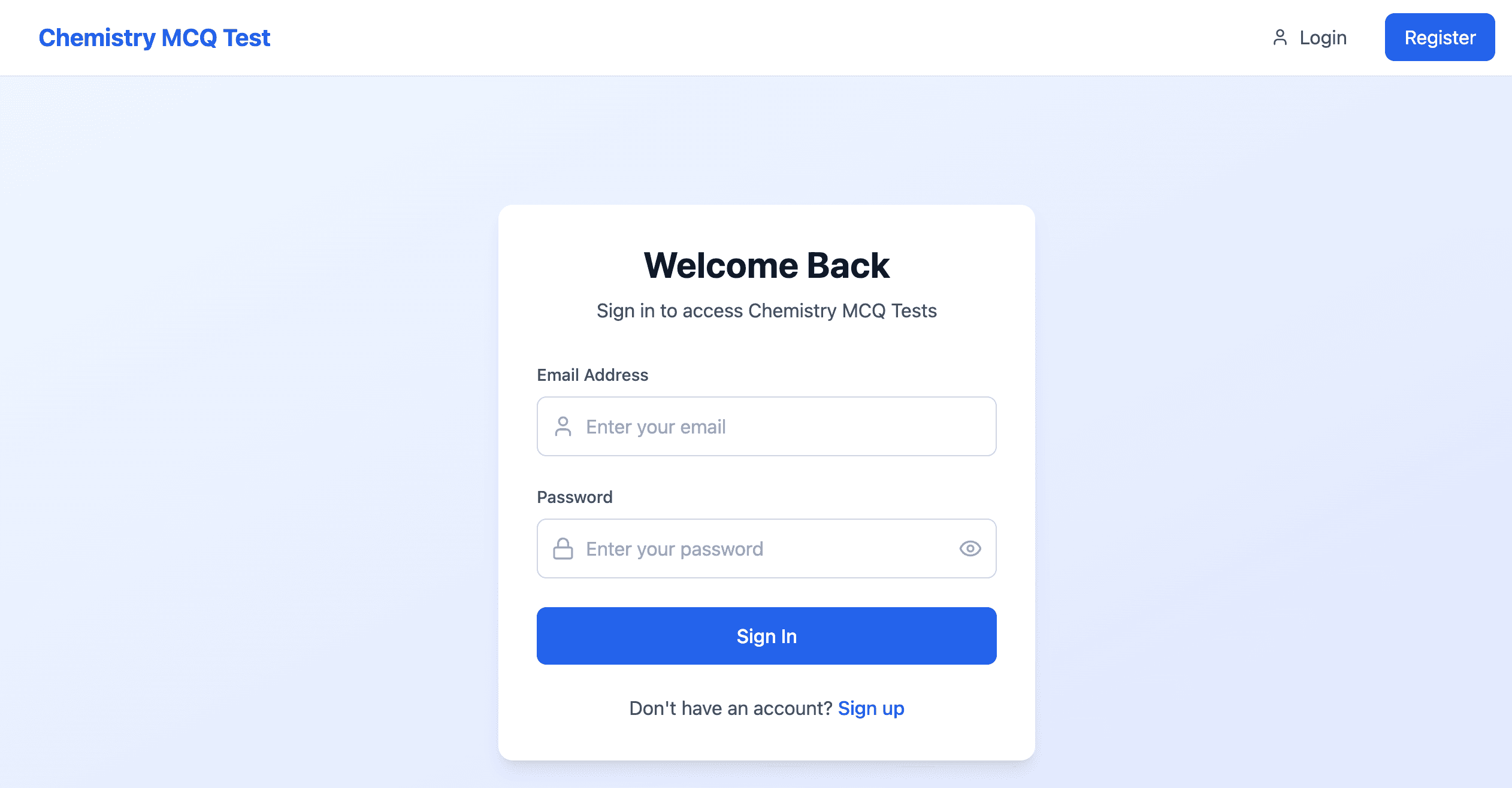
A welcoming homepage greets students and guides them straight to what they need. Creating a free account lets you save your progress and come back to track it anytime.
- Simple, welcoming design for SSC students
- Secure login and registration
- Your progress is saved to your account
Timed Practice Tests
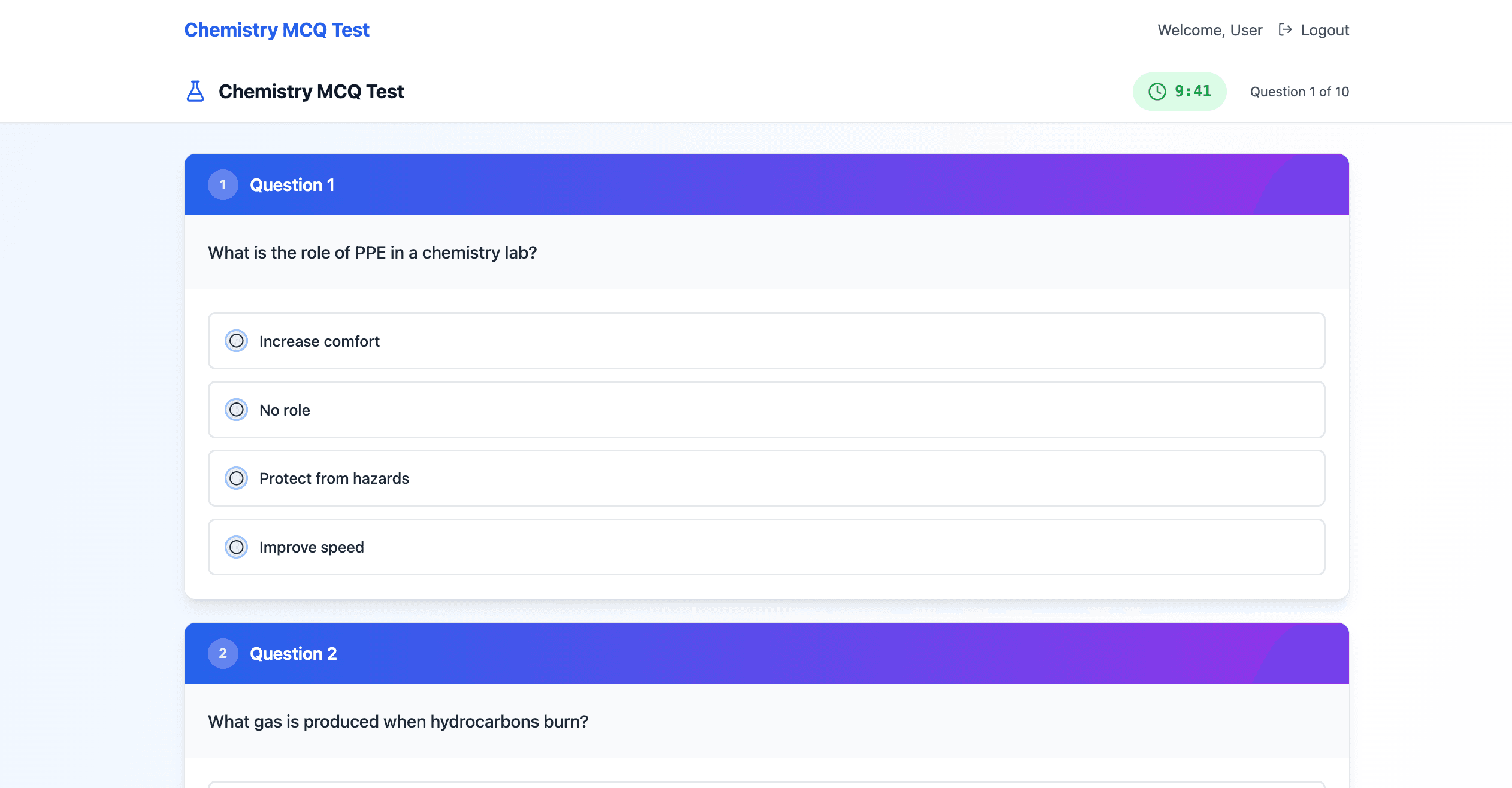
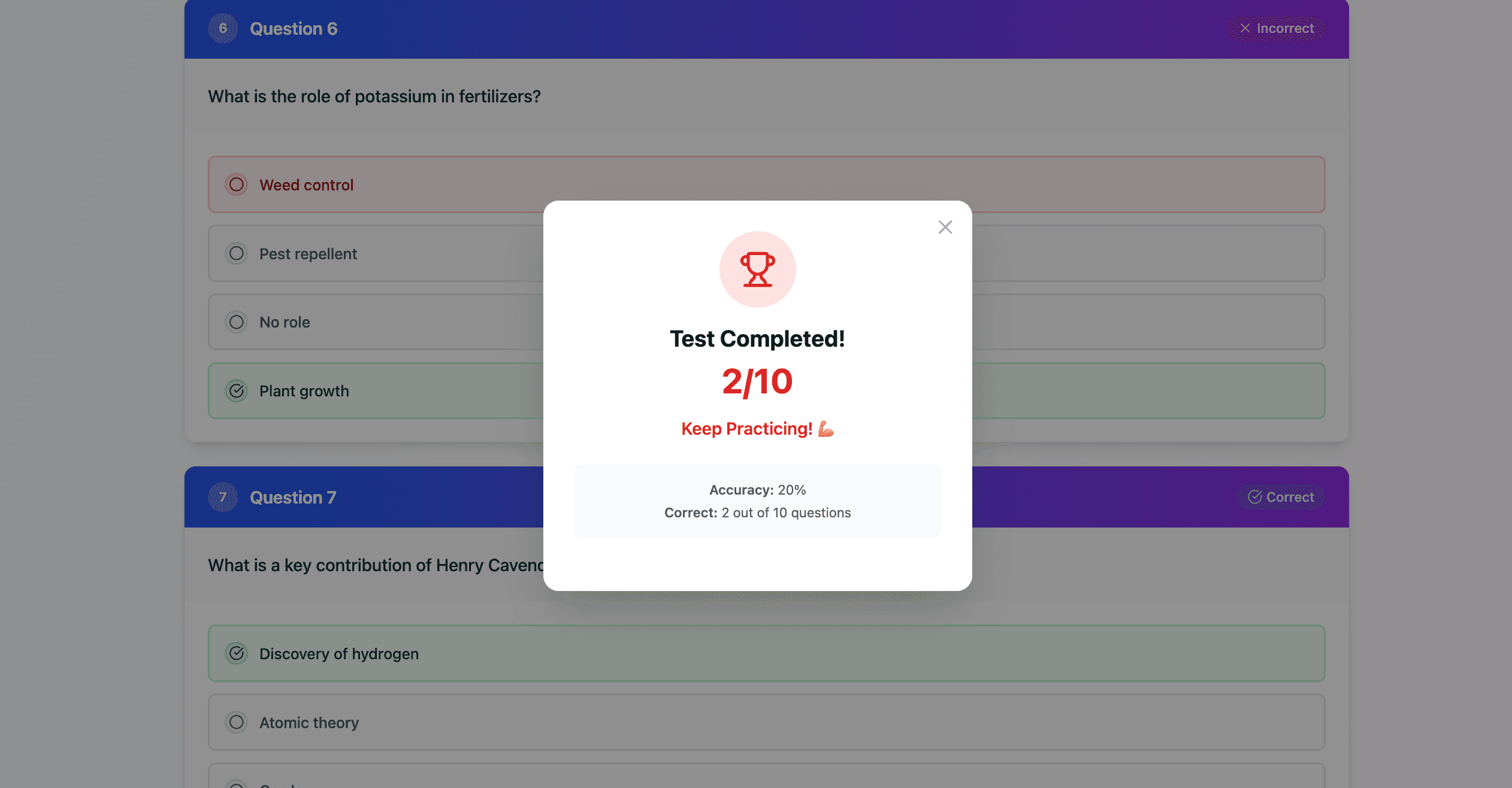
Take a real practice test: 10 questions randomly pulled from a full question bank covering Inorganic, Physical, and Organic Chemistry, under a genuine 10-minute countdown that mirrors real exam pressure.
- 10 random questions per test, covering the full syllabus
- Real 10-minute timer
- Instant scoring the moment you submit
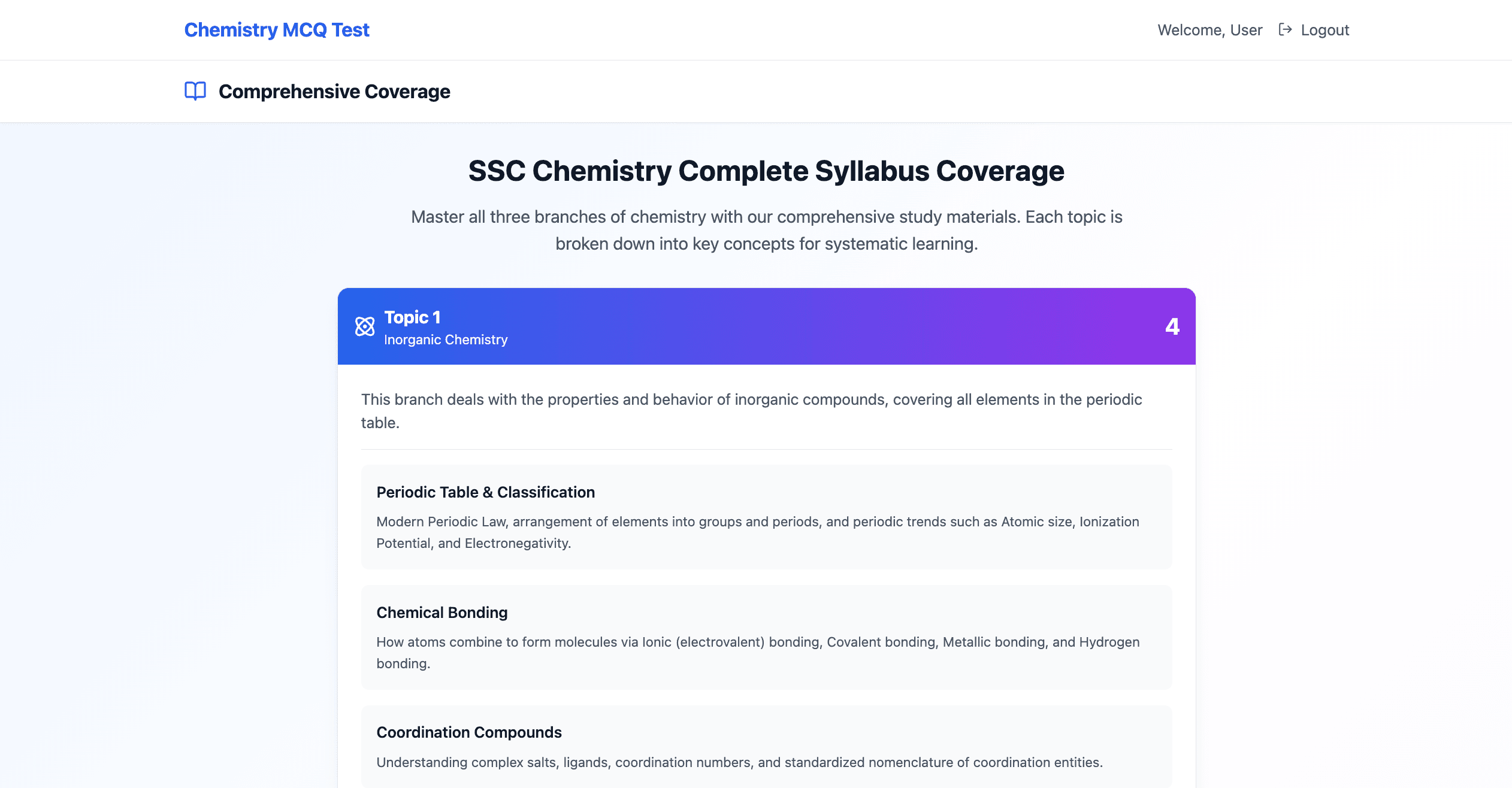
Full Syllabus, Organized
Browse the entire SSC Chemistry syllabus in one place — expand any chapter to review its topics and subtopics before your next test.
- Complete syllabus, chapter by chapter
- Expand any section to review the details
- Built for quick, systematic revision
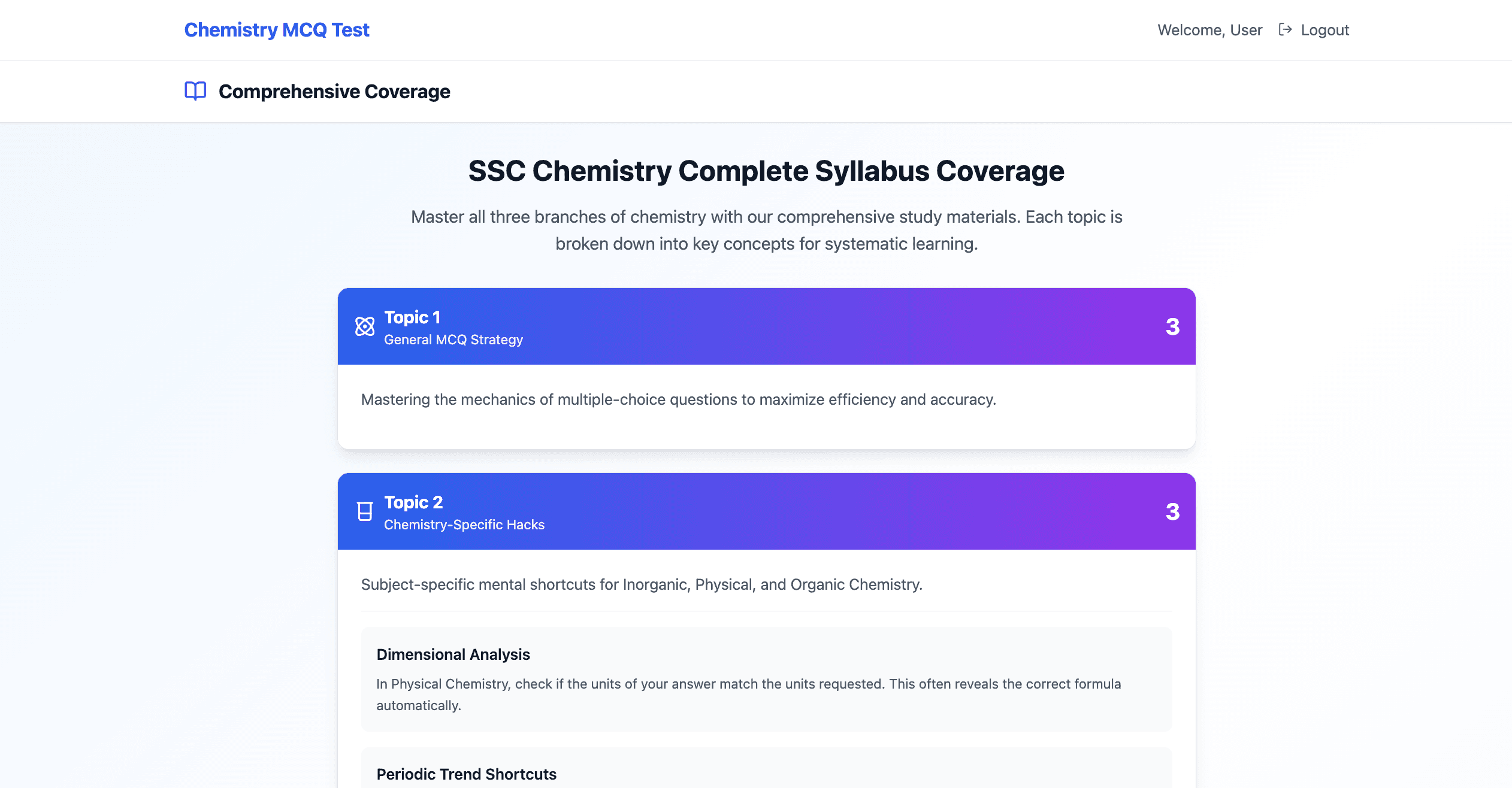
Exam Tips
Practical advice for exam day — time-management tips, shortcuts for specific chapters, and the common mistakes students make, so you know what to avoid.
- Real test-taking techniques and shortcuts
- Tips organized by chapter
- Common mistakes to avoid
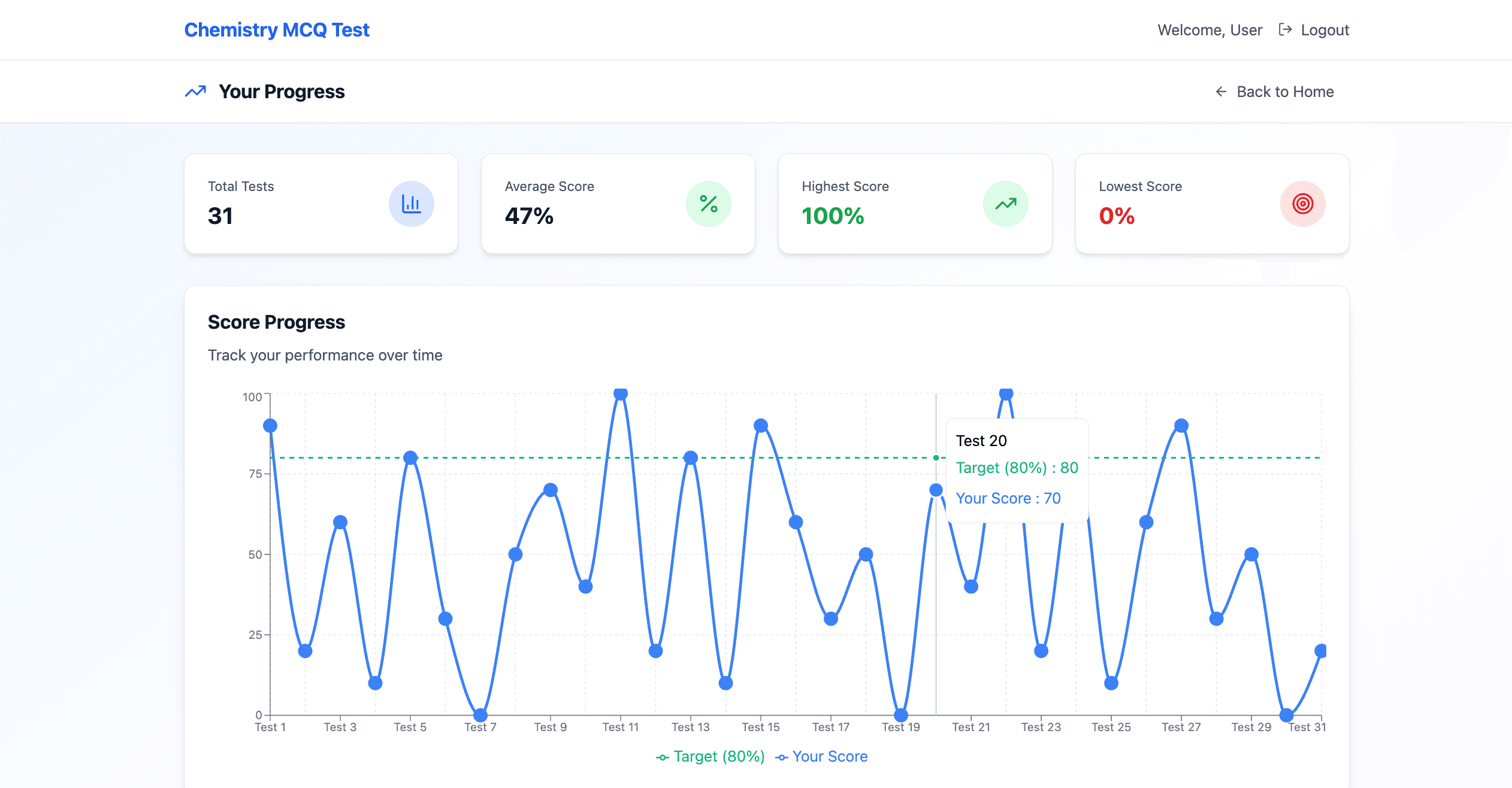
Track Your Progress
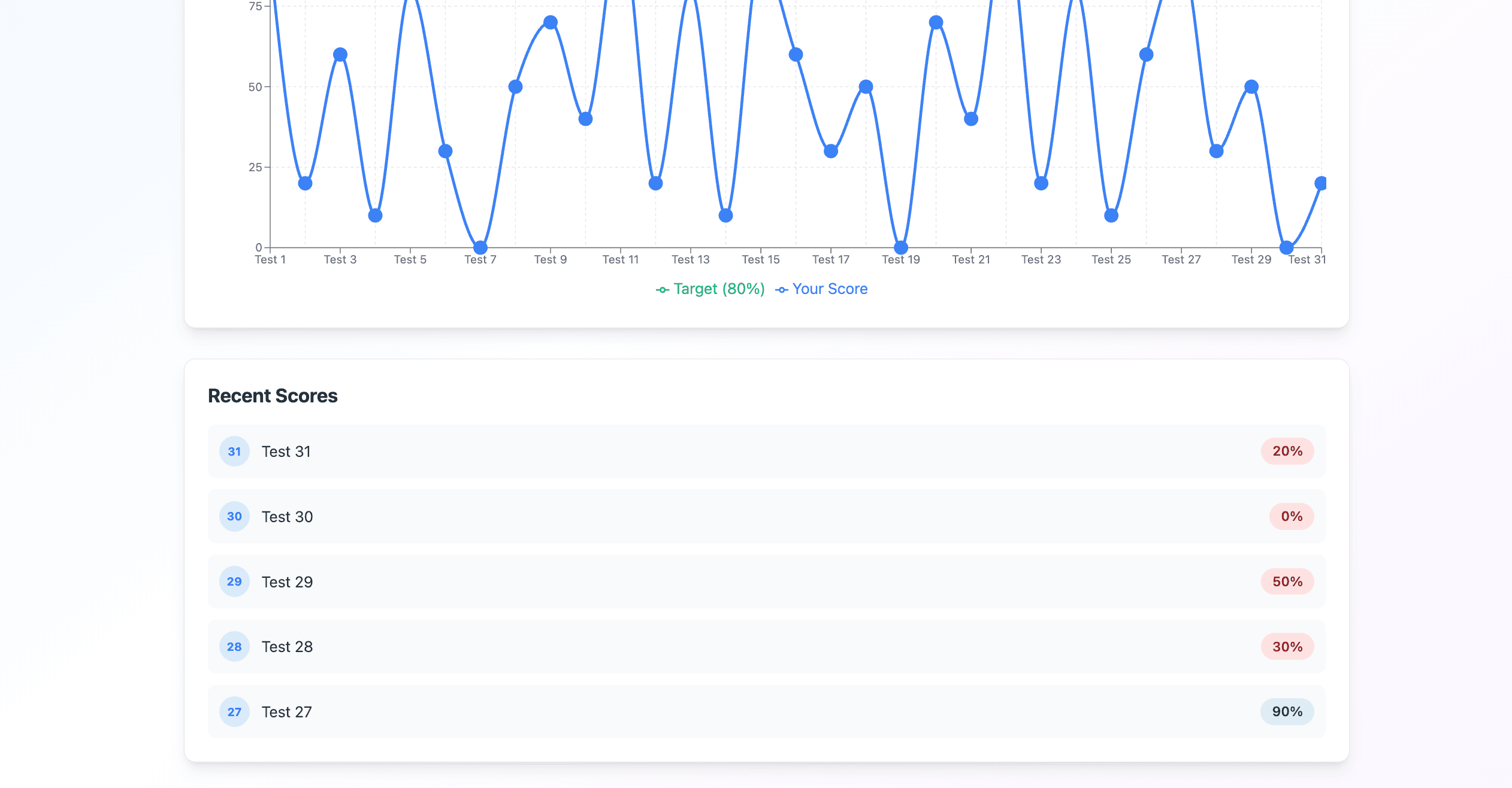
After every test, see exactly how you did — your score, accuracy, and how long it took — and watch a simple chart show your improvement across every attempt, so you know which topics still need work.
- Every test score saved automatically
- A simple chart of your progress over time
- See which topics need more work
Built With
Built with Next.js and TypeScript for a fast, reliable experience on any device, styled with Tailwind CSS.
- Next.js and TypeScript throughout
- Tailwind CSS for a clean, responsive design