Protein Corner
Protein Corner is an e-commerce storefront for a business selling protein-based foods — chicken, fish, beef, egg, and milk. A video-led homepage introduces the products, customers filter and browse by category, add items to a cart, and check out with a clear order summary. Built with Next.js, React, and Tailwind CSS.
Technology Stack
 Next.js
 React
React Tailwind CSS
 JavaScript
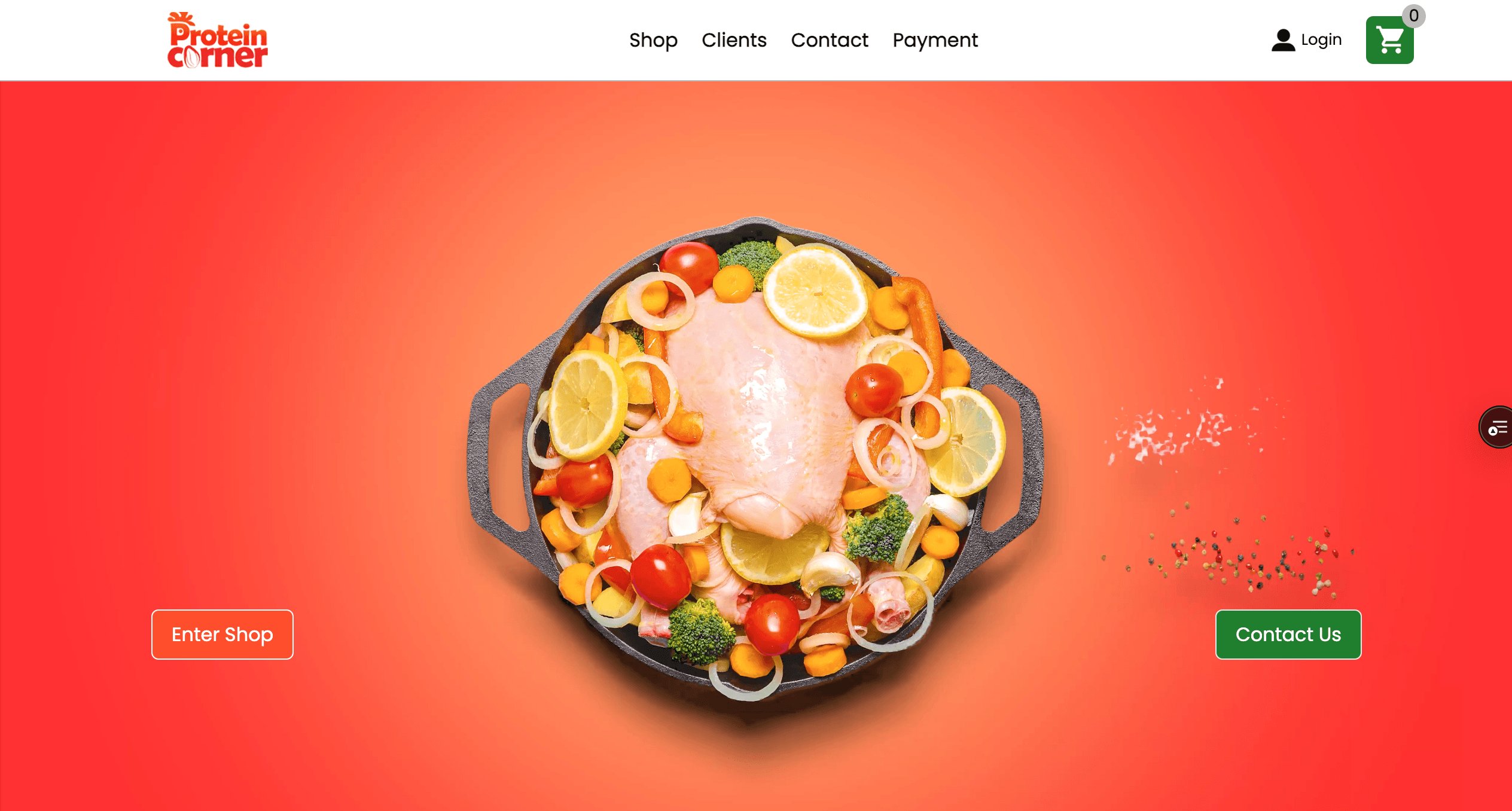
Landing Page
A video-led homepage introduces the products — chicken, fish, beef, egg, and milk — with quick links to shop or get in touch.
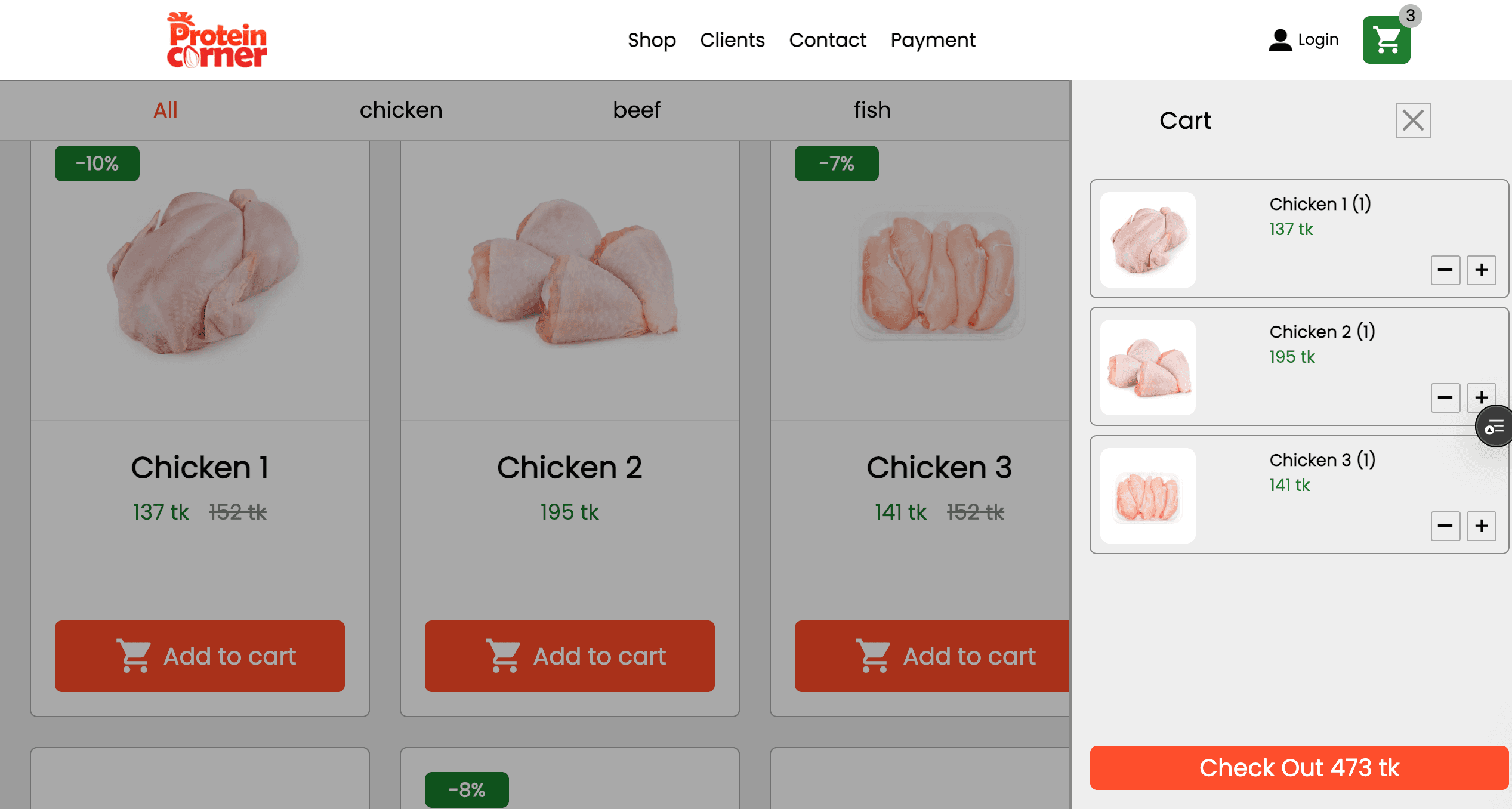
Scroll down and the full product catalog appears: photo, name, price, and any discount for each item, with filters to browse by category.
- Video hero introducing the products
- Simple, intuitive navigation
- Filter products by category
- Add to cart in one click
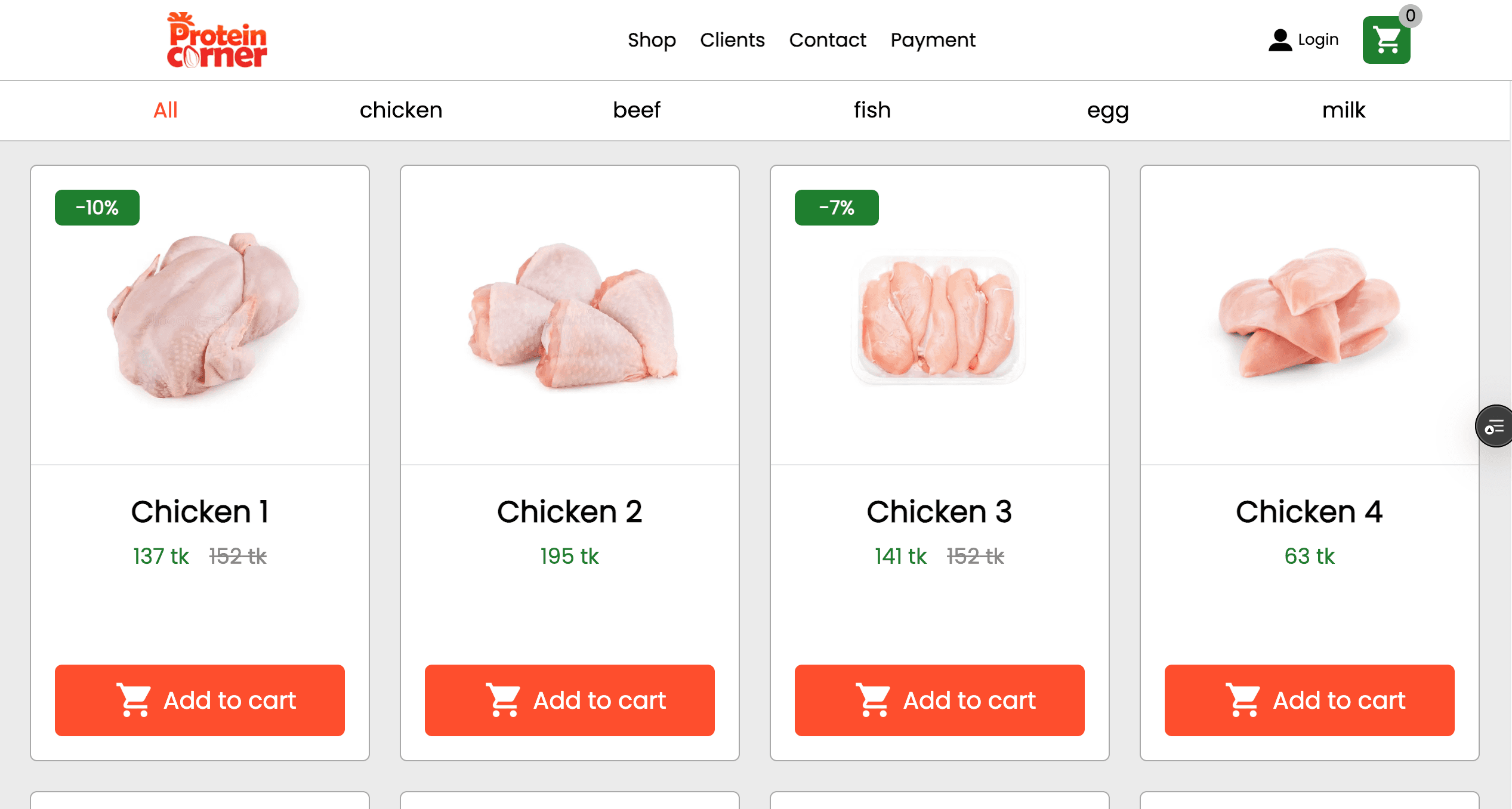
Shop
A dedicated shop page for focused browsing — the same catalog and category filters as the homepage, without the distractions.
- Full product catalog, filterable by category
- Fast, focused shopping experience
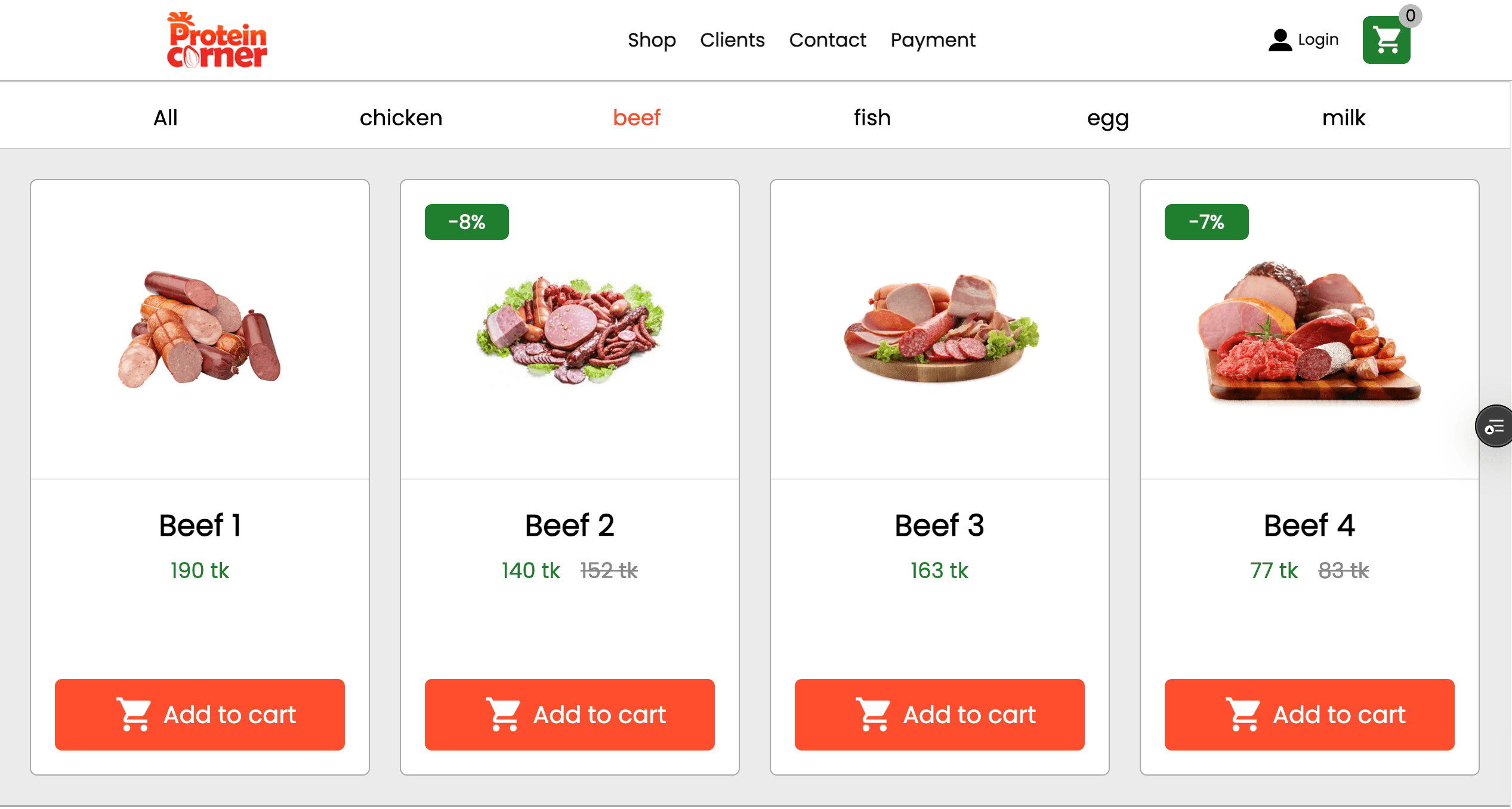
Cart
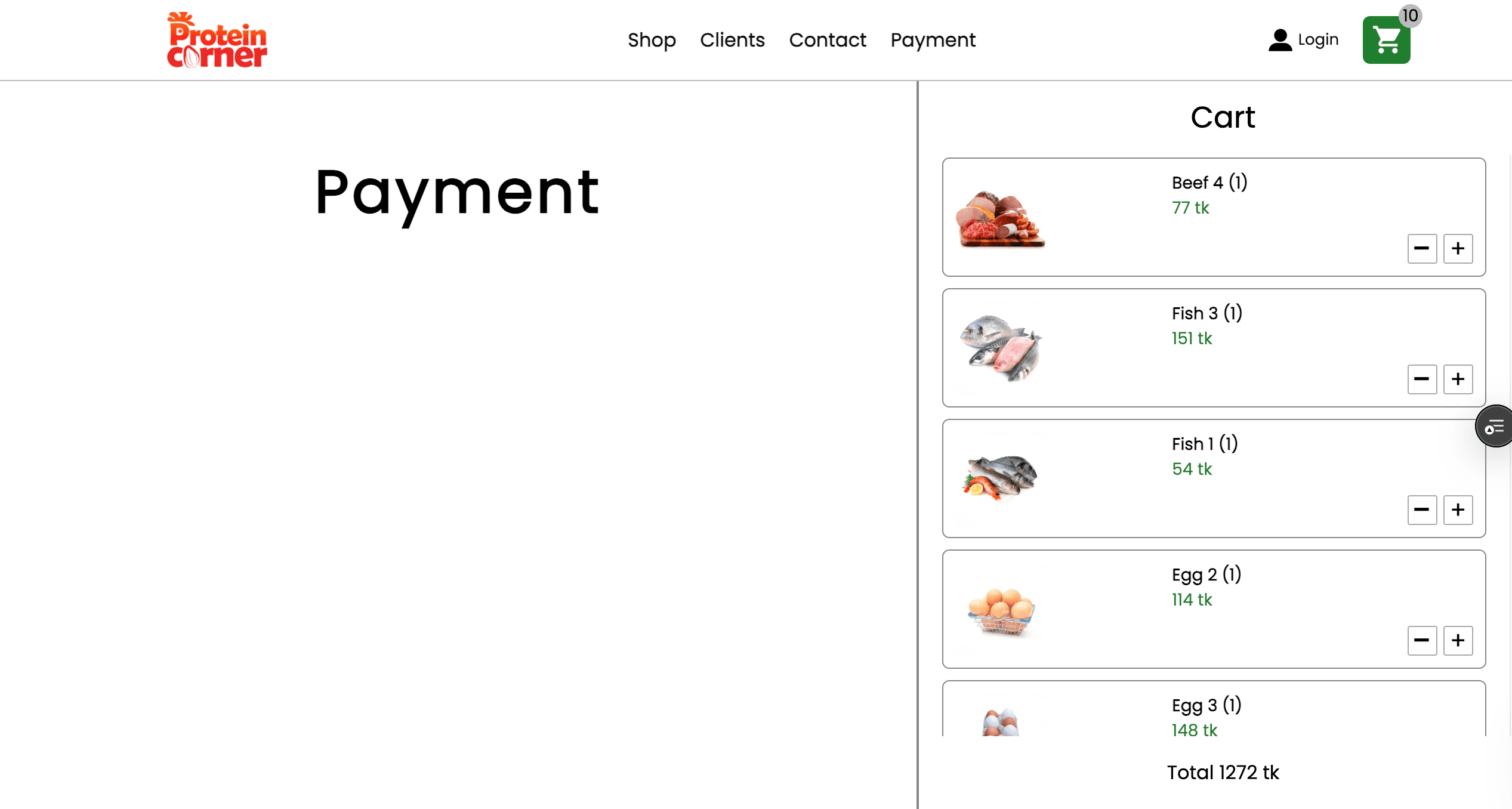
Add anything to your cart and adjust quantities right there with simple plus and minus buttons — everything updates instantly.
- Cart updates in real time
- Adjust quantities with one tap
Contact
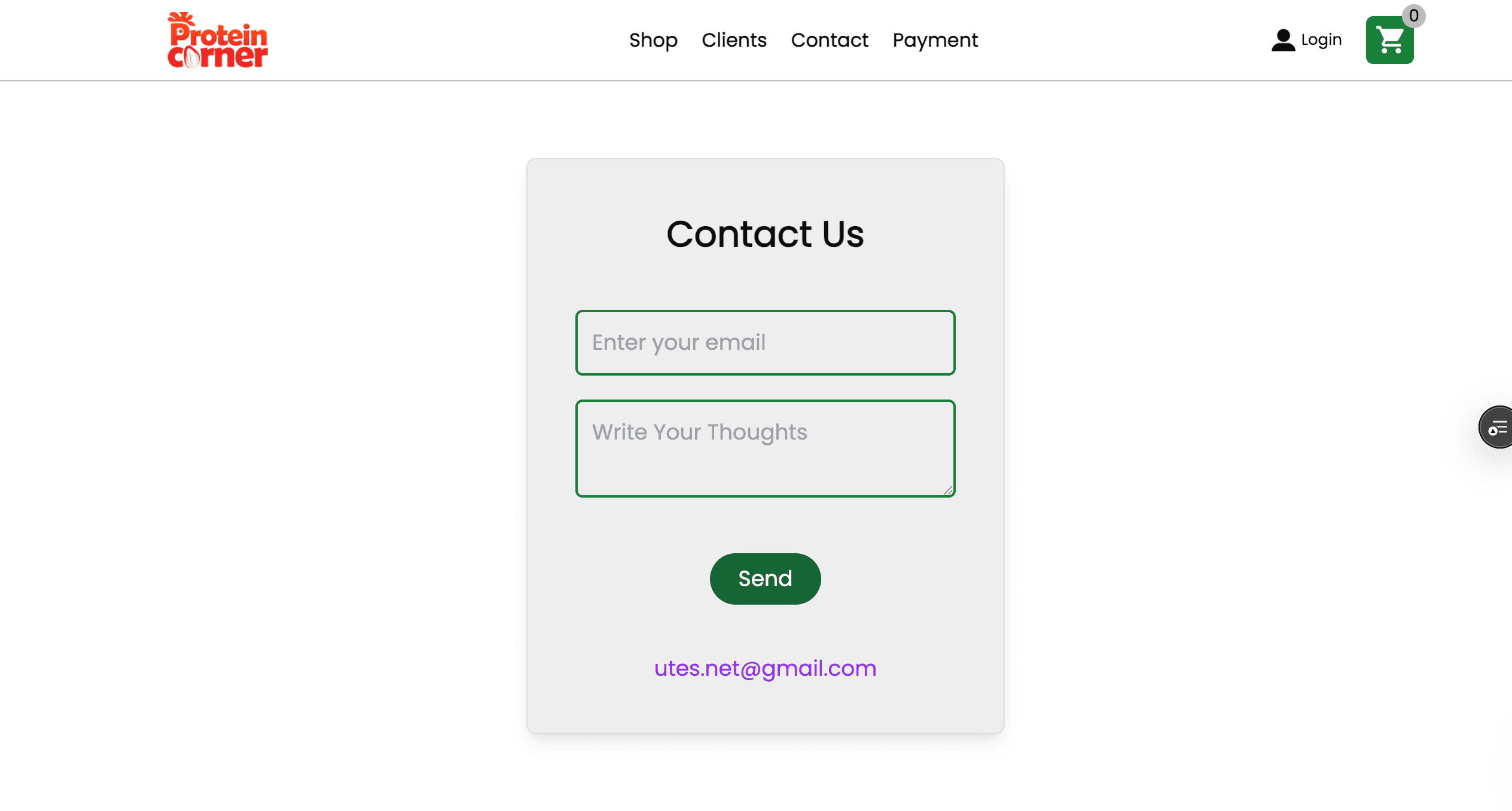
A simple contact form gives customers a direct way to reach the business with a question or order request.
- Simple, reliable contact form
- Direct line to the business
Checkout
A clear summary of everything in your cart and the total cost, with a straightforward checkout button to complete the order.
- Clear order summary with total cost
- Simple, one-click checkout
Built With
Built with Next.js for fast, dynamic pages, styled with Tailwind CSS for a clean, responsive design across every device.
- Next.js for fast, dynamic pages
- Tailwind CSS for a responsive design