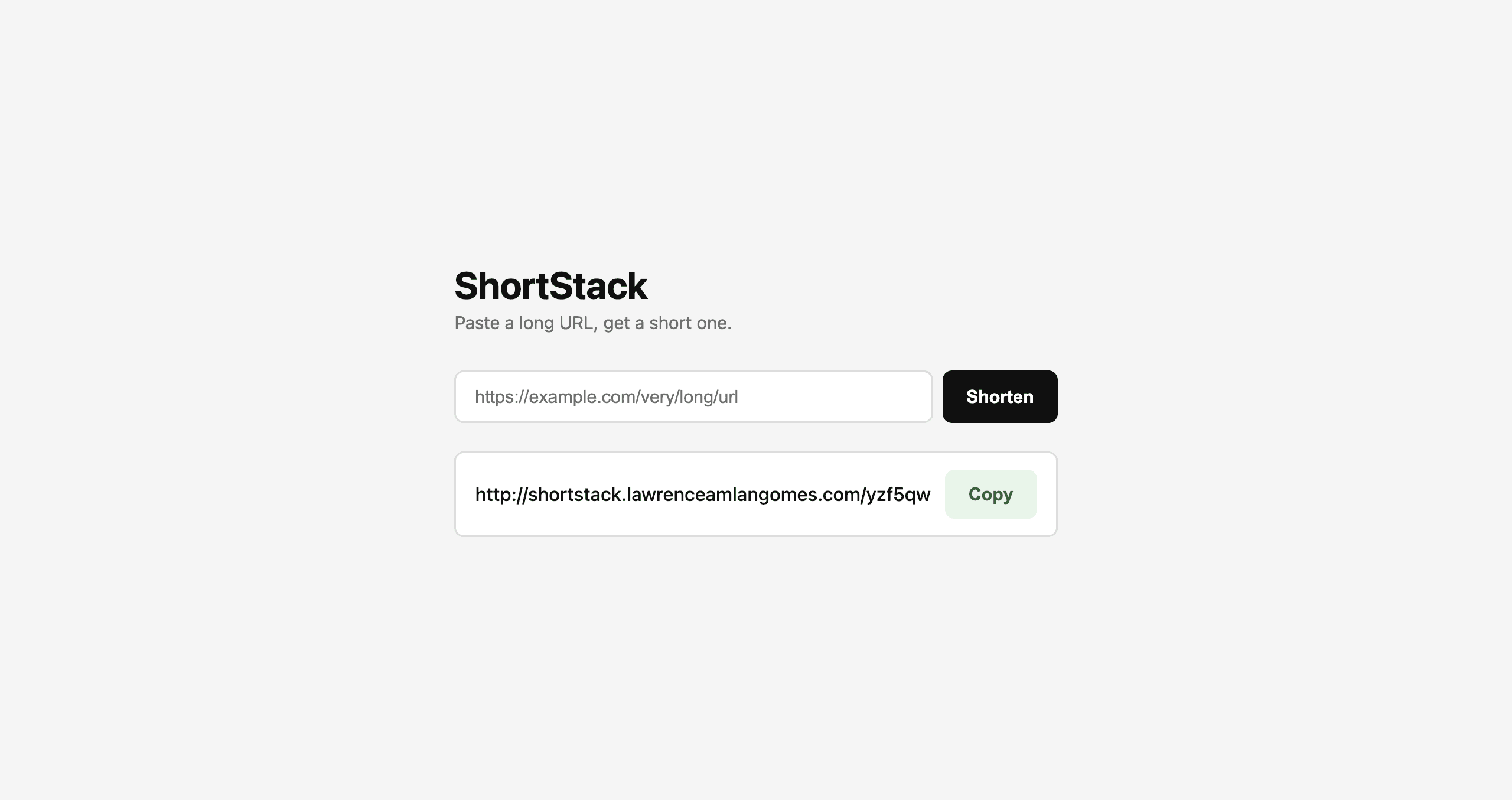
ShortStack
ShortStack takes any long link and turns it into a short, easy-to-share one that redirects in an instant and quietly keeps track of every click it gets, so you always know how a link is performing. It stays fast by keeping popular links ready to go in memory instead of looking them up from scratch every time, and it logs click activity in the background so tracking never slows down the redirect itself. It also supports multiple separate apps sharing one login system, each keeping its own users. Built with Node.js, Express, PostgreSQL, and Redis, and deployed as a real, secure production service with Docker and Nginx.
Technology Stack
 Node.js
 Express.js
 PostgreSQL
 Redis
Redis Docker
 Nginx
Nginx BullMQ
 TypeScript
 React
React JavaScript
URL Shortener UI
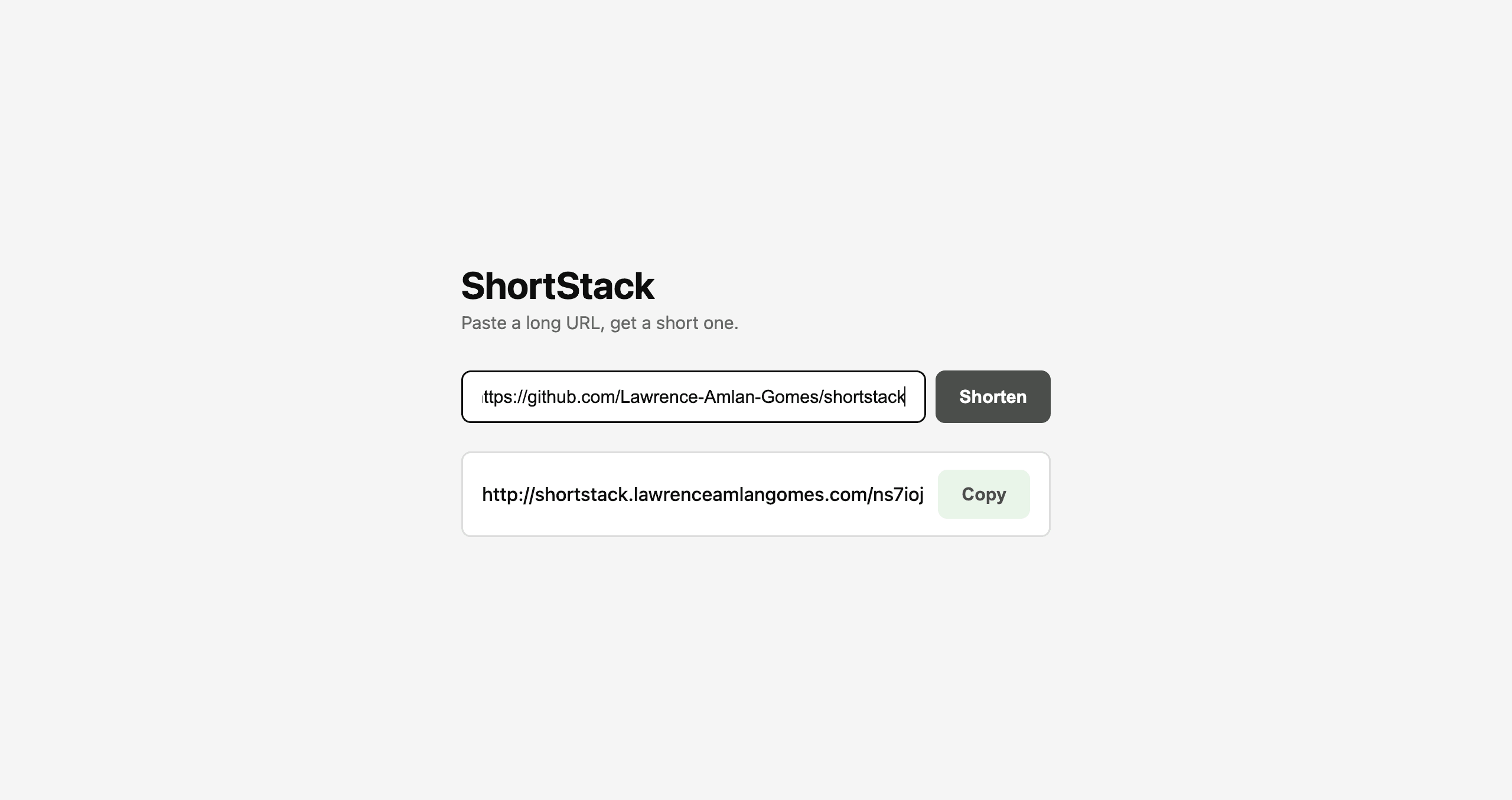
A clean, simple page where you paste in a long URL and get back a short link on the ShortStack domain, ready to share right away.
It handles the small details that make it feel polished — clear loading feedback, friendly messages if a link is invalid, and a one-click button to copy your new short link.
- Paste in any valid URL and get back a short, random link
- Your short link appears as a clickable link you can copy in one click
- Clear feedback while it's working, and friendly errors if something's wrong
- Built with React and TypeScript for a fast, responsive interface
Redirect Engine with Redis Cache
Clicking a short link sends you straight to the original page — instantly. Rather than looking every link up from scratch, ShortStack keeps recently used links ready in fast memory, so most redirects never have to touch the database at all.
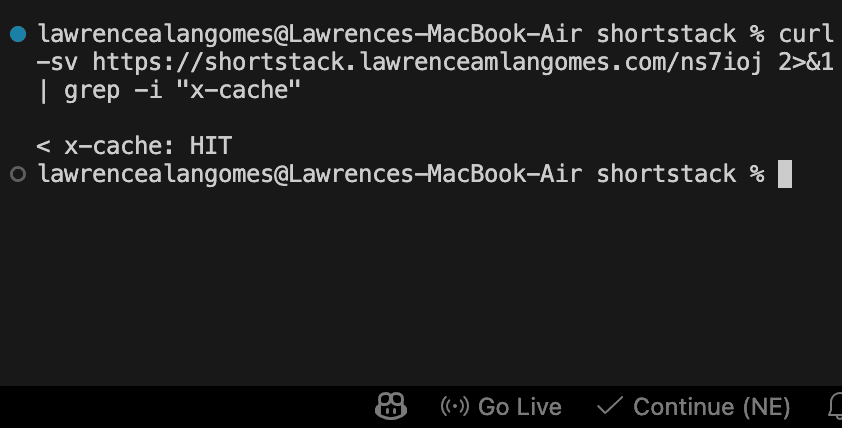
It even quietly reports whether a redirect came from that fast memory or the database, the same trick big content-delivery networks use, which made it easy to prove the speed-up was actually working.
- Every redirect checks the fast in-memory cache first, before ever touching the database
- New links are cached the moment they're created, so even the first click is instant
- Cached links automatically refresh every 24 hours
- A hidden response detail reveals whether a redirect was served from cache or the database
Click Analytics
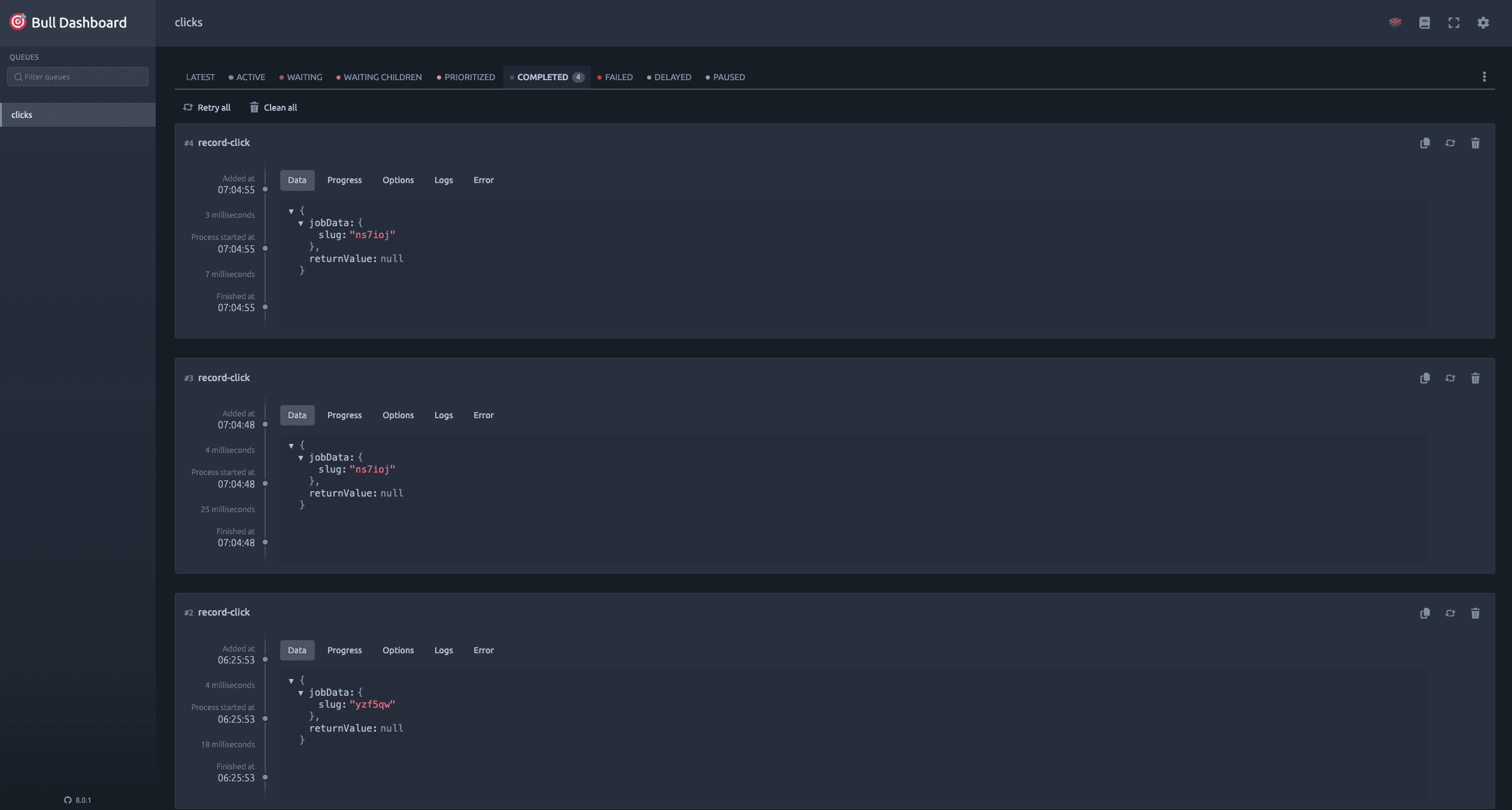
Every click on a short link gets logged for later — but the person clicking never has to wait for it. The redirect happens right away, while the click is recorded quietly in the background.
Each click is saved as its own timestamped record rather than just a running total, which makes it possible to see how a link's traffic changes over time. A simple lookup returns the total number of clicks for any link on demand.
- Every click is queued for logging without ever slowing down the redirect
- A background worker processes the queue and saves each click to the database
- Click history is timestamped, so activity can be tracked day by day
- A simple stats lookup returns the total clicks for any link
- A password-protected admin view shows the click queue processing in real time
Multi-Tenant Auth API
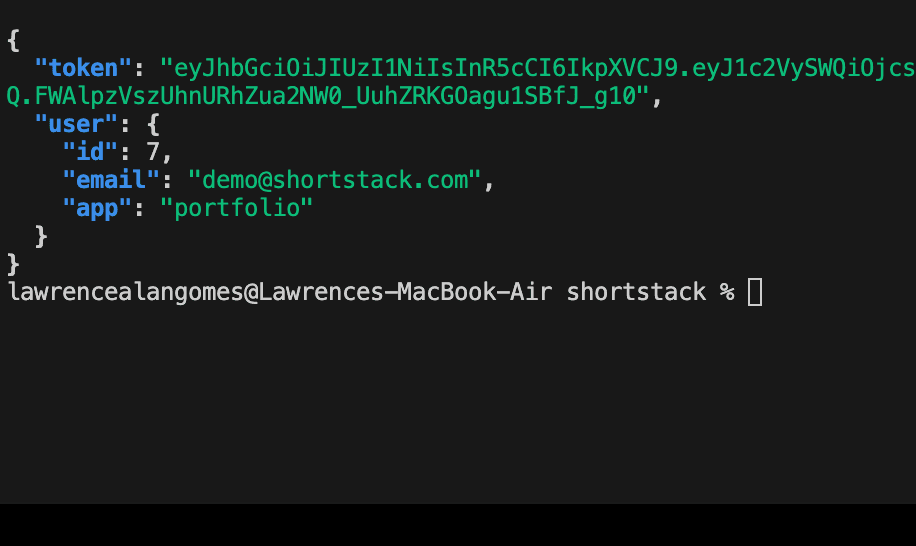
A login system built to be shared across more than one app — the same email address can hold a separate account for each app that uses it, so nothing gets mixed up between them.
Passwords are securely encrypted before they're ever stored, and signing in hands back a login token that stays valid for a week.
- Sign up with an email and password, checked before anything is saved
- Log in and receive a secure token confirming who you are
- Built so the same email can be used separately across different apps
- Passwords are encrypted and never stored in plain text
- Login tokens work smoothly even when the app and the login system live on different domains
Production Infrastructure
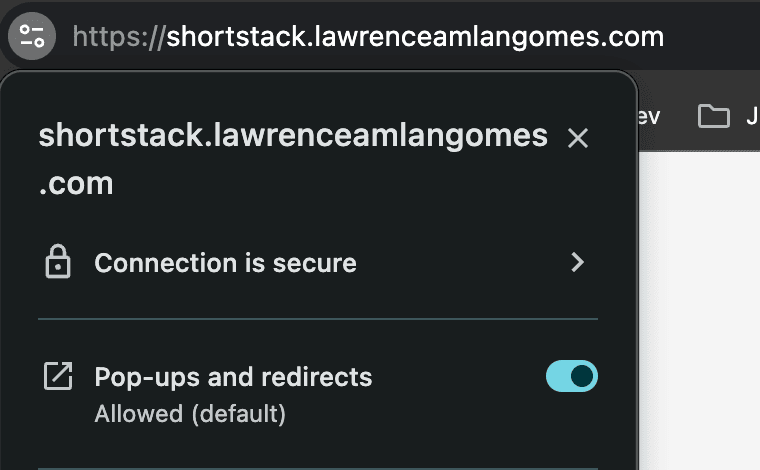
ShortStack isn't just a demo running on a laptop — it's deployed as a real, secure production service. Every request passes through a proper routing and security chain before it ever reaches the app, the same kind of setup real-world web services rely on.
It's also built to stay reliable through restarts and updates, so redeploying the service never quietly breaks it for anyone using it.
- Packaged into a lean, optimized production build
- Runs behind its own reverse proxy for routing and security
- All traffic is encrypted with HTTPS before it ever reaches the app
- Connects securely to its caching layer within the deployment network
- A separate local setup makes it easy to develop and test without touching production
- All required configuration is clearly documented for easy setup